Tree
Family Tree
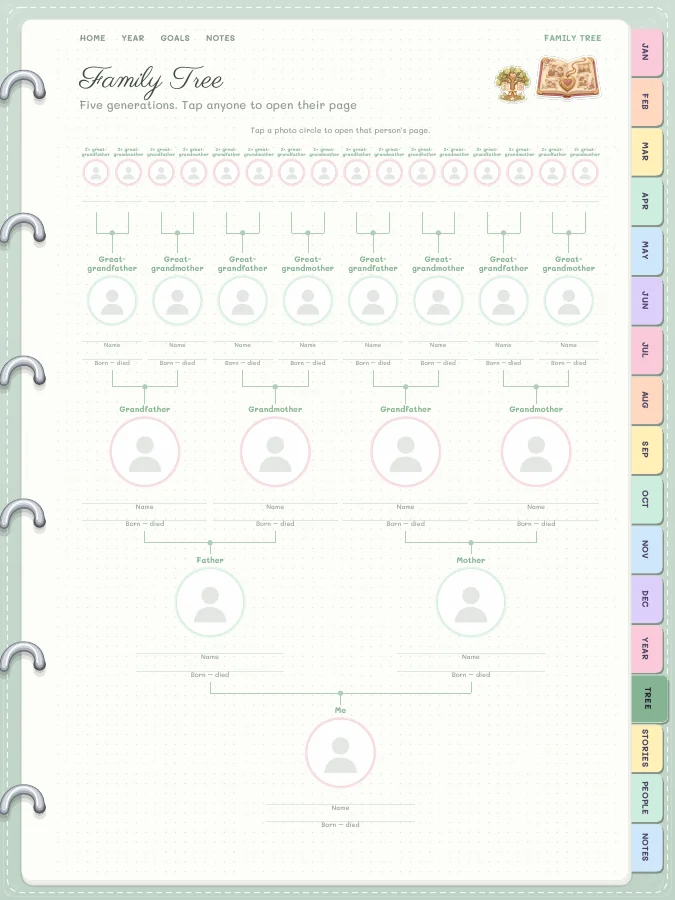
A five-generation family tree where every person opens their own page, with a profile page for all 31 people.
- Family Tree1 page
- Family Member31 pages
A five-generation family tree you can tap: each photo circle opens that person's page, with their dates, places and story. Plus a family timeline, story prompts, recipes and heirlooms.
A family tree book with a five-generation tree of 31 people. Tap anyone's photo circle and their own page opens, with space for a photo, dates and places, who they married, their brothers, sisters and children, and their story. Every page links up to their parents and back down to their child, so you can walk the tree. Behind it: a family timeline, story pages with prompts, family recipes, keepsakes and heirlooms, and reunion pages.
Included: 9,400+ stickers · 500+ covers · 26 colour themes · 489 page designs
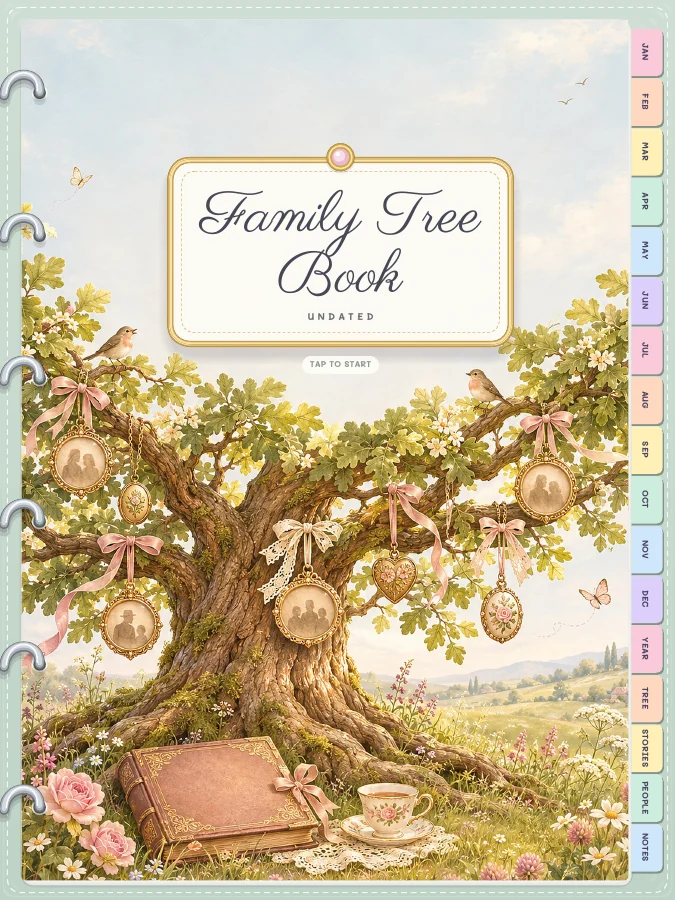
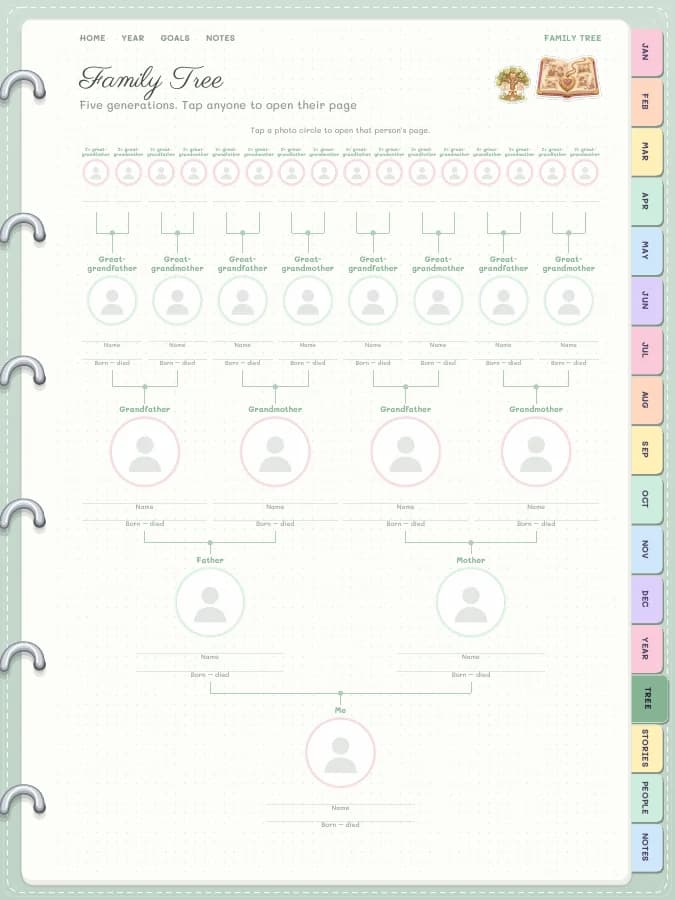
Rendered by the same engine that builds yours, in the Sage Dream theme for iPad portrait.
A five-generation family tree where every person opens their own page, with a profile page for all 31 people.
A family timeline, story pages with prompts, family recipes, keepsakes and heirlooms, and reunion pages.
Contacts, birthdays and key info.
Cover and contents · 2 pages
A cover with your name and a linked contents page that every tab returns to.
Year overview · 1 page
Twelve blank month grids to date yourself.
Year goals · 1 page
Your goals and their milestones in one place, filled in by the AI if you use it.
Monthly calendars · every month
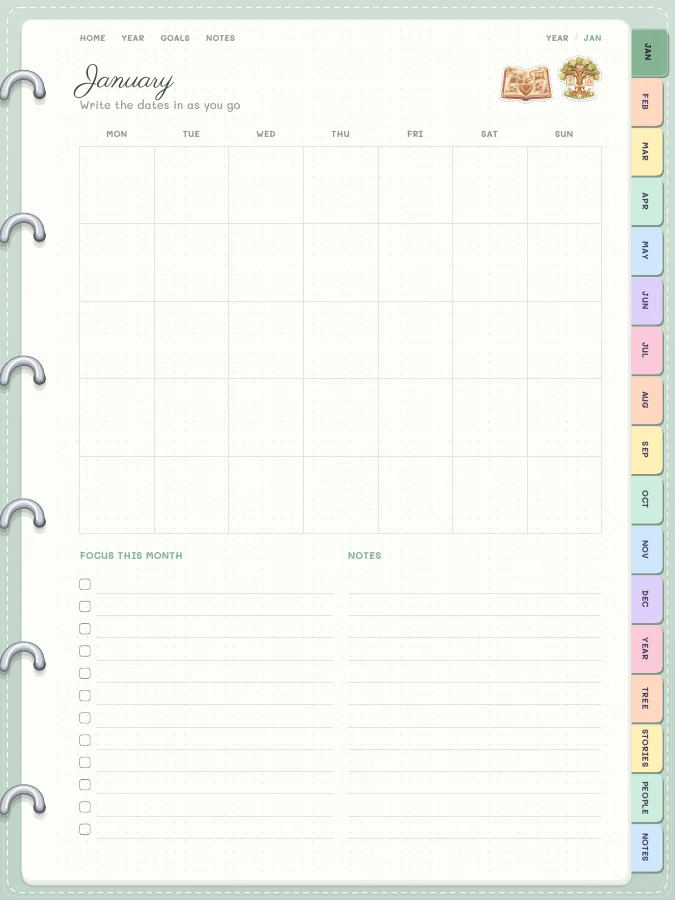
A month grid with a focus list and notes. Every date links to its day or week.
Notes · 20 pages
Lined, dotted, grid or blank pages. You choose how many, up to 100.
The sample above comes to 94 pages over 12 months. Yours changes with the months, sections and notes pages you choose.
Type a goal like one of these and the AI breaks it into a milestone for each month and a small action for each week, then prints them on your month and week pages. You read and edit every line before you download.
Your goal
Fill in four generations before the family reunion
Your goal
Record Grandma's stories this year
Your goal
Collect the family recipes in one place
Write your own name, your parents and grandparents on the tree. A name and a year is enough to start; dates and places can come later.
Every photo circle on the tree is a link. Tap it and that person's page opens, with space for their photo, birth and death dates, places, who they married and their work.
Each person's page has buttons for their father, their mother and back to their child. Follow one line back as far as you can before starting the next.
The family story pages come with prompts, such as how your parents met or a story your grandparents told. Ask relatives these questions and write the answers down the same day.
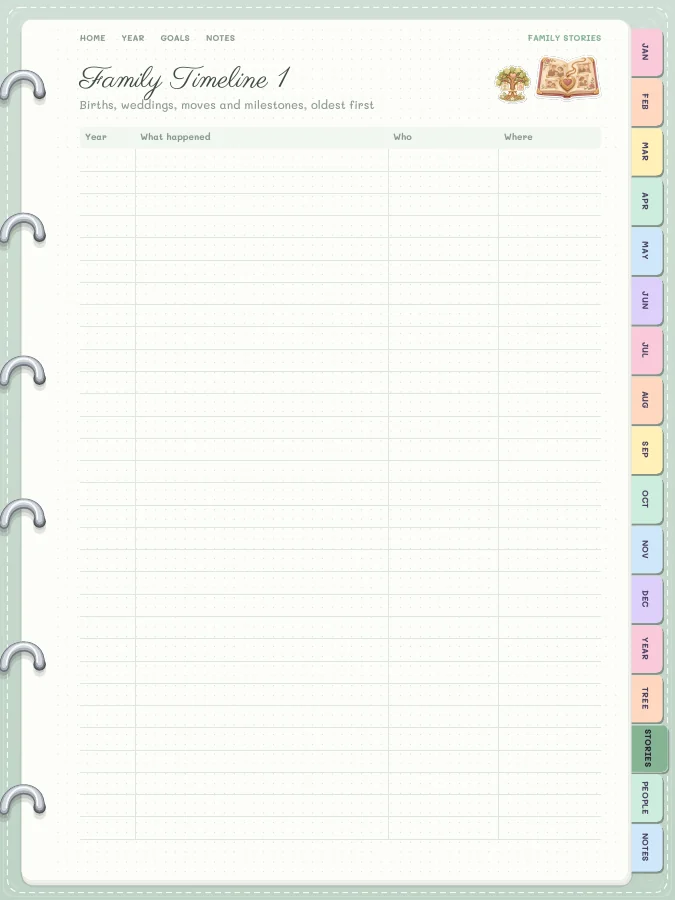
Note births, weddings and moves on the family timeline, copy recipes in the cook's own words, and record who owns each heirloom and where it came from.
Each person's page has a line for where their records are kept. It saves hours the next time you or a cousin picks up the research.
A family tree book should hold the people, the facts and the stories in one place. This one includes:
It's undated, so you can start any time. The month pages are there for planning research trips and family visits.
A five-generation family tree of 31 people where every photo circle opens that person's own page, and a profile page for each person with links to their parents and child.
A family timeline, eight story pages with prompts, family recipes, a keepsakes and heirlooms list, and pages for family reunions.
Contacts for relatives and a birthday list, so cousins and great-aunts are easy to reach when you have questions.
Every section can be switched off in the builder, and sections from other planners can be added.
A digital family tree book lets you tap your way around the tree, paste in old photos you've scanned, and share a copy of the PDF with relatives so they can add what they know.
A printed family tree book makes a keepsake for a grandparent or a family gathering. Print the tree and the person pages on A4 or Letter and keep them in a binder with photo sleeves.
One goal, followed through a single week. The milestone and weekly actions are the kind of lines the AI goal step writes onto your month and week pages; the daily notes are what you add by hand.
Goal
Fill in four generations before the family reunion
Milestone for June
All four grandparents' pages filled in
This week's actions
Use these on the family story pages. Ask one or two at a time and let the conversation wander.
iPad — Portrait
GoodNotes, Notability, Noteshelf, Xodo, Collanote, ZoomNotes
iPad — Landscape
GoodNotes, Notability, Noteshelf, Xodo
Android tablet — Portrait
Samsung Notes, Penly, Flexcil, Xodo, Noteshelf
Android tablet — Landscape
Samsung Notes, Penly, Flexcil, Xodo
E-ink tablet
reMarkable, Kindle Scribe, Boox, Supernote
E-ink — for reMarkable 2
10.3″ screen, 1404 × 1872
E-ink — for reMarkable Paper Pro
11.8″ screen, 1620 × 2160
E-ink — for Kindle Scribe
10.2″ / 11″ screen, 1860 × 2480
E-ink — for Boox Note Air (10.3″)
10.3″ screen, 1860 × 2480
E-ink — for Boox Note Max (13.3″)
13.3″ screen, 2400 × 3200
E-ink — for Supernote A5 X / Manta
10.3″ / 10.7″ screen, 1920 × 2560
E-ink — for Supernote A6 X / Nomad
7.8″ screen, 1404 × 1872
Printable — A5
Print at home or at a print shop, fits A5 binders
Printable — A4
Print at home on standard A4 paper
Printable — US Letter
Print at home on US Letter paper
Printable — Half Letter
Fits classic-size disc-bound and half-letter binders
Printable — Pocket
Fits pocket ring binders and travel-notebook covers
Insert — A5 six-ring, 148 × 210 mm
Fits A5 six-ring binders
Insert — Personal ring, 95 × 171 mm
Fits personal-size six-ring organisers
Insert — Pocket ring, 81 × 120 mm
Fits pocket-size six-ring organisers
Insert — Classic disc-bound, 7 × 9.25 in
Fits classic-size disc-bound planners
Insert — Big disc-bound, 8.5 × 11 in
Fits big (letter-size) disc-bound planners
Insert — Mini disc-bound, 4.6 × 7 in
Fits mini disc-bound planners
Sage Dream
Calm sage and warm sand with gentle pastel tabs.
Prefer something else? Pick from 26 themes, including dark mode and an e-ink theme, and change the accent colour.
See all themesEach photo circle on the tree is a link. In GoodNotes, Notability, Samsung Notes or any PDF app in read mode, tap a circle and that person's page opens. Each person's page has buttons for their father, their mother and back to their child, and one back to the tree.
31 on the tree: you, your parents, four grandparents, eight great-grandparents and sixteen great-great-grandparents, each with their own page. Brothers, sisters and children go on each person's page.
Yes. Choose a print size in the builder. The tree prints on one page and each person's page prints on its own, so you can keep them in a binder.
You can build this family tree book and see pictures of about ten of its pages in your browser for free, including the cover, a month, a week and its section pages, so you can check the layout before you pay. The full hyperlinked PDF is $12 once, or included in Pro at $49 a year for unlimited planners. There is no free download of the full planner.
Yes. Download the iPad size for GoodNotes, Notability, Noteshelf, Xodo, Collanote or ZoomNotes; the Android size for Samsung Notes, Penly, Flexcil or Xodo; or an E-ink size, either the general one or an exact fit for reMarkable 2, reMarkable Paper Pro, Kindle Scribe, Boox Note Air or Note Max, or Supernote. The links work in any app that follows PDF links, usually in read mode rather than pen mode. Every size is included in the price.
Only the goal parts, and only if you want it to. Type up to six goals and the AI writes a milestone for each month and a short action for each week onto your month and week pages, plus a motto for each month. You can edit every line before you download. Everything else, from the calendar pages to the trackers, is yours to fill in by hand. You can try it 3 times a day without an account.
With the default settings it comes to about 113 pages. That includes 12 month pages, the Family Tree, Family Stories and Contacts & Dates pages and 20 notes pages. Switching off sections makes it shorter, and the builder shows the total as you change things.
Set your dates, device and goals, see pictures of your pages free, and pay only when it's right.
Build this planner
Your wishes, your people and where everything is kept, written down so your family doesn't have to guess.
Everyone's week on one page, plus meals, chores and money.
One line a day, and in a year's time you'll see what you wrote on this day last year.
Read the whole Bible in a year — with sermon notes, prayer lists and S.O.A.P. study.