Invoices
Invoices & Quotes
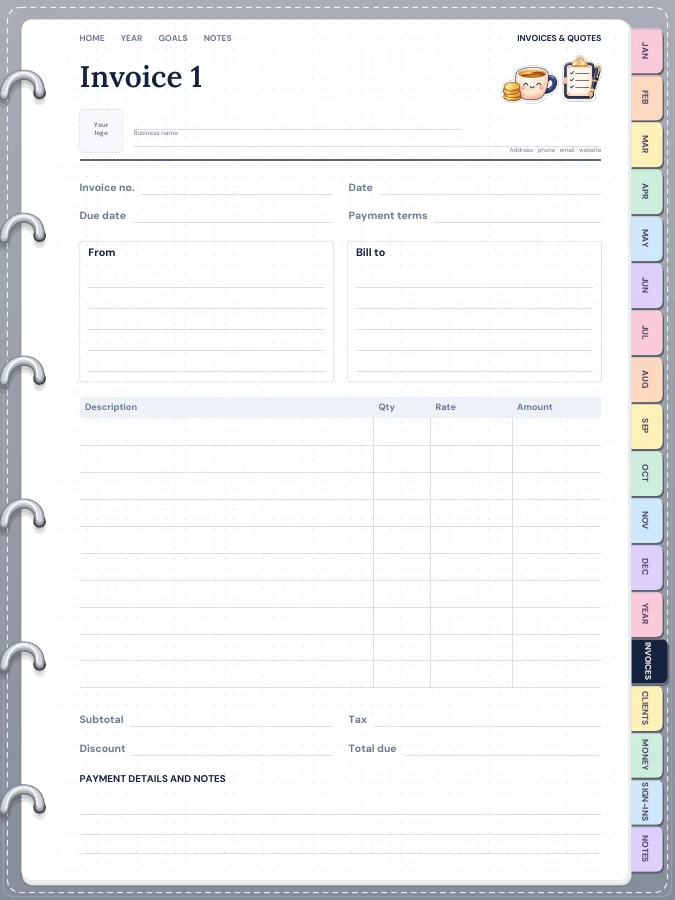
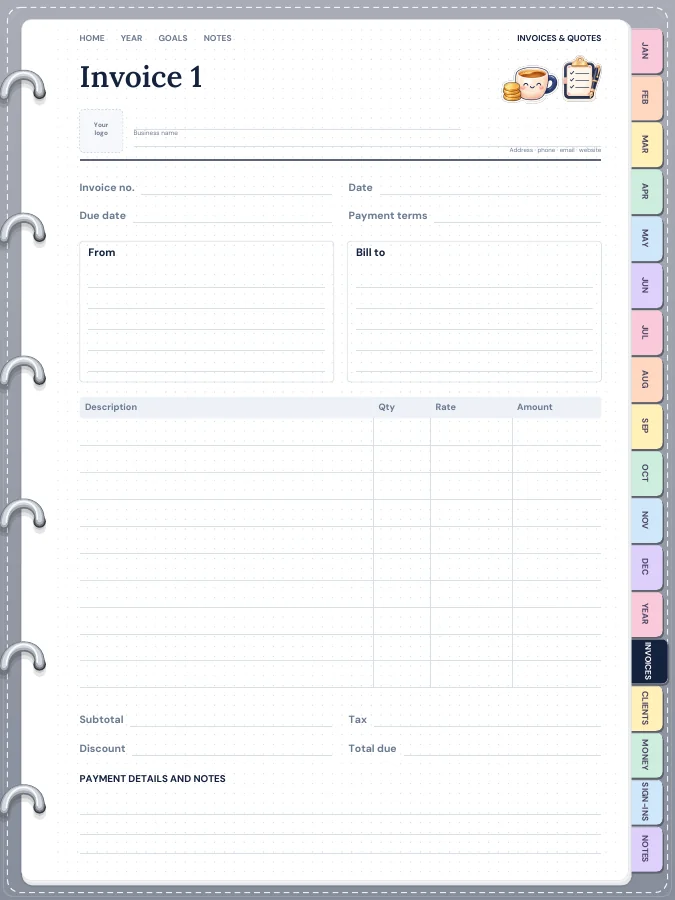
Invoices, quotes and a payment tracker, with your business name at the top of every page.
- Invoice12 pages
- Quote6 pages
- Payment Tracker3 pages
Matching invoices, quotes, a payment tracker, a client list, income and expense logs, and sign-in sheets for visitors, classes, meetings, open houses and volunteers, with your business name on every form.
A forms binder for a small business or side hustle. Invoices and quotes that match, a payment tracker so you know who still owes you, a client directory, an income and expenses page and an expense log for every month, and sign-in sheets for events, visitors, classes, meetings, open houses and volunteers. Your business name sits at the top of every invoice, quote and sign-in sheet, with a space for your logo. Fill the forms in on an iPad or print as many as you need.
Included: 9,400+ stickers · 500+ covers · 26 colour themes · 489 page designs
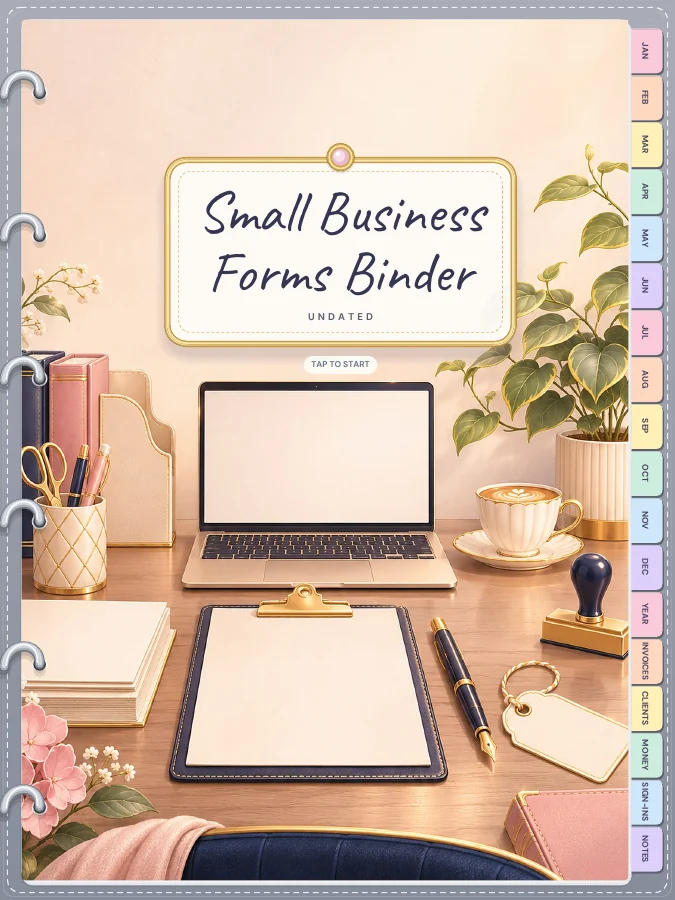
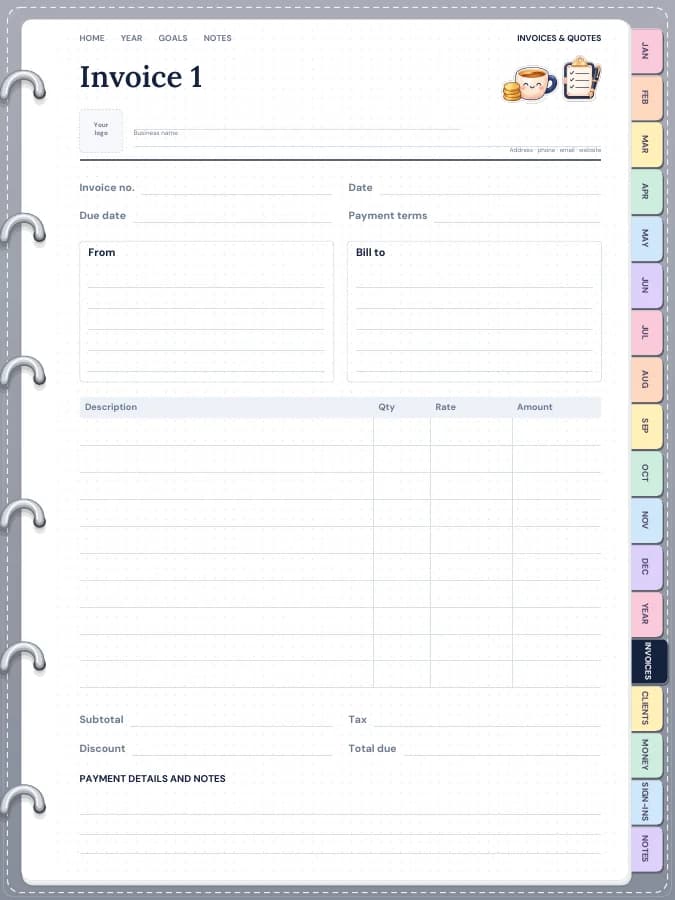
Rendered by the same engine that builds yours, in the Classic Navy theme for iPad portrait.
Invoices, quotes and a payment tracker, with your business name at the top of every page.
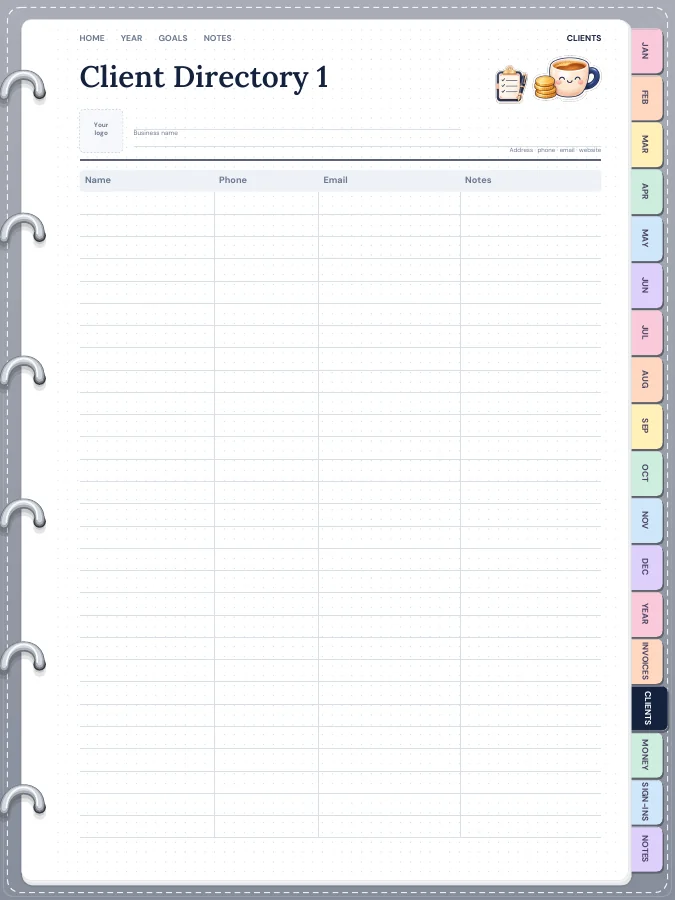
A client directory with contact details and notes.
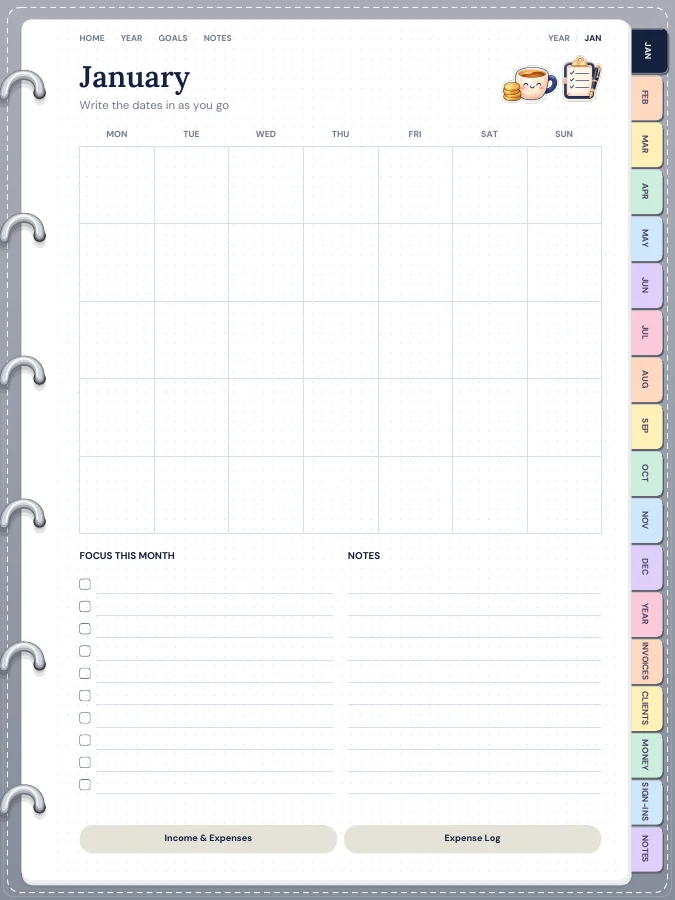
An income and expenses page and an expense log for every month.
Sign-in sheets for events, visitors, classes, meetings, open houses and volunteers.
Cover and contents · 2 pages
A cover with your name and a linked contents page that every tab returns to.
Year overview · 1 page
Twelve blank month grids to date yourself.
Year goals · 1 page
Your goals and their milestones in one place, filled in by the AI if you use it.
Monthly calendars · every month
A month grid with a focus list and notes. Every date links to its day or week.
Notes · 20 pages
Lined, dotted, grid or blank pages. You choose how many, up to 100.
The sample above comes to 104 pages over 12 months. Yours changes with the months, sections and notes pages you choose.
Type a goal like one of these and the AI breaks it into a milestone for each month and a small action for each week, then prints them on your month and week pages. You read and edit every line before you download.
Your goal
Send every invoice within a day of the job
Your goal
Get all unpaid invoices paid this month
Your goal
Keep income and expenses up to date for tax time
Type your business name in the builder and it's printed at the top of every invoice, quote and sign-in sheet. Paste your logo into the logo space on an iPad, or print and add a stamp.
Send a quote with the work, the price and how long it's valid. When the client says yes, the invoice uses the same lines.
Fill in an invoice when the job is done, with an invoice number, due date and payment details. Export the page as a PDF from your notes app to email it.
Write down when each invoice was sent, when it's due and when it was paid. Anything past its due date gets a follow-up.
Each month has an income and expenses page and an expense log, so tax time is adding up twelve pages rather than finding receipts.
Pick the sheet for the job: visitors, a class, a meeting, an open house or volunteers. Each asks for the details that kind of event needs.
A small business forms binder should cover selling, getting paid and keeping track of people. This one includes:
The forms are undated, so you can start any month. The month pages are there for booking jobs and deadlines.
Twelve invoices, six quotes and a payment tracker, with your business name and a logo space at the top of each.
A client directory with names, phone numbers, emails and notes.
An income and expenses page and an expense log for every month.
Sign-in sheets for events, visitors, classes, meetings, open houses and volunteers, three of each.
Every section can be switched off in the builder, and sections from other planners can be added.
On an iPad, the forms are fillable: tap a line and type, then export a single invoice or quote as a PDF to send. Duplicate a page in GoodNotes when you need more.
Printed, the binder sits at the front desk or in the van. Print sign-in sheets for events and a stack of invoices for jobs on site.
One goal, followed through a single week. The milestone and weekly actions are the kind of lines the AI goal step writes onto your month and week pages; the daily notes are what you add by hand.
Goal
Get all unpaid invoices paid this month
Milestone for March
Every invoice on the payment tracker
This week's actions
iPad — Portrait
GoodNotes, Notability, Noteshelf, Xodo, Collanote, ZoomNotes
iPad — Landscape
GoodNotes, Notability, Noteshelf, Xodo
Android tablet — Portrait
Samsung Notes, Penly, Flexcil, Xodo, Noteshelf
Android tablet — Landscape
Samsung Notes, Penly, Flexcil, Xodo
E-ink tablet
reMarkable, Kindle Scribe, Boox, Supernote
E-ink — for reMarkable 2
10.3″ screen, 1404 × 1872
E-ink — for reMarkable Paper Pro
11.8″ screen, 1620 × 2160
E-ink — for Kindle Scribe
10.2″ / 11″ screen, 1860 × 2480
E-ink — for Boox Note Air (10.3″)
10.3″ screen, 1860 × 2480
E-ink — for Boox Note Max (13.3″)
13.3″ screen, 2400 × 3200
E-ink — for Supernote A5 X / Manta
10.3″ / 10.7″ screen, 1920 × 2560
E-ink — for Supernote A6 X / Nomad
7.8″ screen, 1404 × 1872
Printable — A5
Print at home or at a print shop, fits A5 binders
Printable — A4
Print at home on standard A4 paper
Printable — US Letter
Print at home on US Letter paper
Printable — Half Letter
Fits classic-size disc-bound and half-letter binders
Printable — Pocket
Fits pocket ring binders and travel-notebook covers
Insert — A5 six-ring, 148 × 210 mm
Fits A5 six-ring binders
Insert — Personal ring, 95 × 171 mm
Fits personal-size six-ring organisers
Insert — Pocket ring, 81 × 120 mm
Fits pocket-size six-ring organisers
Insert — Classic disc-bound, 7 × 9.25 in
Fits classic-size disc-bound planners
Insert — Big disc-bound, 8.5 × 11 in
Fits big (letter-size) disc-bound planners
Insert — Mini disc-bound, 4.6 × 7 in
Fits mini disc-bound planners
Classic Navy
Crisp white, deep navy and gold. Professional and timeless.
Prefer something else? Pick from 26 themes, including dark mode and an e-ink theme, and change the accent colour.
See all themesYes. The forms are fillable: tap a line in GoodNotes, Notability or a PDF app and type. You can also write with a pencil or print them.
Yes. Type your business name in the builder and it's printed at the top of every invoice, quote and sign-in sheet. Each form also has a space for your logo, which you can paste in on an iPad. Seller plan accounts get their uploaded logo printed there.
No. It's paper and PDF forms for keeping track. Your accountant or tax software does the tax.
You can build this small business forms binder and see pictures of about ten of its pages in your browser for free, including the cover, a month, a week and its section pages, so you can check the layout before you pay. The full hyperlinked PDF is $12 once, or included in Pro at $49 a year for unlimited planners. There is no free download of the full planner.
Yes. Download the iPad size for GoodNotes, Notability, Noteshelf, Xodo, Collanote or ZoomNotes; the Android size for Samsung Notes, Penly, Flexcil or Xodo; or an E-ink size, either the general one or an exact fit for reMarkable 2, reMarkable Paper Pro, Kindle Scribe, Boox Note Air or Note Max, or Supernote. The links work in any app that follows PDF links, usually in read mode rather than pen mode. Every size is included in the price.
Yes. Choose A5, A4, US Letter, Half Letter or Pocket in the builder for a printable PDF with a wider inner margin for hole punching, or a ring or disc-bound insert size (A5, Personal or Pocket six-ring; Classic, Big or Mini disc-bound) with a punch gutter and hole guides that flip sides for double-sided printing. Printable and digital sizes come with the same purchase, so you can use the small business forms binder on a tablet and print the pages you want on paper.
Only the goal parts, and only if you want it to. Type up to six goals and the AI writes a milestone for each month and a short action for each week onto your month and week pages, plus a motto for each month. You can edit every line before you download. Everything else, from the calendar pages to the trackers, is yours to fill in by hand. You can try it 3 times a day without an account.
With the default settings it comes to about 123 pages. That includes 12 month pages, the Invoices & Quotes, Clients, Income & Expenses and Sign-In Sheets pages and 20 notes pages. Switching off sections makes it shorter, and the builder shows the total as you change things.
Set your dates, device and goals, see pictures of your pages free, and pay only when it's right.
Build this planner
Revenue goals, clients, launches and content — for founders and freelancers.
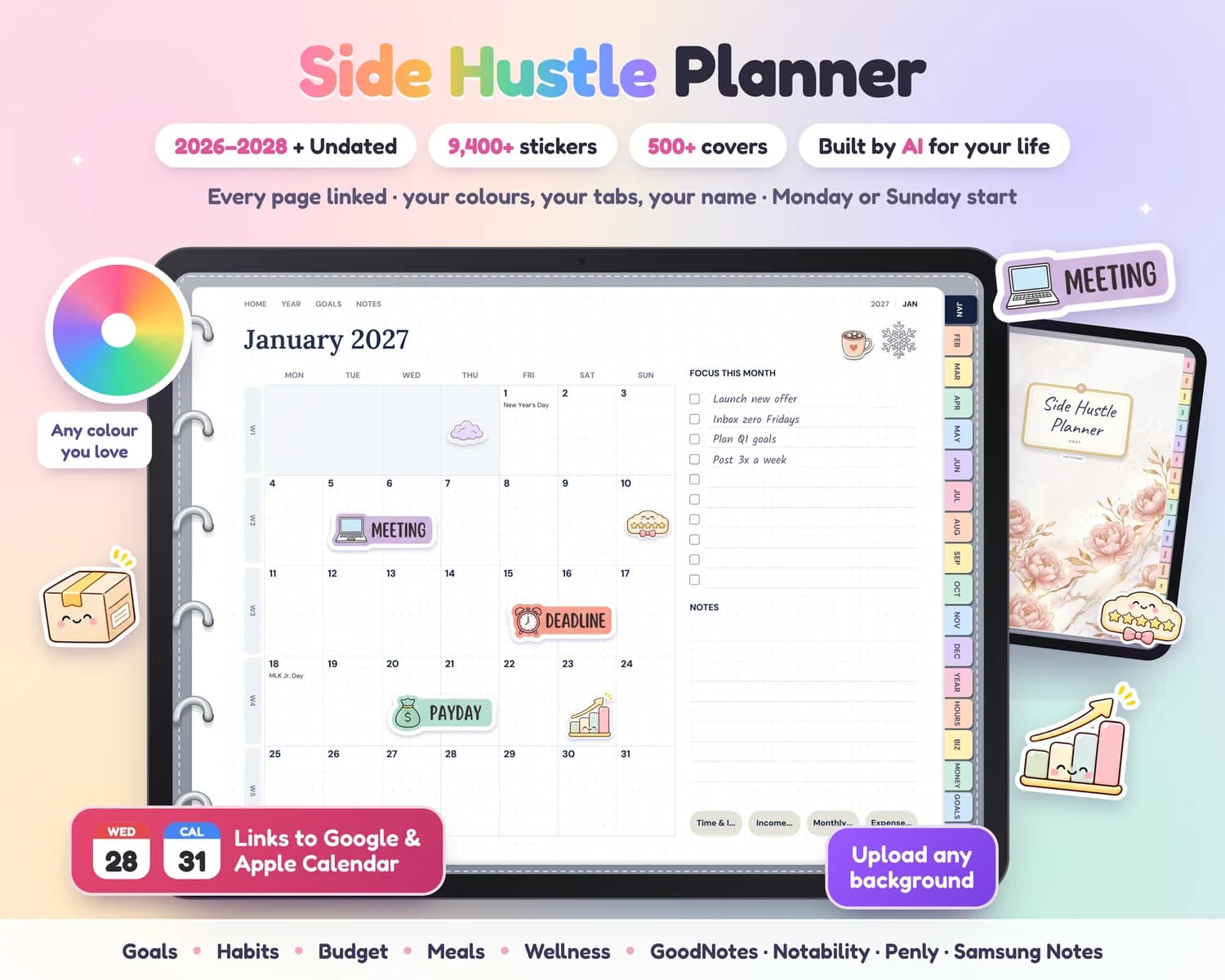
Hours, income and launches for the business you're building on evenings and weekends.
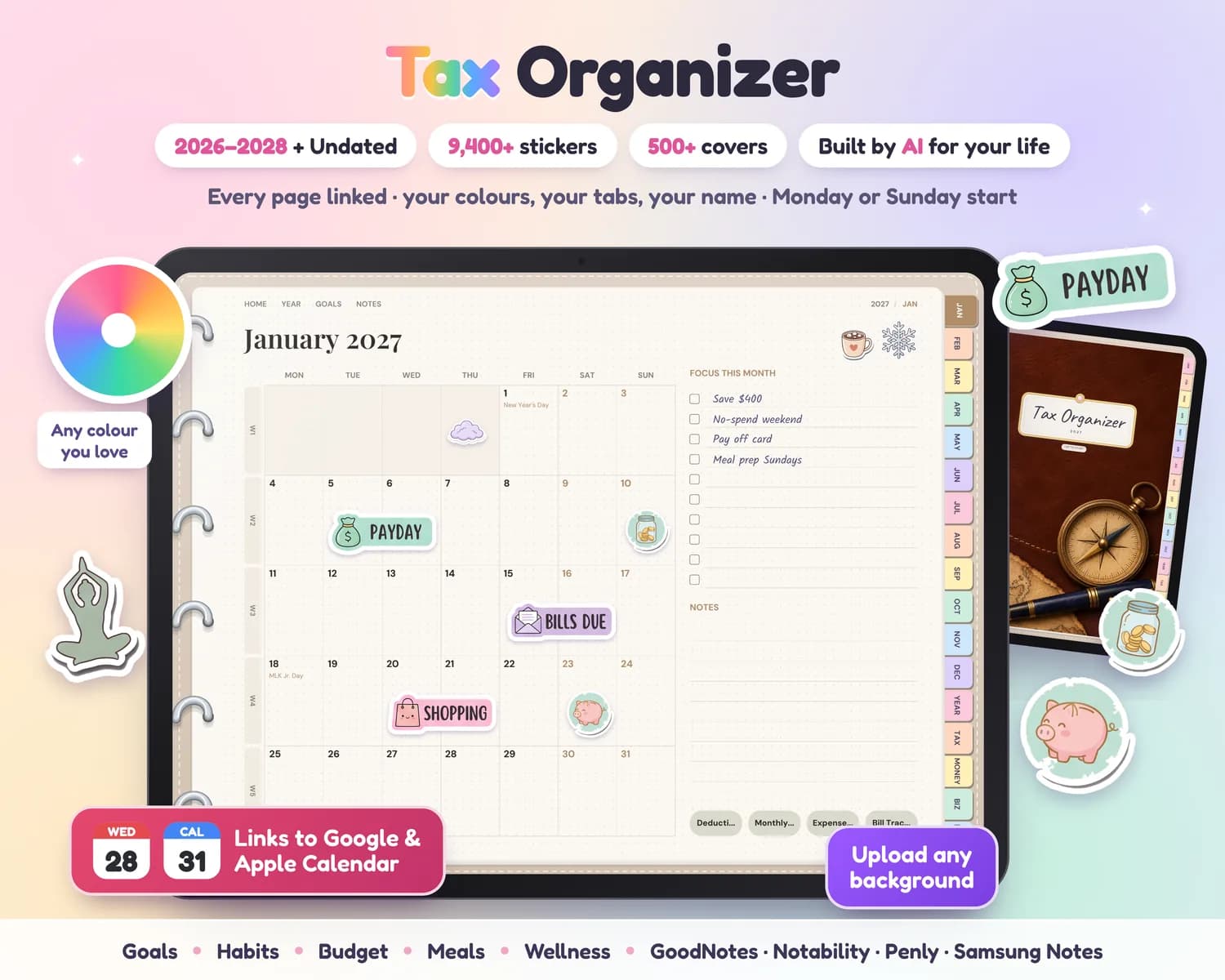
Receipts, deductions and estimated payments logged as you go, so tax season is shorter.
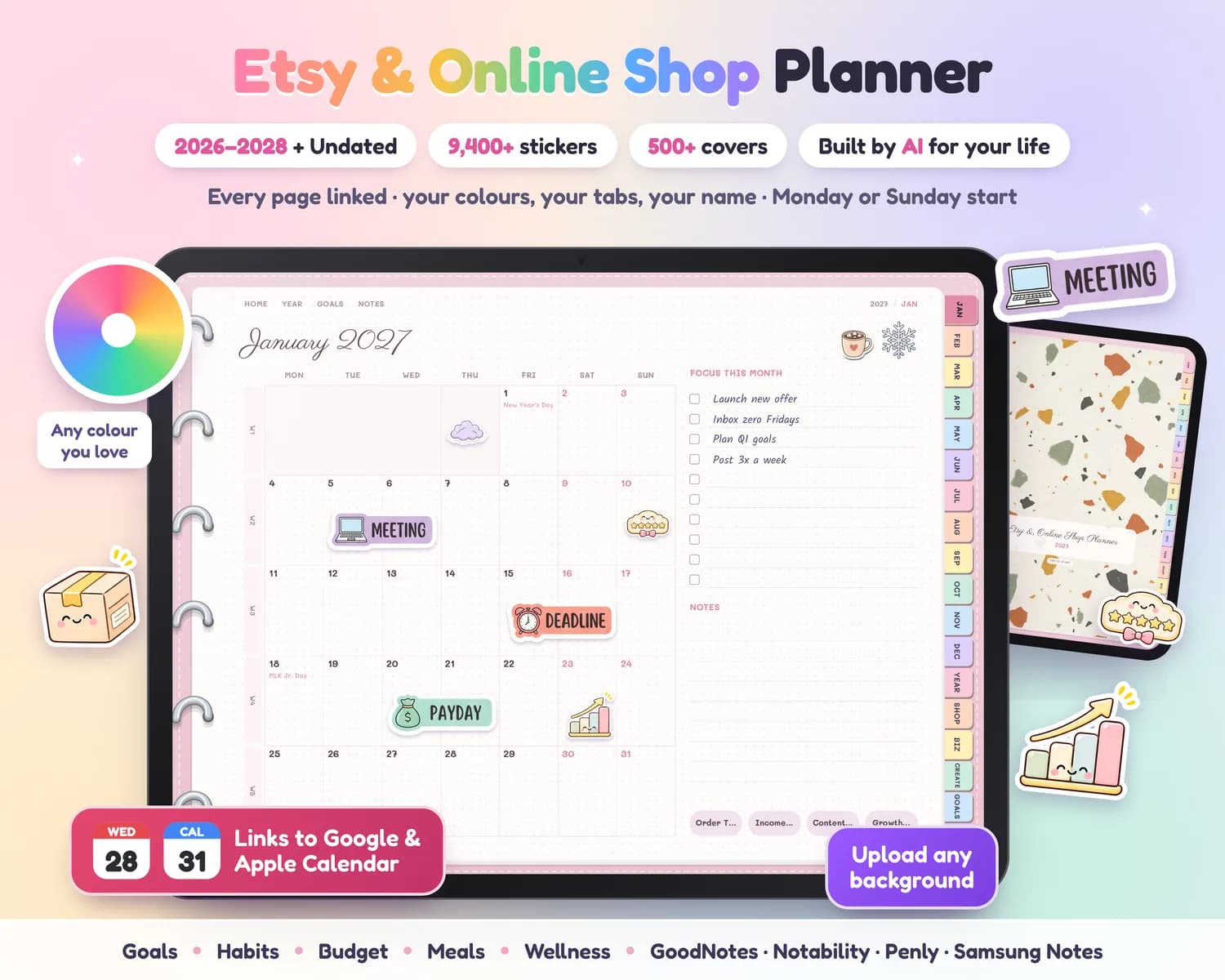
Orders, inventory, listings and launches for Etsy, Shopify and craft sellers.