Invoice Template (Printable PDF & GoodNotes)
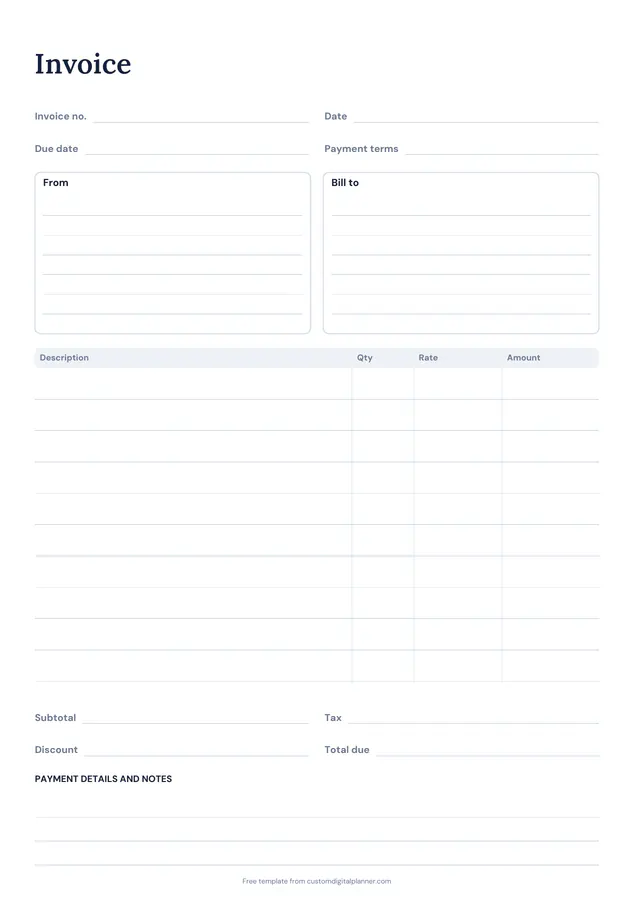
A clean blank invoice for freelancers and small businesses. It has lines for the invoice number, date, due date and payment terms, boxes for your details and your client's, a 10-line table with quantity, rate and amount, and lines for subtotal, tax, discount and the total due. No currency is printed, so it works anywhere.
- Printable US Letter8.5 × 11 in, white paper, download the invoice template as a PDF
- Printable A4210 × 297 mm, white paper, download the invoice template as a PDF
- iPad / GoodNotesAlso Notability and Noteshelf, download the invoice template as a PDF
- E-ink tabletreMarkable, Kindle Scribe, Boox, download the invoice template as a PDF
Free PDF, 1 page, undated, to print or write on by hand. Typing, dark mode and the full designed set are in the premium version.
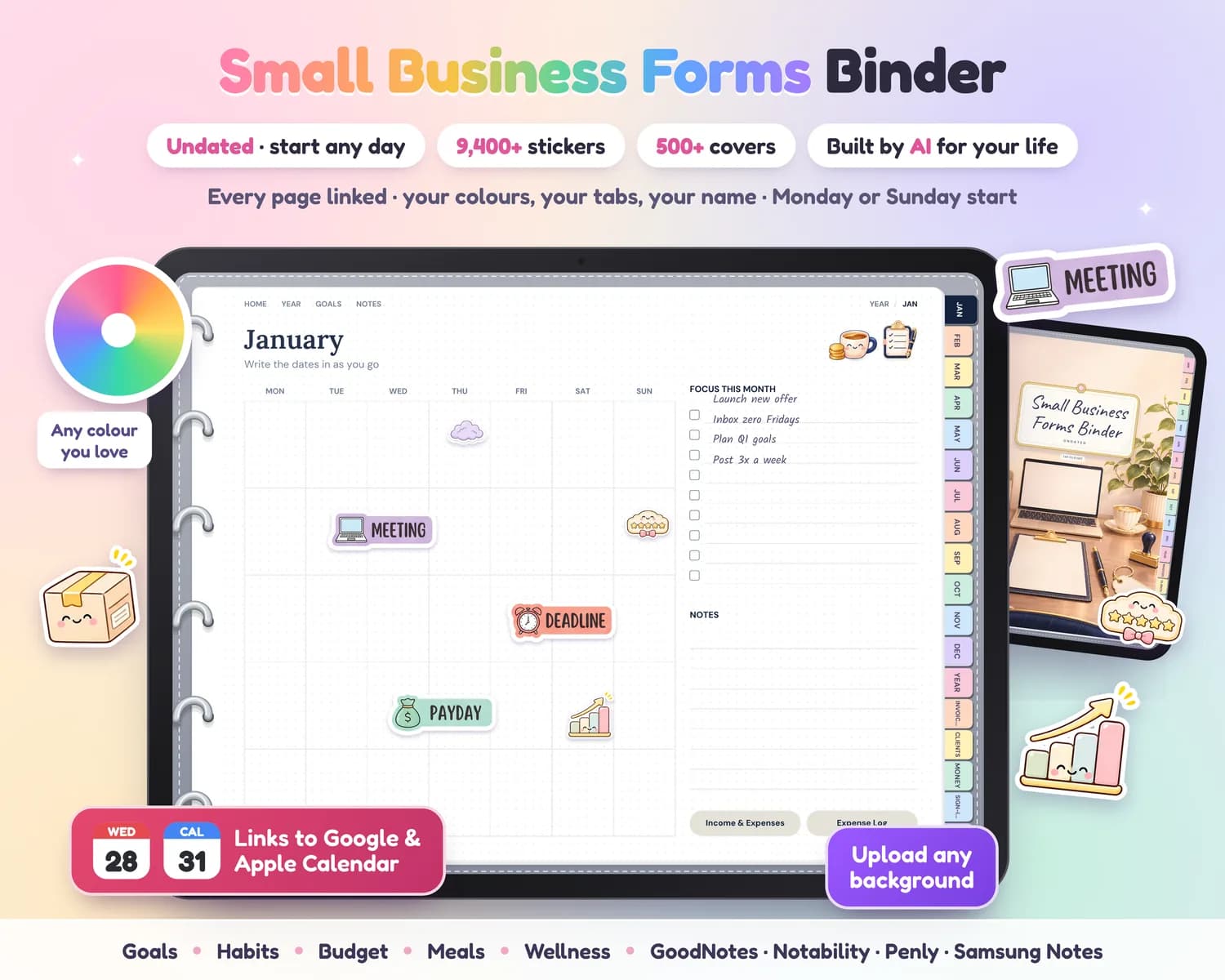 Premium versionSmall Business Forms Binder: Invoice, quote and payment-tracker pages that matchEvery page, beautifully designed, linked and fillable · $12 once
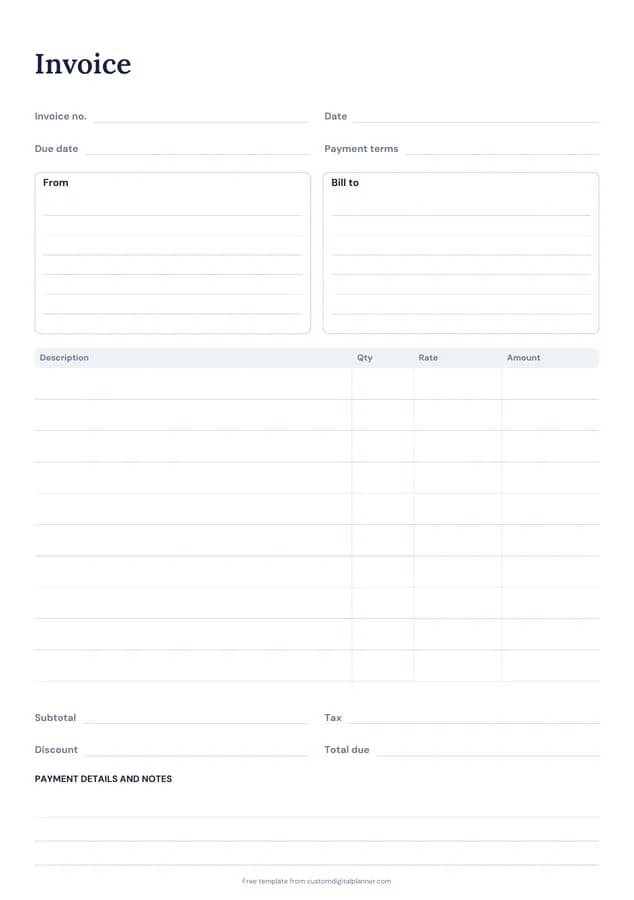
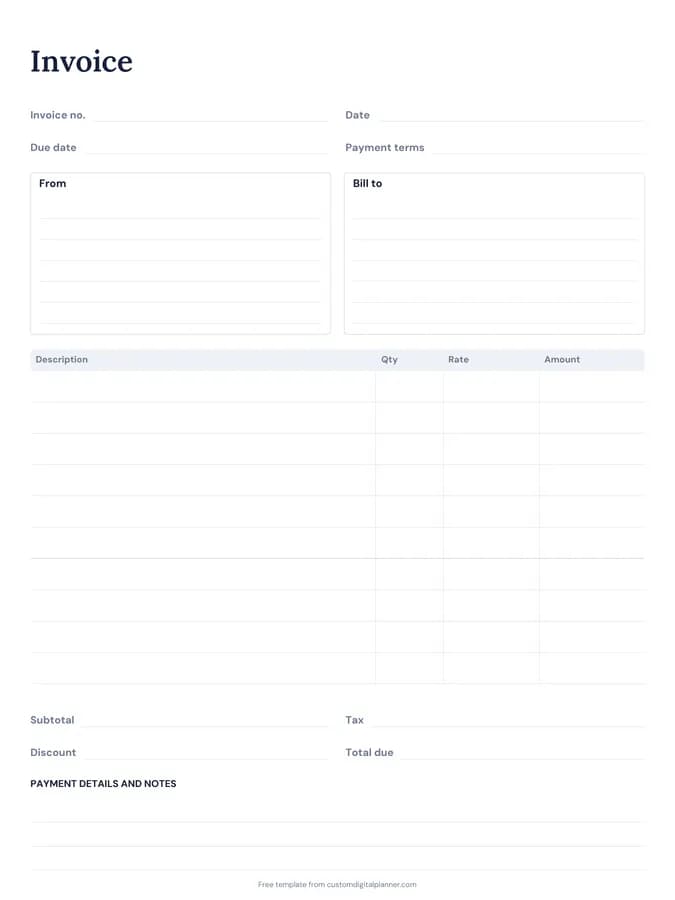
Shown for iPad in the Classic Navy theme. Printable downloads use white paper; the e-ink version is black and white.
One page, free to print.
- Write-in lines for invoice no., date, due date and payment terms
- Boxes for from and bill to
- A table with columns for description, qty, rate and amount
- Write-in lines for subtotal, tax, discount and total due
- Lined space for payment details and notes
- Undated, so you can print or duplicate it as often as you need
Who it's for
Freelancers, tutors, cleaners, crafters, photographers and other small businesses who invoice now and then and don't need accounting software, plus side hustlers billing their first clients.
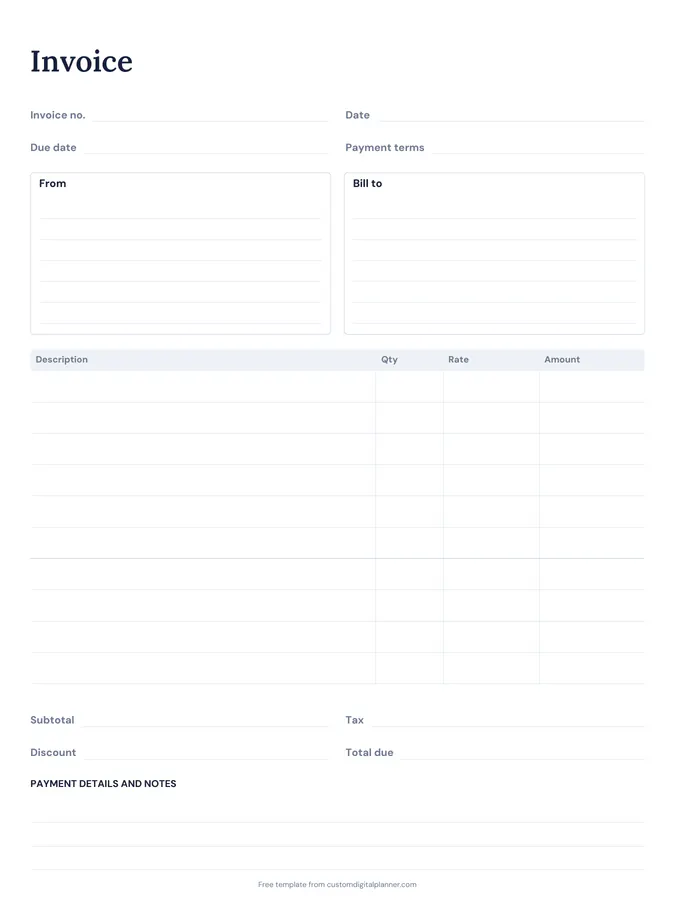
Getting the most from a invoice.
Number every invoice
Use a simple sequence like 2027-001, 2027-002. It keeps your records in order and makes it easy for clients to refer to an invoice.
Set clear terms
Write when payment is due, such as 'within 14 days', and the due date itself. Clear terms get paid faster.
Describe the work plainly
One line per item: what you did, how many and the rate. Clients approve invoices more quickly when they can see what they're paying for.
Keep a copy
Save or print a copy of every invoice you send. You'll need them for your tax return.
Included in 1 planner
This template is a page in this planner. Open it to see everything else that comes with it.
Get it inside a full hyperlinked planner
The side hustle planner includes this page alongside dated month and week pages for your year, with side tabs and links between every page. Pick your device and theme, see pictures of your pages free, and pay only when it's right. Buying it also unlocks every printable template.
- Dated pages for the whole year
- Tap a tab or a date to jump there
- GoodNotes, Notability, Samsung Notes, e-ink and print sizes
Opens the side hustle planner with the Business Forms section switched on.
Or read about the side hustle planner first.
What should be on an invoice?
Your name and contact details, the client's details, an invoice number, the date, what you're charging for, the total and how to pay. Some countries also require a tax number.
Does it include a currency?
No currency symbol is printed, so it works for dollars, pounds, naira, euros or anything else.
Can I fill it in on a tablet?
Yes. The iPad version has typing boxes on the lines, so you can type it in GoodNotes or a PDF app and send it as a PDF.
Is it a legal invoice?
It has the usual parts of an invoice, but rules differ by country. Check whether you need to add a tax or company number where you are.