Family Tree Template (Printable PDF & GoodNotes)
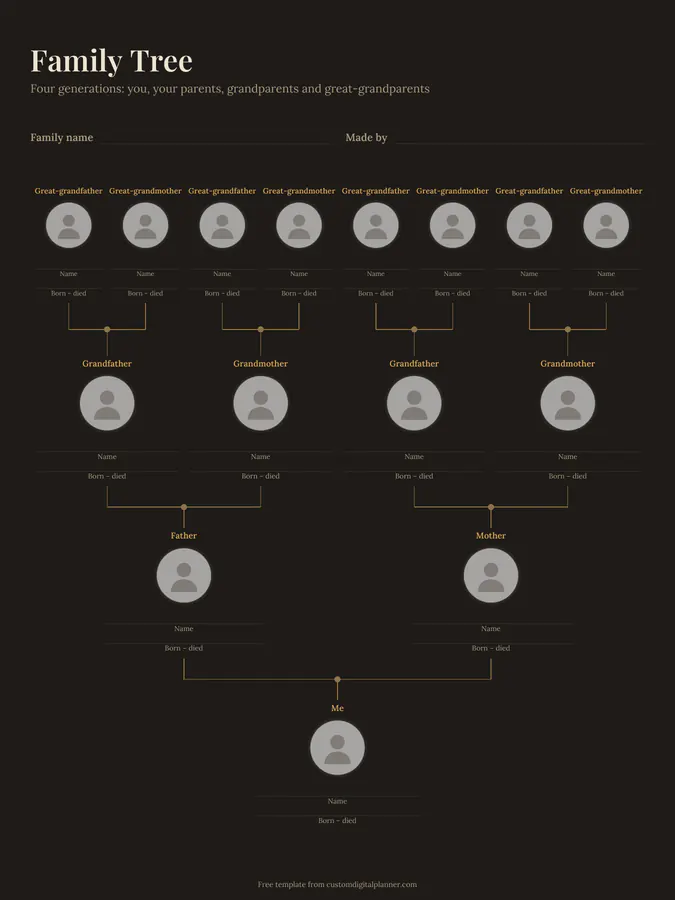
A four-generation family tree on one page. You sit at the bottom, then your parents, four grandparents and eight great-grandparents above, each with a photo circle, a name line and a born–died line. Lines join every couple to their child, so the tree reads clearly even when it's full.
- Printable US Letter8.5 × 11 in, white paper, download the family tree template as a PDF
- Printable A4210 × 297 mm, white paper, download the family tree template as a PDF
- iPad / GoodNotesAlso Notability and Noteshelf, download the family tree template as a PDF
- E-ink tabletreMarkable, Kindle Scribe, Boox, download the family tree template as a PDF
Free PDF, 1 page, undated, to print or write on by hand. Typing, dark mode and the full designed set are in the premium version.
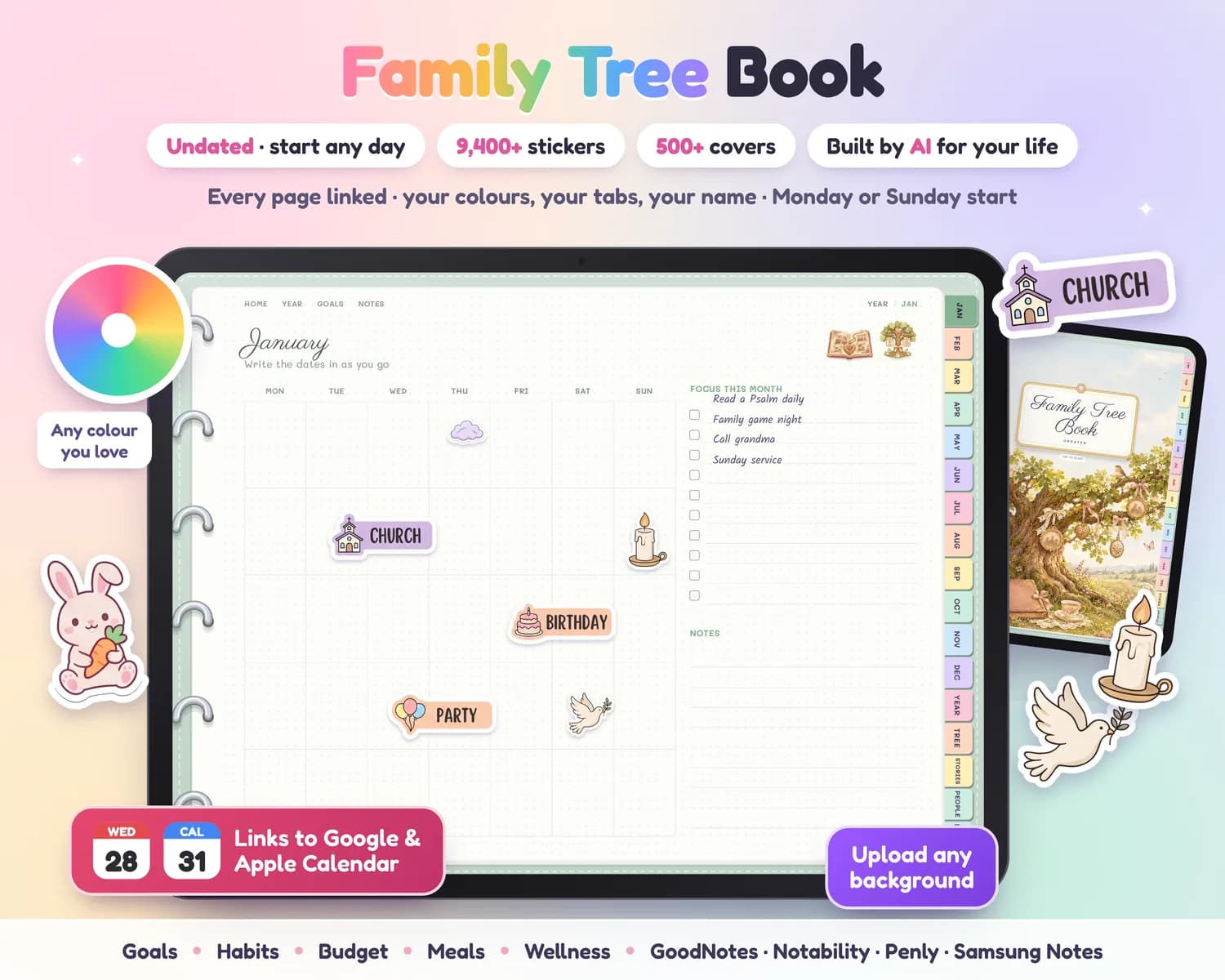 Premium versionFamily Tree Book: Five generations, not fourEvery page, beautifully designed, linked and fillable · $12 once
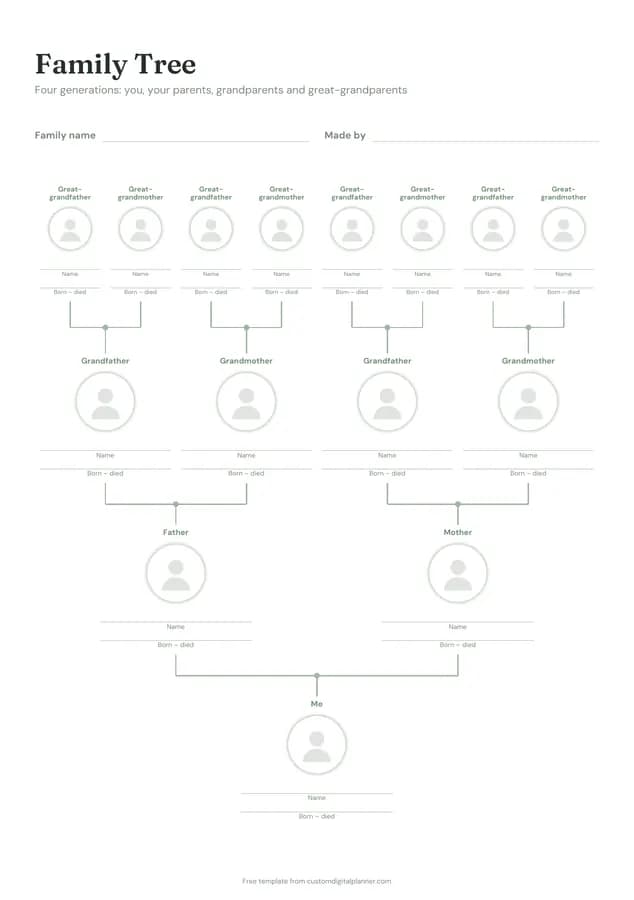
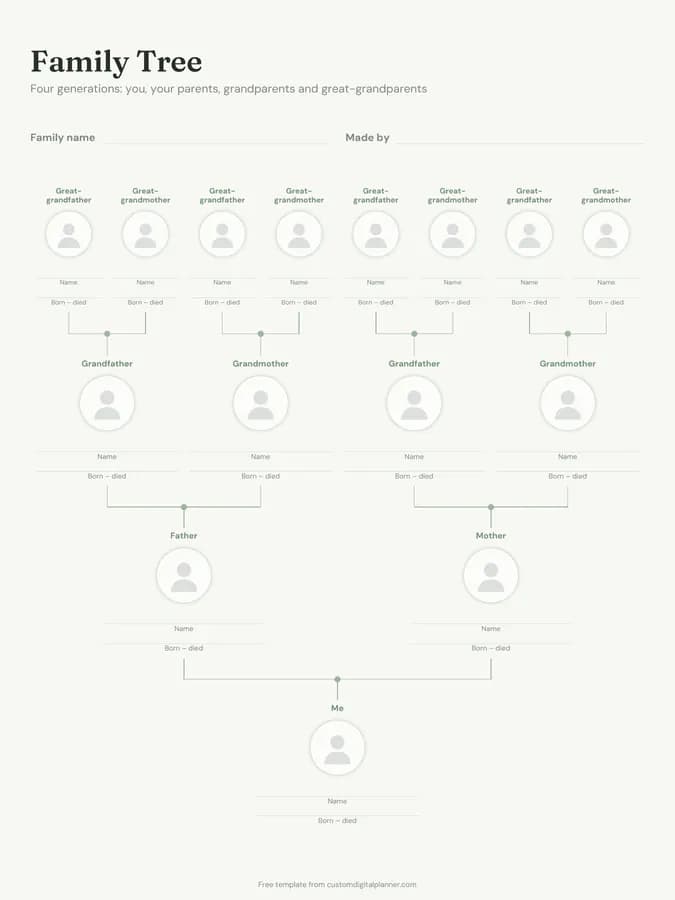
Shown for iPad in the Sage Botanical theme. Printable downloads use white paper (there's a dark mode preview below); the e-ink version is black and white.
One page, free to print.
- Family name and made-by lines at the top
- Four generations: you, 2 parents, 4 grandparents and 8 great-grandparents
- A photo circle for every person, with a soft placeholder until you add one
- A name line and a born–died line under each photo
- Connecting lines that join each couple to their child
- Undated, so you can print one for each side of the family
Who it's for
Children doing a family tree project for school, parents and grandparents recording the family for the next generation, and anyone starting out in genealogy who wants a simple chart to fill in before moving to a research website. It also makes a thoughtful gift when it's filled in and framed.
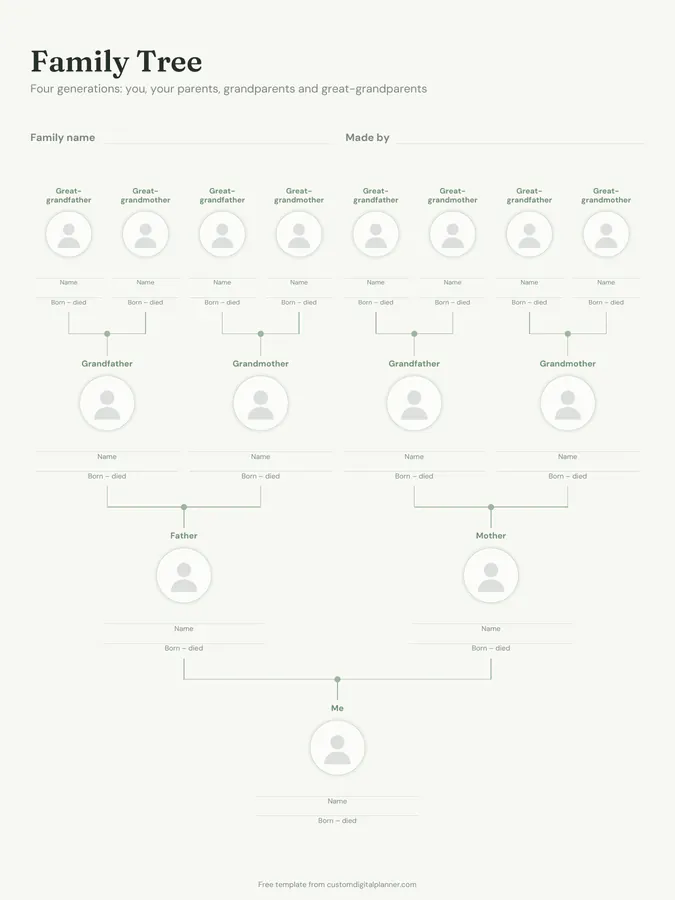
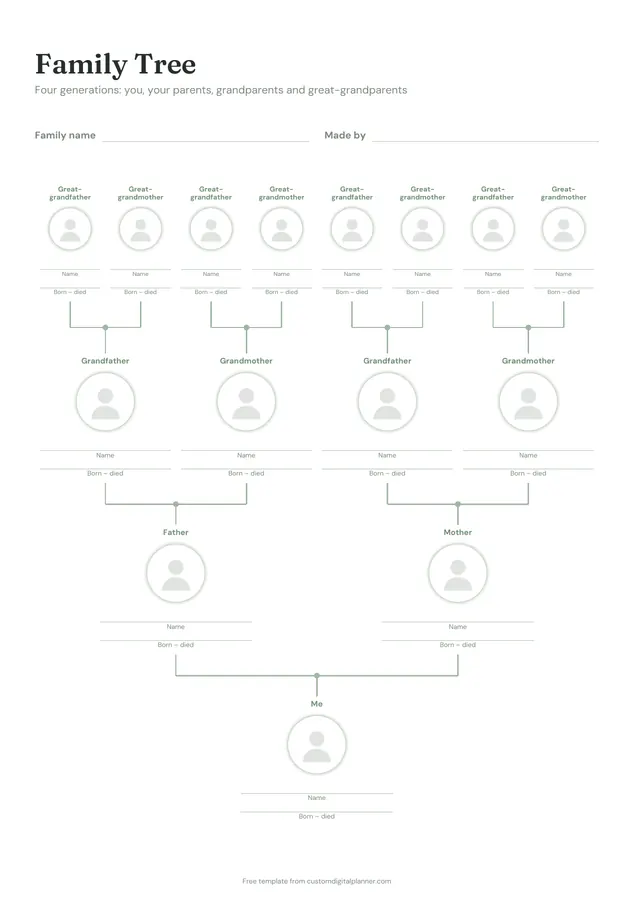
Getting the most from a family tree.
Start with what you know
Fill in yourself, your parents and grandparents first, then ask older relatives about the top row. Pencil in anything you're not sure of until you can check it.
Use maiden names
Write women's birth surnames, with married names in brackets if you like. It's what you'll need if you ever search old records.
Add photos last
On a tablet, paste photos into the circles once the names are in. On paper, print small round photos or draw a little portrait in each circle.
Make one per side
Print a second copy and put your partner at the bottom, so your children can see both sides of their family.
Note where facts came from
Write the source on the back or in your notes: a birth certificate, a family Bible or Grandma's memory. It saves arguments later.
Add it to any planner
It's an add-on section in the builder. Switch on the Family Tree section in any planner and its pages are added with their own tab and links.
Get it inside a full hyperlinked planner
The family planner includes this page alongside dated month and week pages for your year, with side tabs and links between every page. Pick your device and theme, see pictures of your pages free, and pay only when it's right. Buying it also unlocks every printable template.
- Dated pages for the whole year
- Tap a tab or a date to jump there
- GoodNotes, Notability, Samsung Notes, e-ink and print sizes
Opens the family planner with the Family Tree section switched on.
Or read about the family planner first.
How many generations does it show?
Four: you, your parents, your grandparents and your great-grandparents, 15 people in all.
Can I add photos?
Yes. On an iPad, paste a photo into each circle in GoodNotes or Notability. On paper, glue small round prints over the circles or draw portraits.
Is it good for a school project?
Yes. It fits on one page, the roles are already printed above each circle, and children only need to write names and dates.
Which planners include it?
It's an add-on section. Switch on Family Tree in the builder and it's added to any planner, such as the family planner or a life planner.