Birth Plan Template (Printable PDF & GoodNotes)
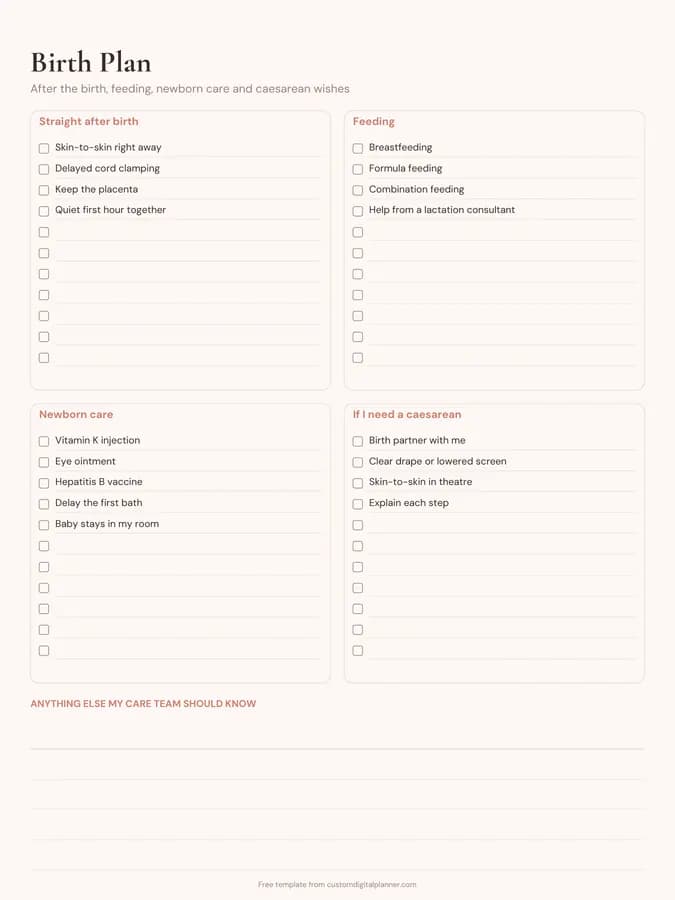
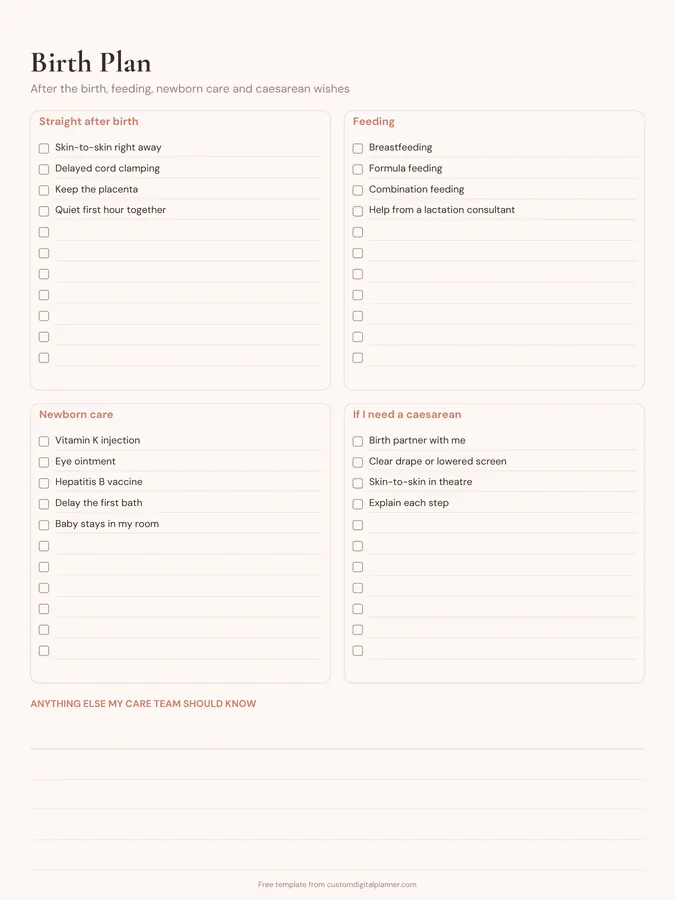
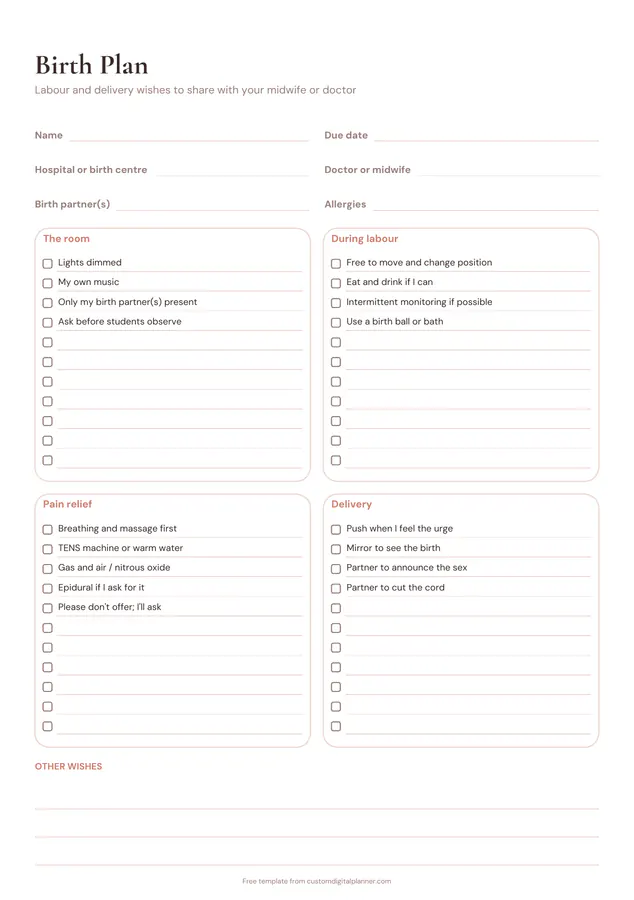
A two-page birth plan you can tick and personalise. Page one covers your details, the room, labour, pain relief and delivery; page two covers the first hour, feeding, newborn care and what you'd like if you need a caesarean. Common choices are printed as tick boxes, with spare lines for your own.
- Printable US Letter8.5 × 11 in, white paper, download the birth plan template as a PDF
- Printable A4210 × 297 mm, white paper, download the birth plan template as a PDF
- iPad / GoodNotesAlso Notability and Noteshelf, download the birth plan template as a PDF
- E-ink tabletreMarkable, Kindle Scribe, Boox, download the birth plan template as a PDF
Free PDF, page 1 of 2, undated, to print or write on by hand. Every page, typing and dark mode are in the premium version.
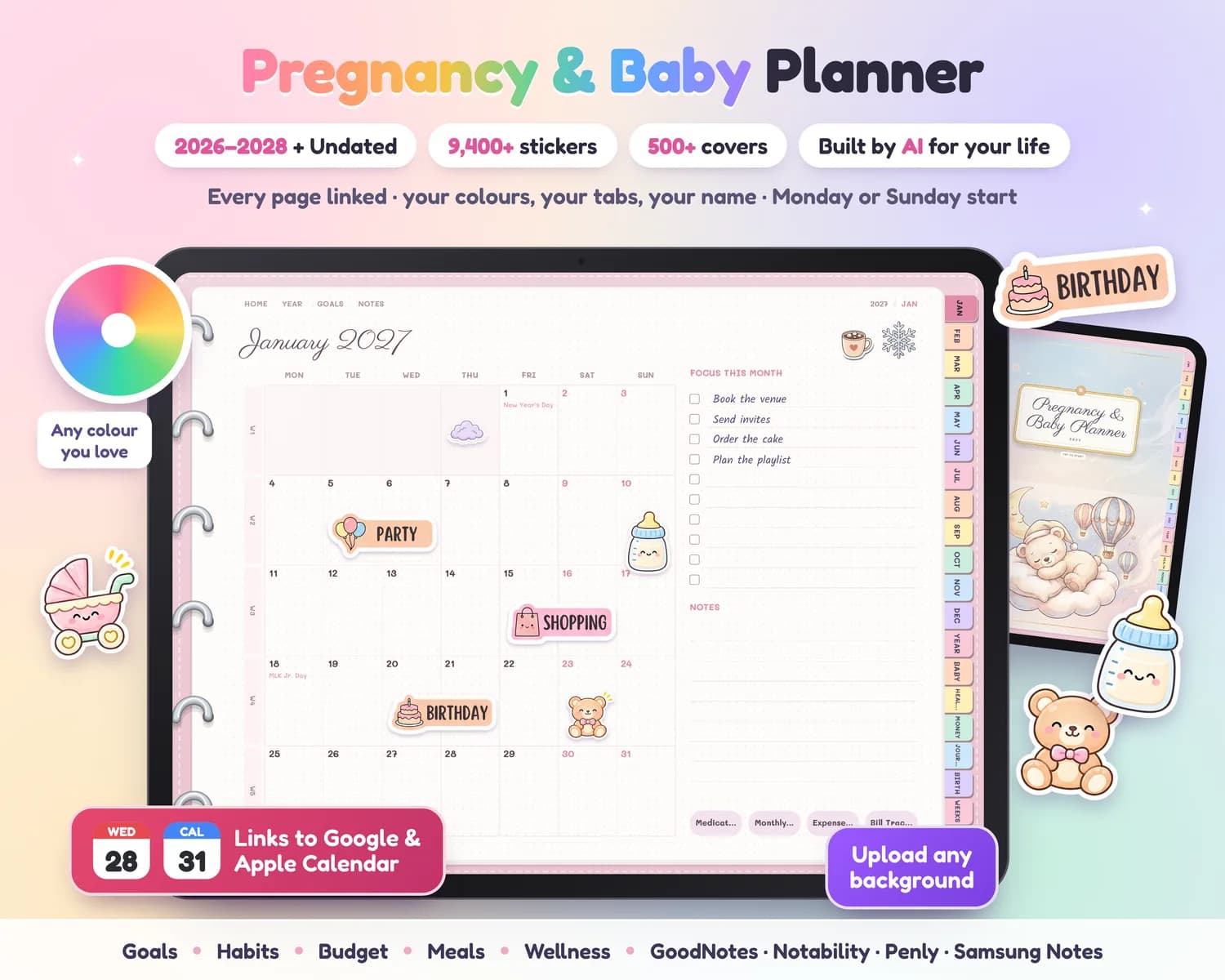 Premium versionPregnancy & Baby Planner: Visual birth plan with simple icons nurses read at a glanceEvery page, beautifully designed, linked and fillable · $12 once
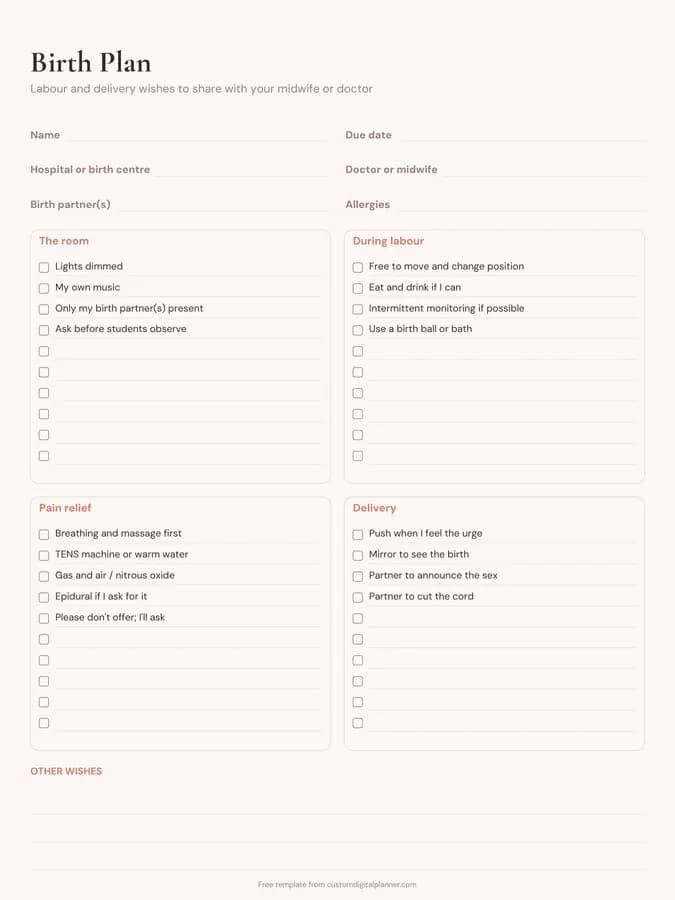
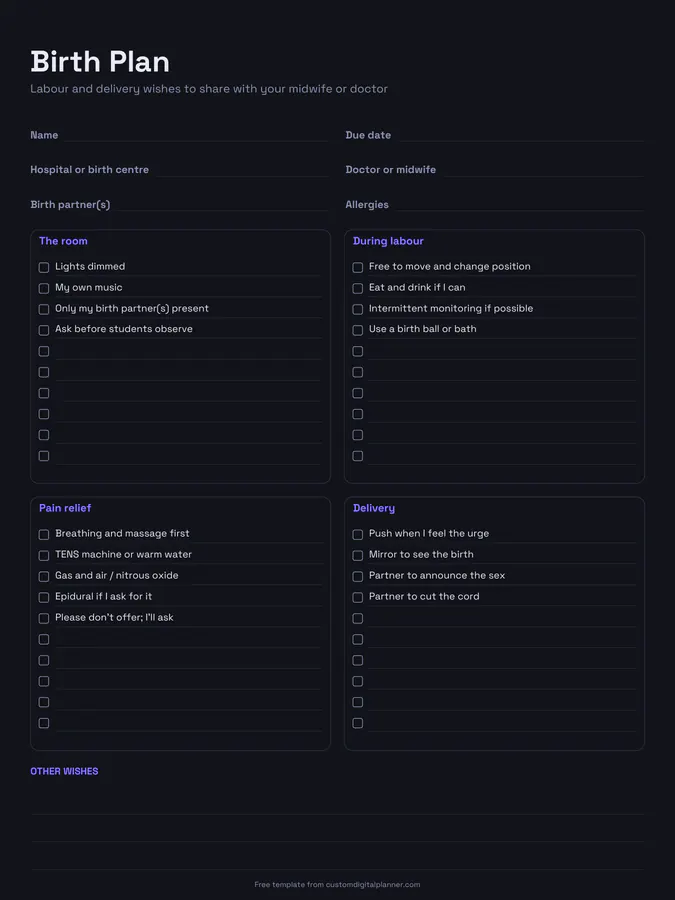
Shown for iPad in the Blush Boho theme. Printable downloads use white paper (there's a dark mode preview below); the e-ink version is black and white.
Page 1 is free. All 2 pages are in the premium version.
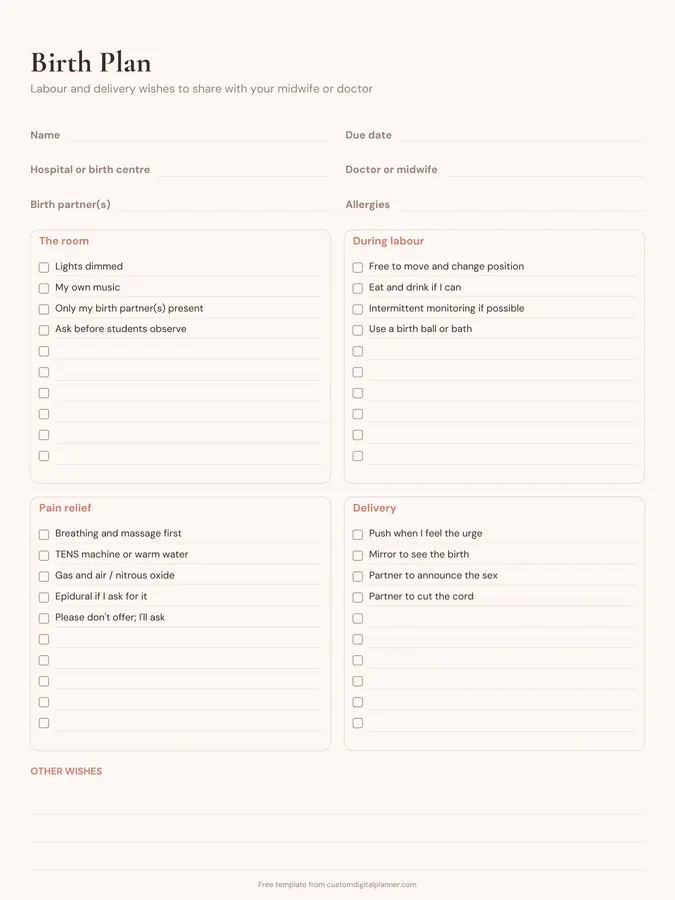
- Page 1, Birth Plan (Labour and delivery wishes to share with your midwife or doctor): Write-in lines for name, due date, hospital or birth centre, doctor or midwife, birth partner(s) and allergies; boxes for the room, during labour, pain relief and delivery; lined space for other wishes
- Page 2, Birth Plan (After the birth, feeding, newborn care and caesarean wishes): Boxes for straight after birth, feeding, newborn care and if I need a caesarean; lined space for anything else my care team should know
- Undated, so you can print or duplicate it as often as you need
Who it's for
Expectant parents in the third trimester preparing to talk through their wishes with a midwife or doctor, birth partners who want to know what matters most, and doulas who give clients a simple starting point. It suits hospital, birth centre and home births.
Getting the most from a birth plan.
Keep it to the two pages
Midwives and doctors read a short plan in seconds. Tick the choices that matter and cross out sections you don't mind about.
Talk it through at an appointment
Bring the plan to a late-pregnancy appointment and ask what's possible where you're giving birth. Some hospitals have policies that change what you can choose.
Write wishes, not demands
Births don't always go to plan. Phrases like 'if possible' keep the plan useful even when things change, and the caesarean section means you've thought about that too.
Pack copies in the hospital bag
Print two or three copies: one for your notes, one for the midwife on shift and one for your birth partner.
Included in 1 planner
This template is a page in this planner. Open it to see everything else that comes with it.
Get it inside a full hyperlinked planner
The pregnancy & baby planner includes this page alongside dated month and week pages for your year, with side tabs and links between every page. Pick your device and theme, see pictures of your pages free, and pay only when it's right. Buying it also unlocks every printable template.
- Dated pages for the whole year
- Tap a tab or a date to jump there
- GoodNotes, Notability, Samsung Notes, e-ink and print sizes
Opens the pregnancy & baby planner with the Birth Plan section switched on.
Or read about the pregnancy & baby planner first.
What should a birth plan include?
Who you'd like with you, how you'd like the room, your pain relief preferences, how you'd like to deliver, what happens straight after birth, how you plan to feed and any wishes if you need a caesarean. This template has a section for each.
When should I write my birth plan?
Most people write it around 32 to 36 weeks, then talk it through at an appointment so there's time to change anything.
Can I use it for a caesarean birth?
Yes. Page two has a caesarean section with common choices such as skin-to-skin in theatre and a lowered screen, so it works for planned and unplanned caesareans.
Which planners include it?
It's an add-on section. Switch on Birth Plan in the builder and it's added to any planner, such as the pregnancy planner.