Weight Loss Tracker Template (Printable PDF & GoodNotes)
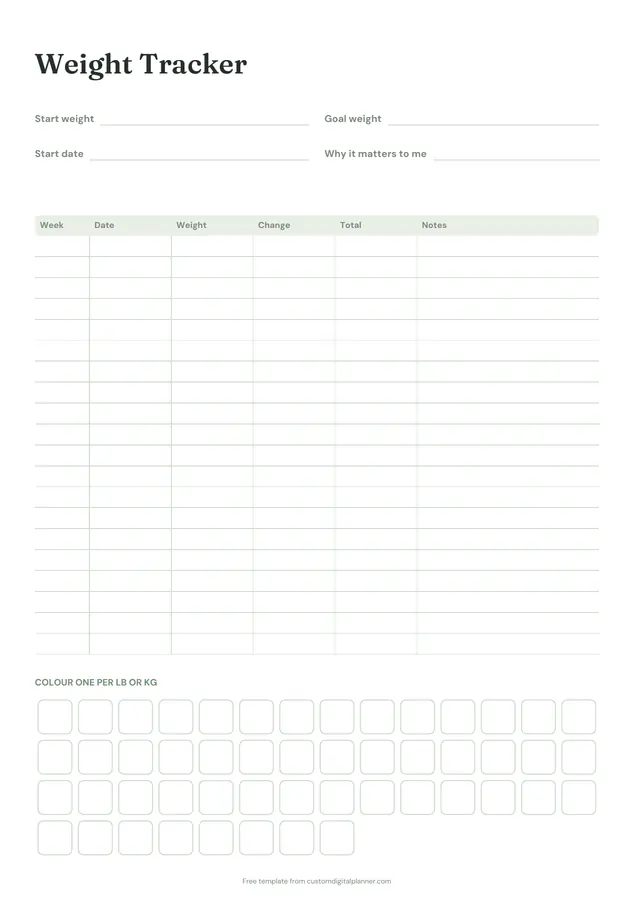
Two pages. The weight tracker has lines for your start weight, goal weight, start date and why it matters, a weekly weigh-in table and 50 squares to colour, one per pound or kilo. The second page logs body measurements and non-scale wins.
- Printable US Letter8.5 × 11 in, white paper
- Printable A4210 × 297 mm, white paper
- iPad / GoodNotesAlso Notability and Noteshelf
- E-ink tabletreMarkable, Kindle Scribe, Boox
Free PDF, 2 pages, undated. No sign-up needed.
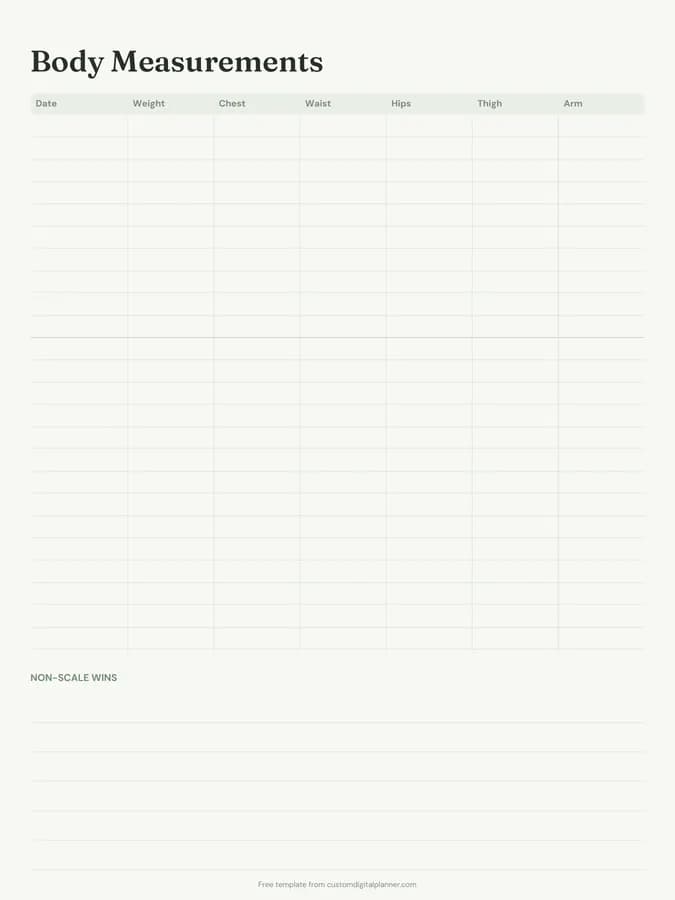
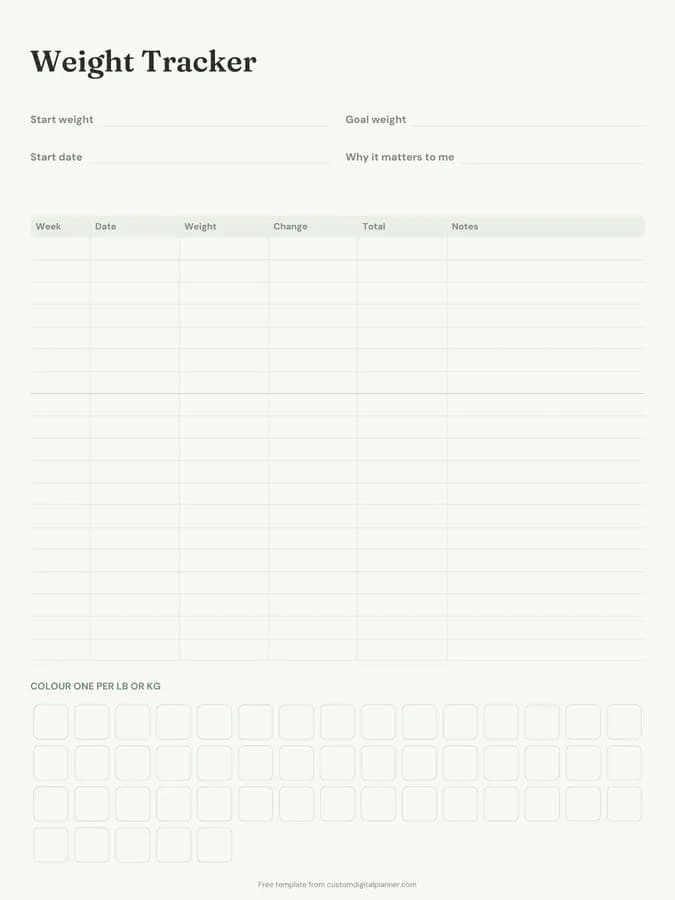
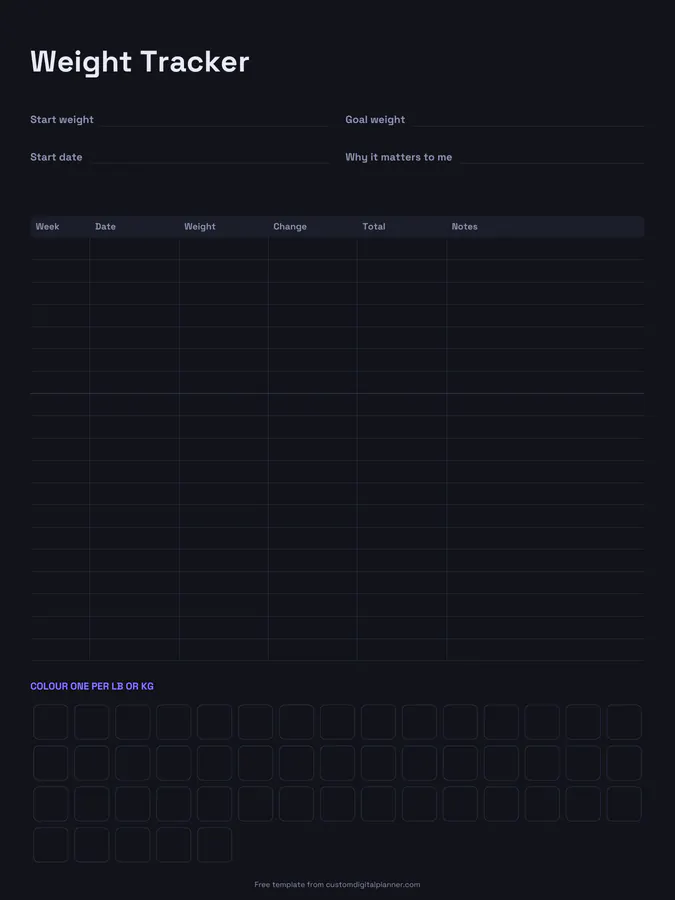
Shown for iPad in the Sage Botanical theme. Printable downloads use white paper (there's a dark mode preview below); the e-ink version is black and white.
2 pages, ready to fill in.
- Page 1, Weight Tracker: Write-in lines for start weight, goal weight, start date and why it matters to me; a table with columns for week, date, weight, change, total and notes; 50 squares to colour in
- Page 2, Body Measurements: A table with columns for date, weight, chest, waist, hips, thigh and arm; lined space for non-scale wins
- Undated, so you can print or duplicate it as often as you need
Who it's for
People starting a weight loss plan who want something simpler than an app, slimming club members who like a paper record between meetings, and anyone who needs a reminder that progress shows up in measurements and energy, not just the scale.
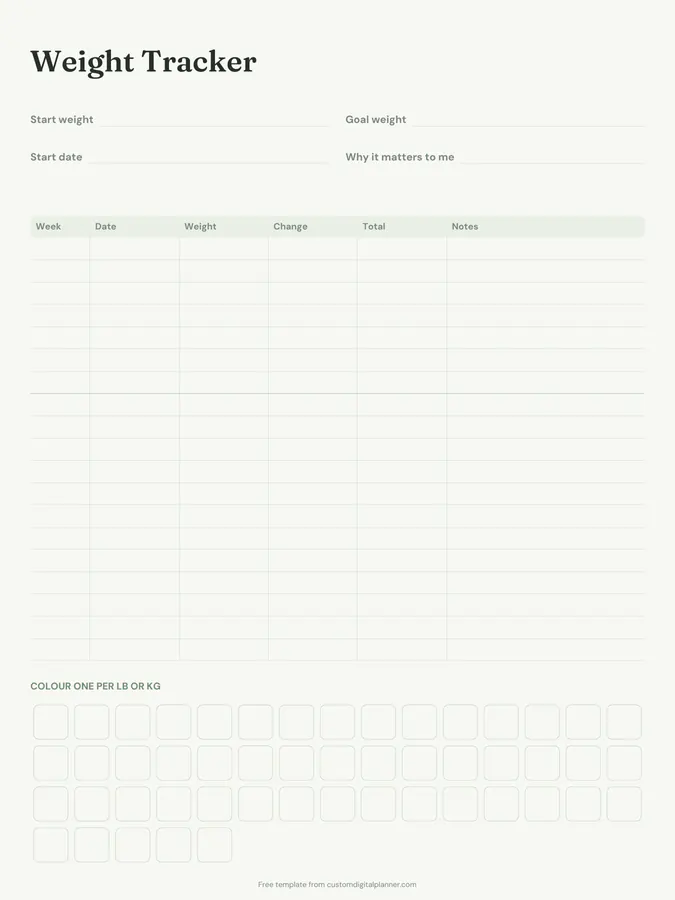
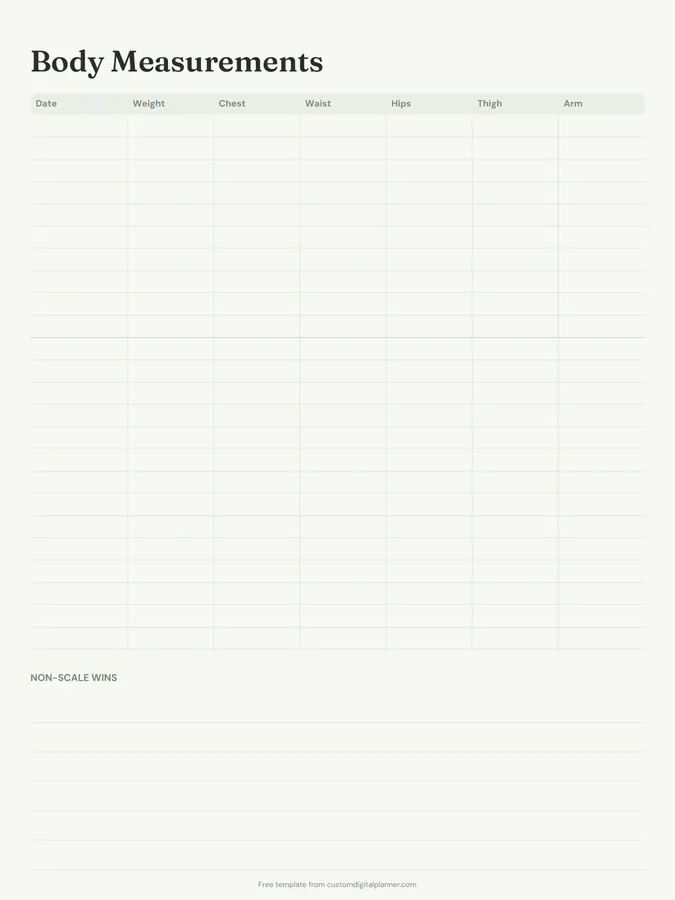
Getting the most from a weight loss tracker.
Weigh in at the same time each week
Same day, same time, same scale, ideally first thing in the morning. Weight swings day to day; a weekly number is far easier to read and less discouraging.
Fill in "Why it matters to me"
Health, energy, keeping up with your kids: a reason you can read on a bad week does more for motivation than the goal number.
Colour a square for every pound or kilo
Watching the squares fill up is a visual reward that doesn't depend on a single weigh-in. Choose pounds or kilos once and stick to it.
Measure every two to four weeks
Body measurements often change when the scale doesn't, especially if you're also strength training. Measure in the same places each time.
Write down non-scale wins
Clothes fitting better, more energy, walking further, sleeping better. These are real progress, and the box on page two is where you keep them.
Included in 2 planners
This template is a page in each of these planners. Open one to see everything else that comes with it.
Get it inside a full hyperlinked planner
The weight loss planner includes this page alongside dated month and week pages for your year, with side tabs and links between every page. Pick your device and theme, preview it free, and pay only when it's right.
- Dated pages for the whole year
- Tap a tab or a date to jump there
- GoodNotes, Notability, Samsung Notes, e-ink and print sizes
Opens the weight loss planner with the Weight Loss section switched on.
Or read about the weight loss planner first.
About this weight loss tracker template
Need help importing it? See devices and apps or the FAQ.
What's on the weight loss tracker?
Page one: start weight, goal weight, start date and your why, a weekly table with weight, change and total lost, and a 50-square colour-in chart. Page two: a measurements table for weight, chest, waist, hips, thigh and arm, plus non-scale wins.
Does it work in pounds or kilograms?
Both. No units are printed, so write lb or kg once and colour one square per unit lost.
How often should I weigh myself?
Once a week suits most people and is what the table is laid out for. If you weigh daily, write the weekly average in the table.
Is it suitable for a medically supervised plan?
Yes, as a personal record. Always follow your doctor's or dietitian's advice on targets and pace, and bring the tracker to appointments.