Macro Tracker Template (Printable PDF & GoodNotes)
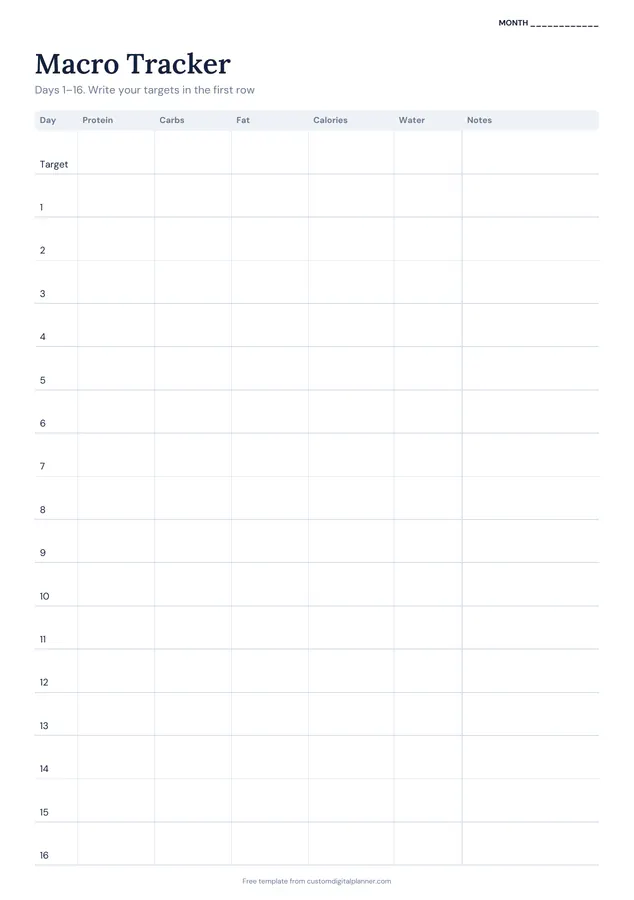
A monthly macro tracker on two pages, days 1 to 16 and 17 to 31. Each day has columns for protein, carbs, fat, calories, water and notes, and the first row on each page is for your daily targets.
- Printable US Letter8.5 × 11 in, white paper
- Printable A4210 × 297 mm, white paper
- iPad / GoodNotesAlso Notability and Noteshelf
- E-ink tabletreMarkable, Kindle Scribe, Boox
Free PDF, 2 pages, undated. No sign-up needed.
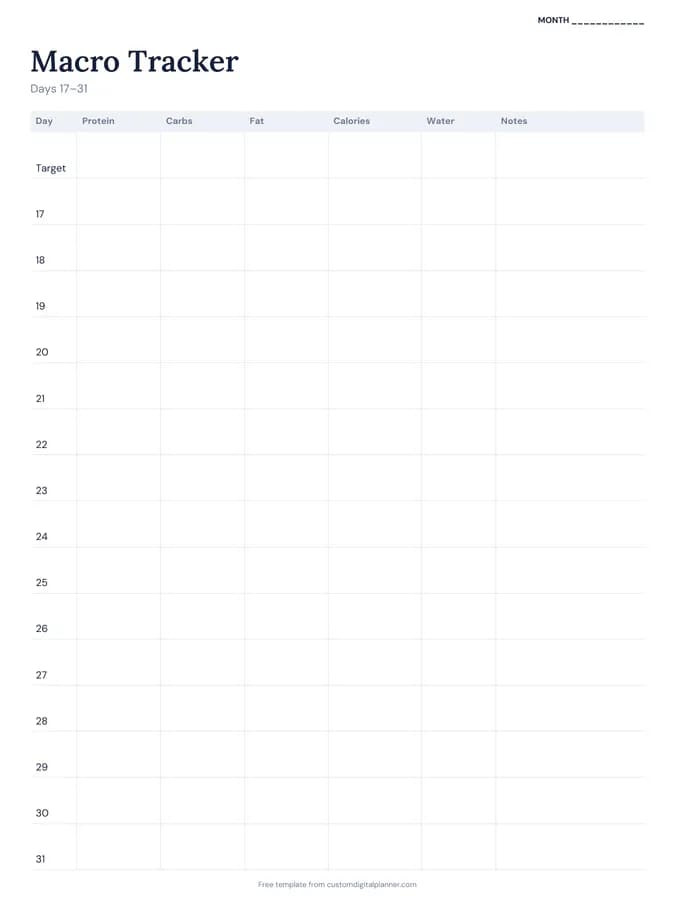
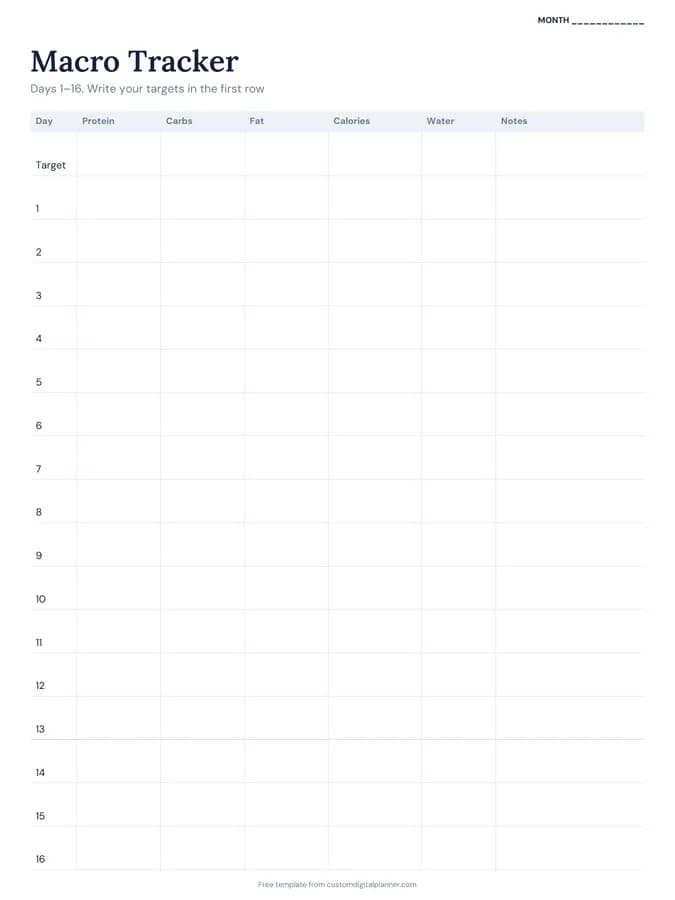
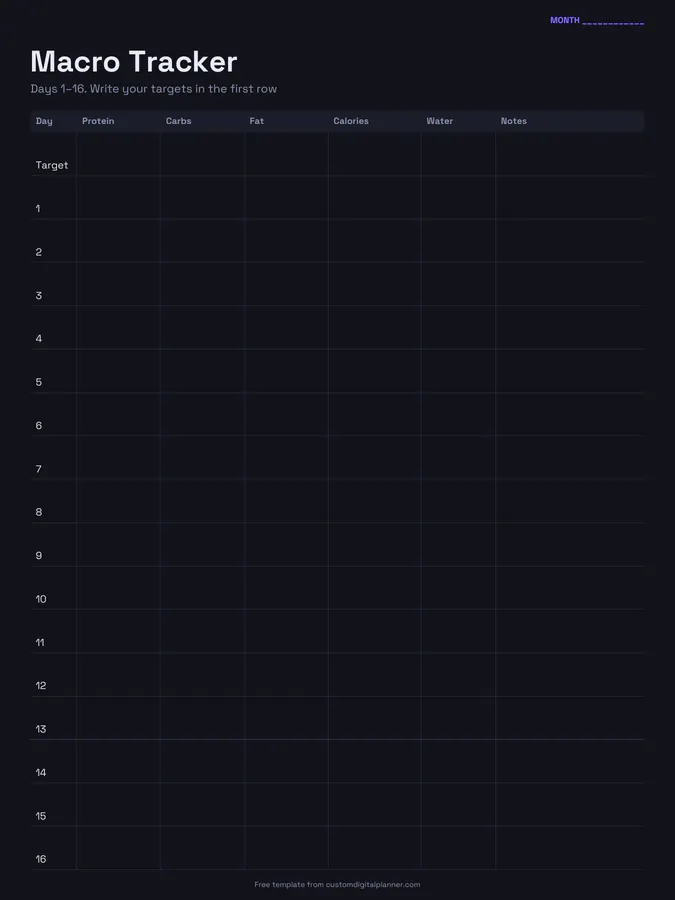
Shown for iPad in the Classic Navy theme. Printable downloads use white paper (there's a dark mode preview below); the e-ink version is black and white.
2 pages, ready to fill in.
- Page 1, Macro Tracker (Days 1–16): A table with columns for day, protein, carbs, fat, calories, water and notes
- Page 2, Macro Tracker (Days 17–31): A table with columns for day, protein, carbs, fat, calories, water and notes
- A “Month” line at the top, so it works for any month and year
Who it's for
People following a macro-based nutrition plan from a coach, gym-goers building muscle or cutting, and anyone who logs food in an app but wants a simple monthly paper summary to see averages and consistency.
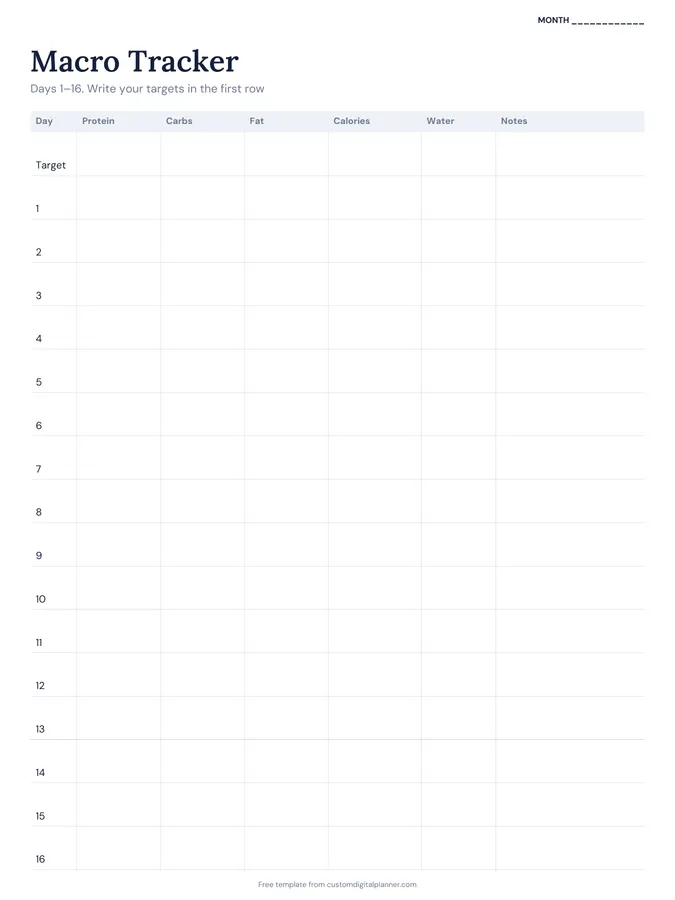
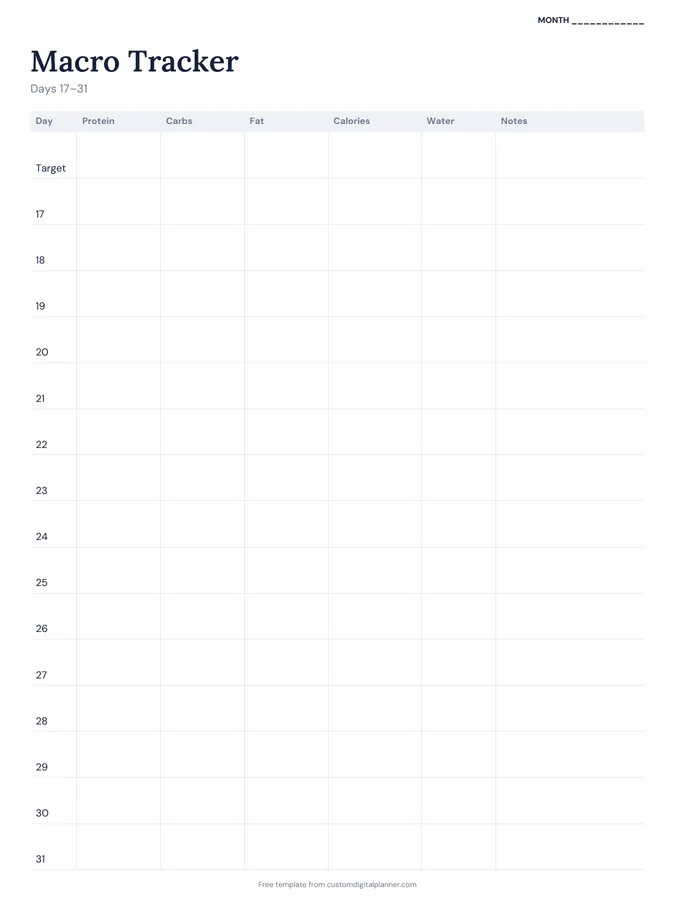
Getting the most from a macro tracker.
Write your targets in the first row
Fill in the target row with your daily protein, carbs, fat and calories before day 1. Comparing each day with the row above takes seconds.
Log daily totals, not every meal
This page is for totals. Add up the day in your app or notebook and write the final numbers here, so the month fits on two pages.
Prioritise protein
If you can only hit one target, most coaches suggest protein. Circle days you hit it; it's often the number that matters most for body composition.
Use notes for training and rest days
Write "leg day", "rest" or "ate out" in the notes column. It explains why some days are higher and helps you plan around them.
Look at weekly averages
Single days vary a lot. Every Sunday, average the last seven days; that's the number that tells you whether you're on track.
Included in 1 planner
This template is a page in this planner. Open it to see everything else that comes with it.
Get it inside a full hyperlinked planner
The macro tracker includes this page alongside dated month and week pages for your year, with side tabs and links between every page. Pick your device and theme, preview it free, and pay only when it's right.
- Dated pages for the whole year
- Tap a tab or a date to jump there
- GoodNotes, Notability, Samsung Notes, e-ink and print sizes
Opens the macro tracker with the Macro Tracking section switched on.
Or read about the macro tracker first.
What does the macro tracker record?
Protein, carbs, fat, calories and water for each day of the month, plus a notes column. There's a target row at the top of each page.
Does it work in grams or ounces?
Grams are normal for macros, but no units are printed. Water can be glasses, millilitres or ounces.
Is it suitable for keto?
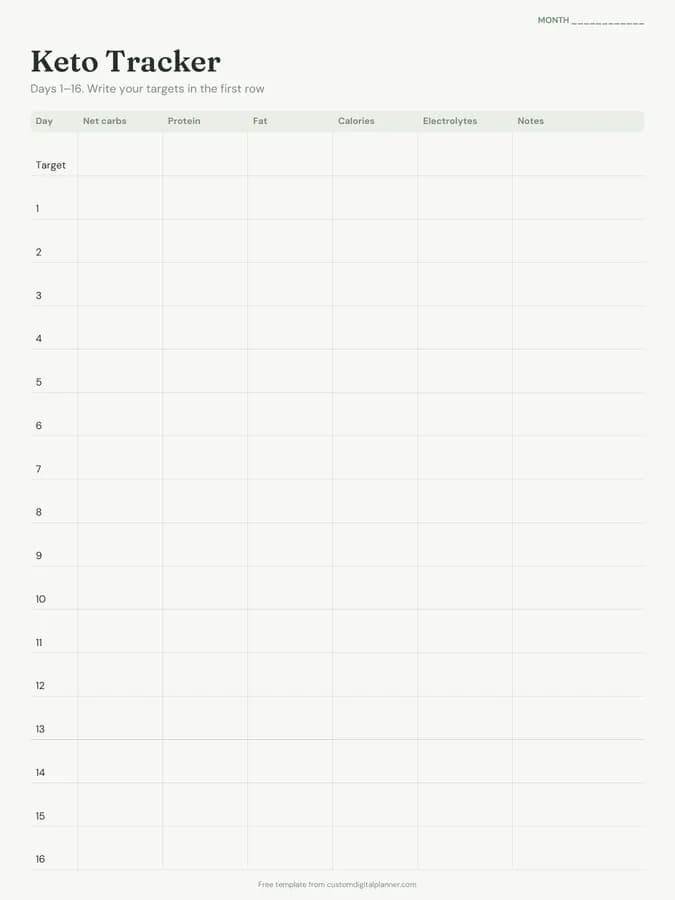
It works, but the keto tracker template has net carbs and electrolytes columns, which suit keto better.
Do I need to count every meal?
To fill in daily totals, yes, you'll need to add up your meals somewhere. The macro tracker planner also includes daily macros-by-meal pages if you want to log each meal on paper.