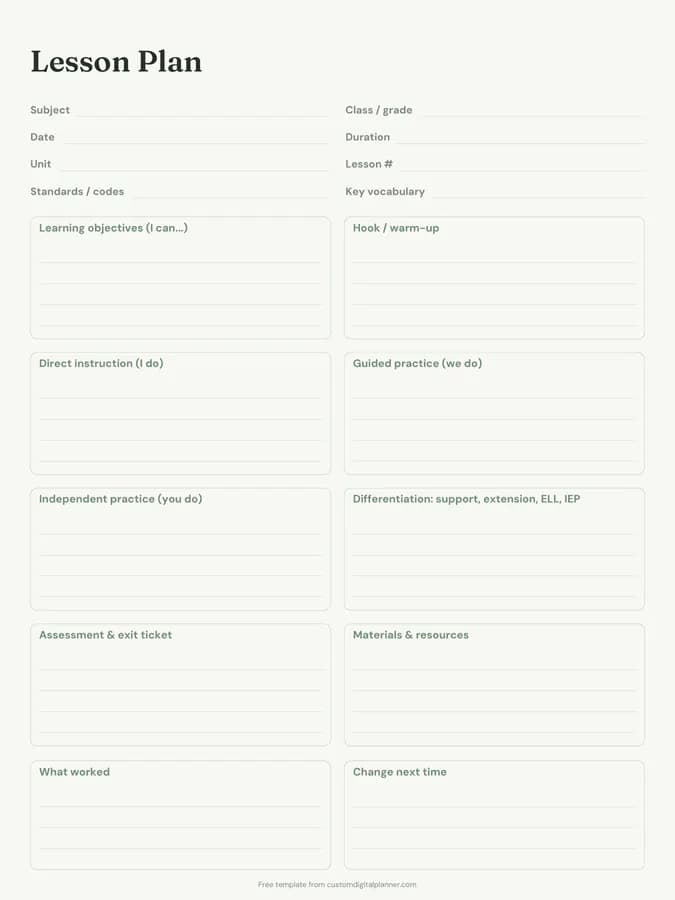
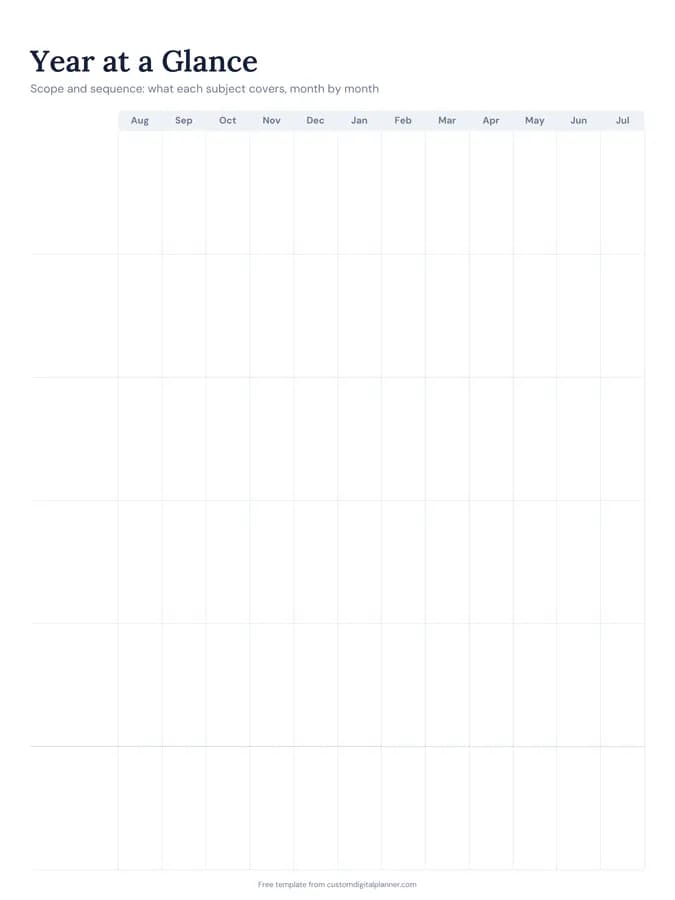
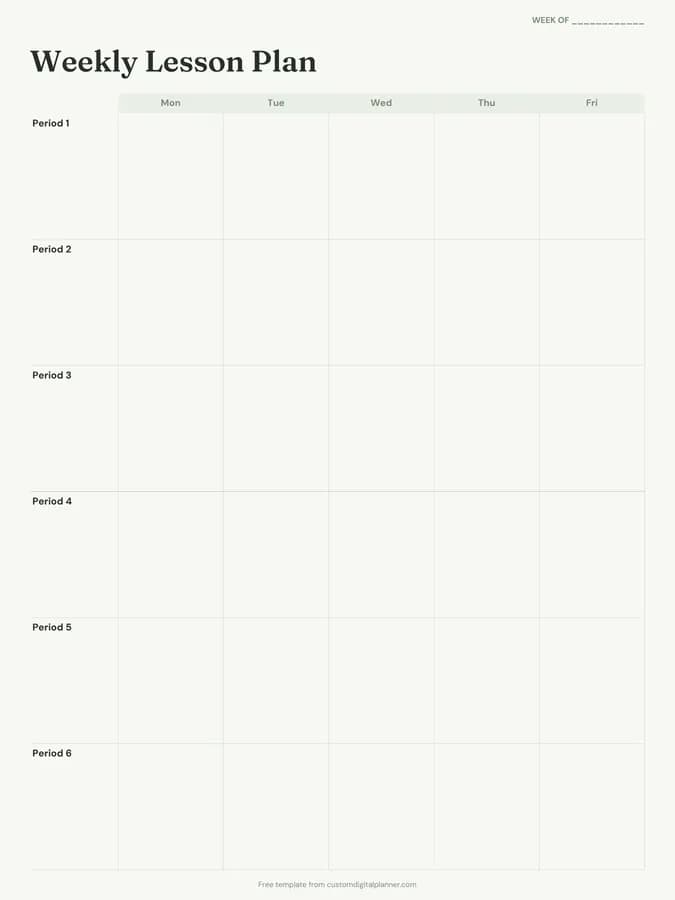
Unit Plan Template (Printable PDF & GoodNotes)
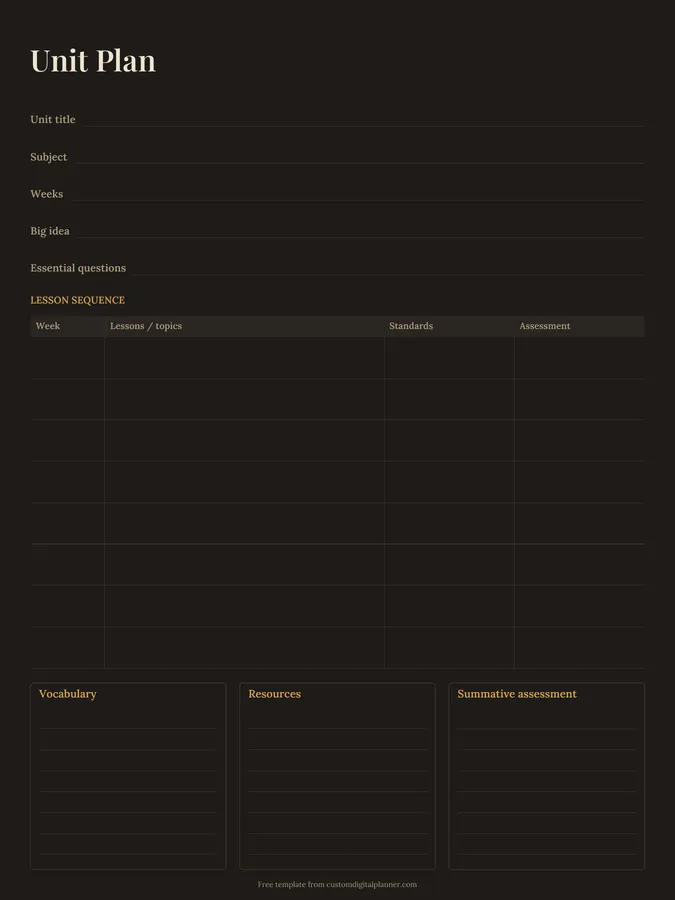
A one-page unit planner. Write the unit title, subject, number of weeks, big idea and essential questions, then map the lesson sequence week by week with topics, standards and assessment. Three boxes at the bottom hold vocabulary, resources and the summative assessment.
- Printable US Letter8.5 × 11 in, white paper
- Printable A4210 × 297 mm, white paper
- iPad / GoodNotesAlso Notability and Noteshelf
- E-ink tabletreMarkable, Kindle Scribe, Boox
Free PDF, 1 page, undated. No sign-up needed.
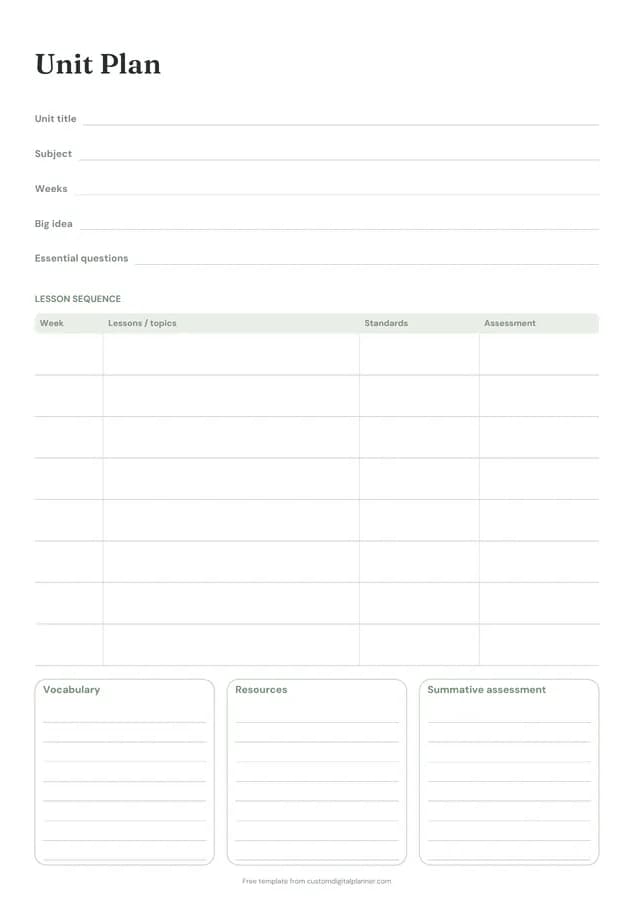
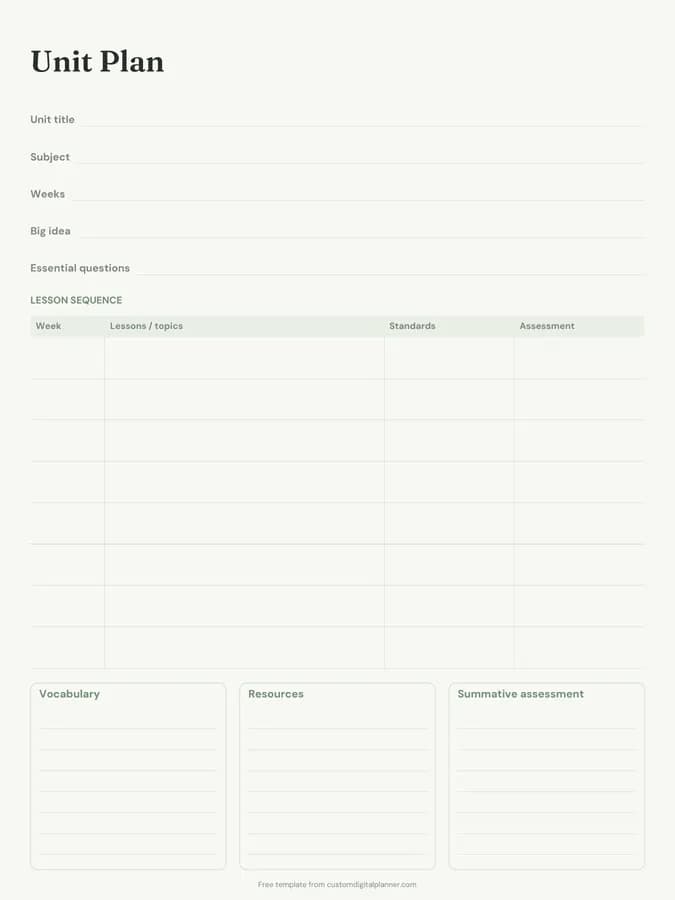
Shown for iPad in the Sage Botanical theme. Printable downloads use white paper (there's a dark mode preview below); the e-ink version is black and white.
One page, ready to fill in.
- Write-in lines for unit title, subject, weeks, big idea and essential questions
- A lesson sequence table with columns for week, lessons / topics, standards and assessment
- Boxes for vocabulary, resources and summative assessment
- Undated, so you can print or duplicate it as often as you need
Who it's for
Teachers planning a new topic, curriculum leads writing a scheme of work, homeschool parents building a unit study, and student teachers preparing a teaching block.
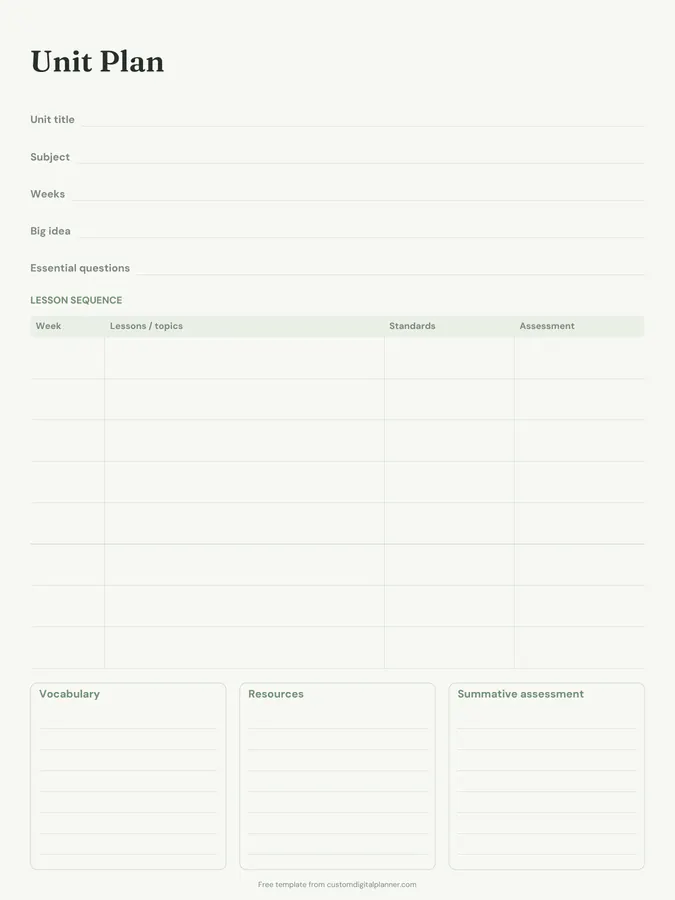
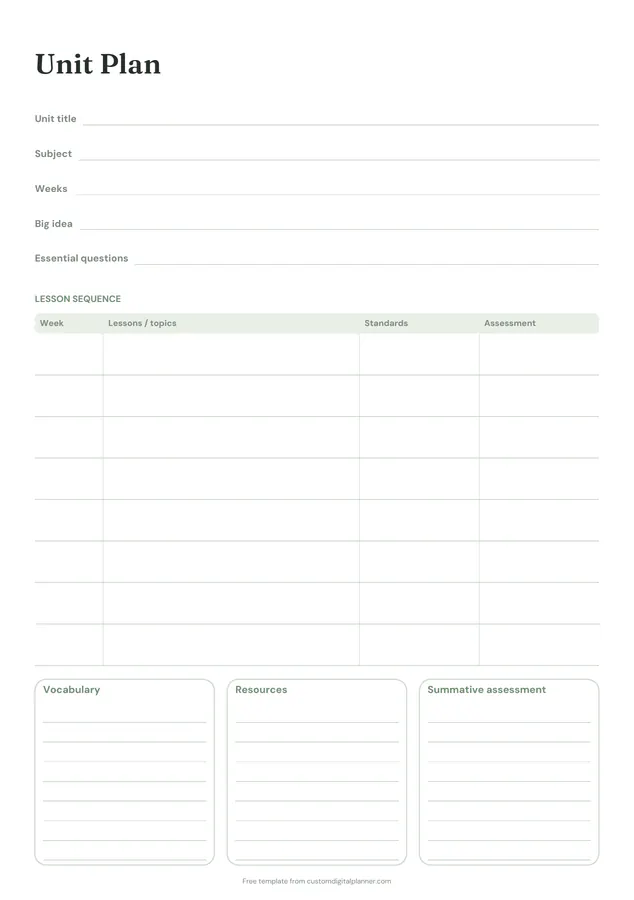
Getting the most from a unit plan.
Start with the summative assessment
Decide how students will show what they learned at the end, then plan backwards. It keeps every week pointed at the same goal.
Write one big idea
The big idea is what you want students to remember in a year, such as "ecosystems depend on balance". Essential questions are the questions that lead to it.
Map standards to weeks
In the standards column, note which codes each week covers. Gaps and repeats show up immediately.
Plan formative checks every week
The assessment column isn't only for tests. Exit tickets, quizzes and quick checks each week tell you whether to move on.
Collect resources as you go
Add links, book pages and materials to the resources box as you find them. Next time you teach the unit, it's all in one place.
Included in 1 planner
This template is a page in this planner. Open it to see everything else that comes with it.
Get it inside a full hyperlinked planner
The lesson planner includes this page alongside dated month and week pages for your year, with side tabs and links between every page. Pick your device and theme, preview it free, and pay only when it's right.
- Dated pages for the whole year
- Tap a tab or a date to jump there
- GoodNotes, Notability, Samsung Notes, e-ink and print sizes
Opens the lesson planner with the Lesson Plans section switched on.
Or read about the lesson planner first.
What is a unit plan?
A plan for a sequence of lessons around one topic, usually two to eight weeks. It sets the goal, questions, standards, weekly topics and assessments before the daily lesson plans.
How many weeks does it cover?
The lesson sequence table has eight rows, one per week. For shorter units, use a row per lesson instead.
Does it follow backward design?
It supports it: big idea and essential questions at the top, summative assessment at the bottom, and a sequence in between.
What's in the lesson planner?
A year at a glance, unit plans, detailed lesson plans and a standards tracker, plus teaching pages and goals.
Can I share it with colleagues?
Yes. Fill in the iPad version, export it as a PDF and share it, or print it for a planning meeting.