Storyboard Template (Printable PDF & GoodNotes)
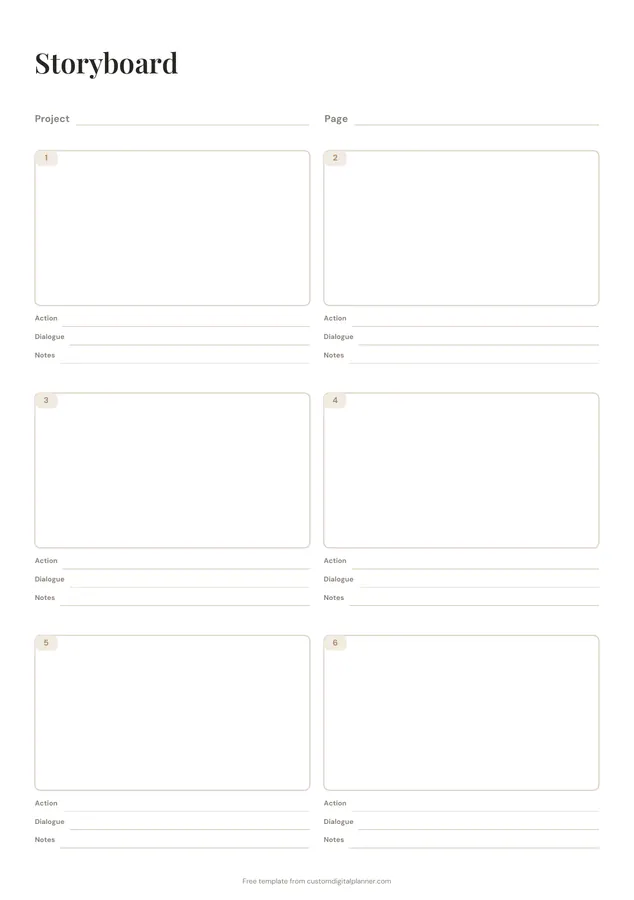
A six-panel storyboard page. Each numbered panel is in 16:9 widescreen proportions, with lines underneath for the action, dialogue and notes, and project and page lines at the top so a long storyboard stays in order.
- Printable US Letter8.5 × 11 in, white paper, download the storyboard template as a PDF
- Printable A4210 × 297 mm, white paper, download the storyboard template as a PDF
- iPad / GoodNotesAlso Notability and Noteshelf, download the storyboard template as a PDF
- E-ink tabletreMarkable, Kindle Scribe, Boox, download the storyboard template as a PDF
Free PDF, 1 page, undated, to print or write on by hand. Typing, dark mode and the full designed set are in the premium version.
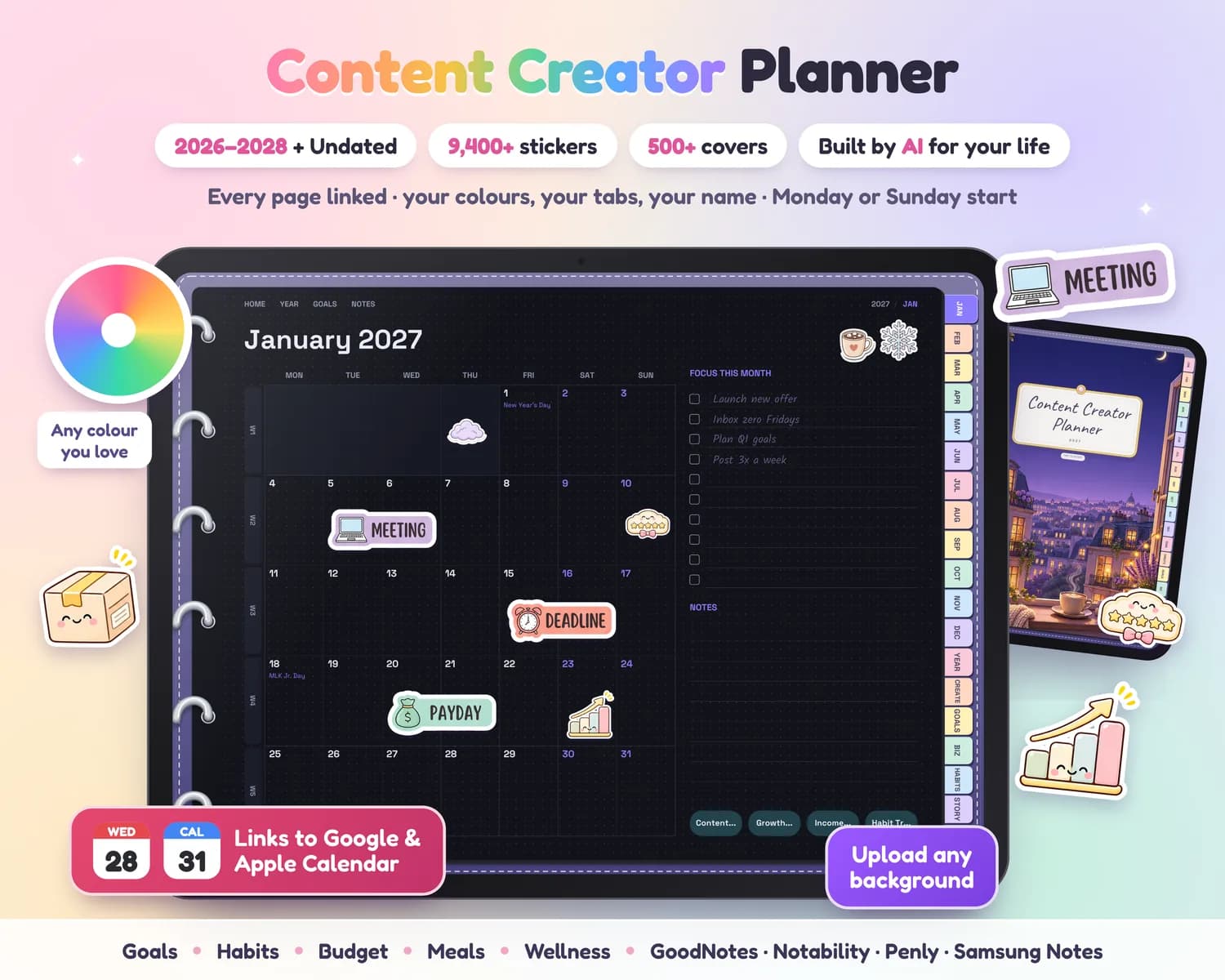 Premium versionContent Creator Planner: Storyboards for YouTube (16:9), Reels and TikTok (9:16) and square postsEvery page, beautifully designed, linked and fillable · $12 once
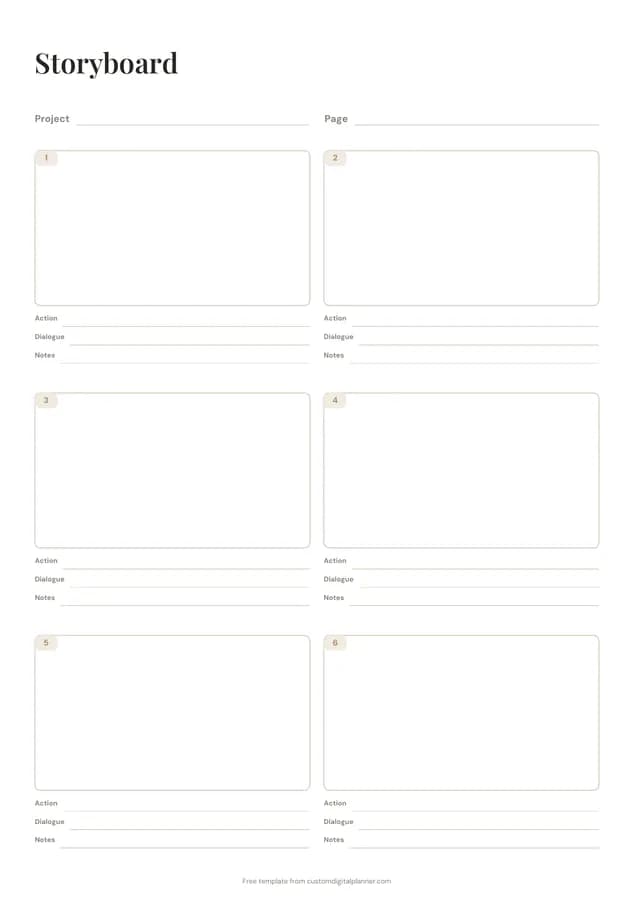
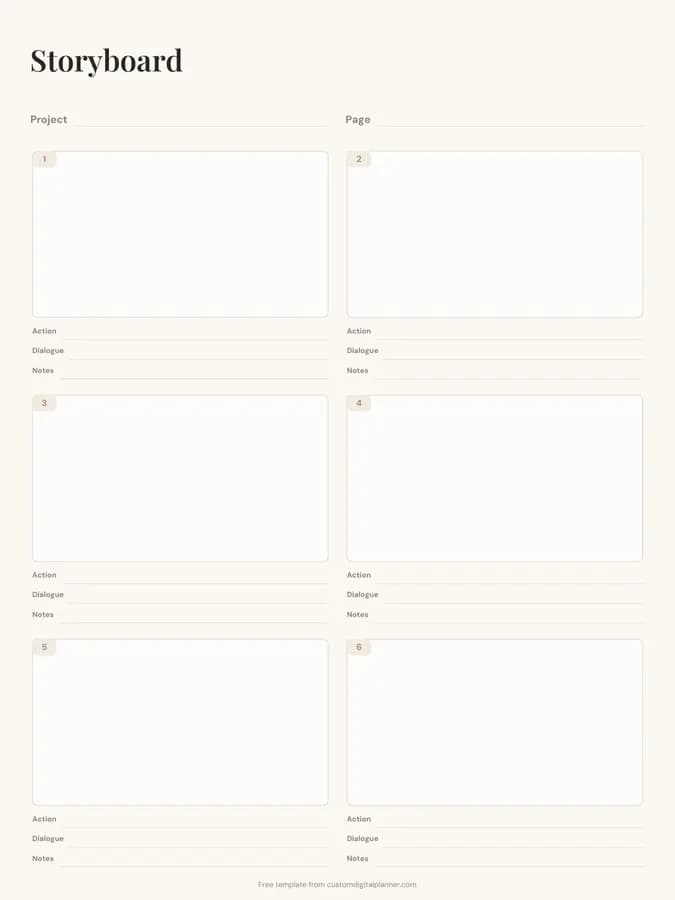
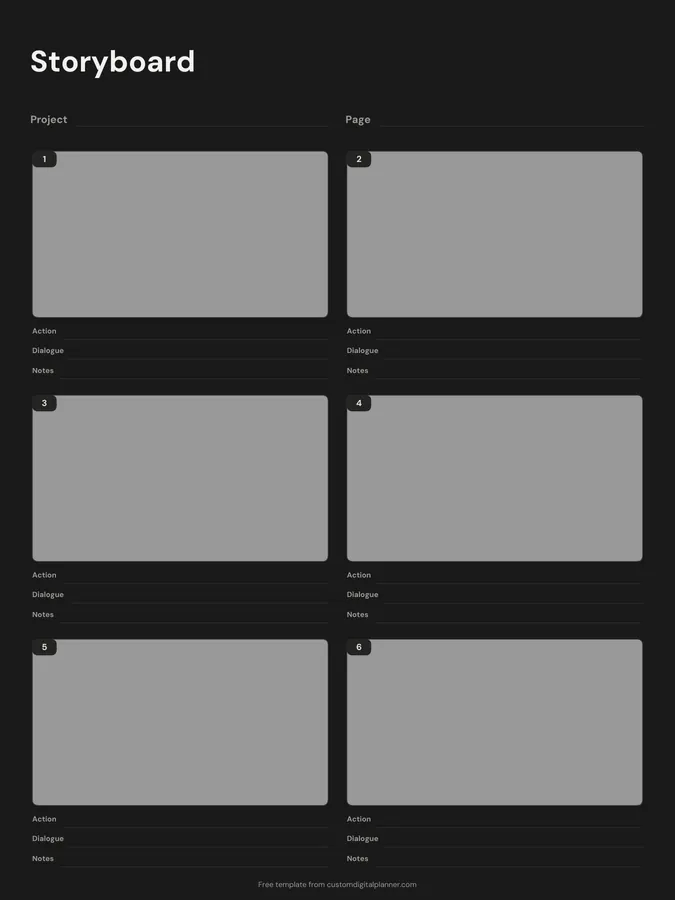
Shown for iPad in the Ivory Minimal theme. Printable downloads use white paper (there's a dark mode preview below); the e-ink version is black and white.
One page, free to print.
- Write-in lines for project and page
- 6 storyboard panels with writing lines under each
- Undated, so you can print or duplicate it as often as you need
Who it's for
YouTubers and TikTok creators planning videos, film and animation students, teachers using storyboards for creative writing, marketers planning ads, and anyone sketching a presentation before building slides.
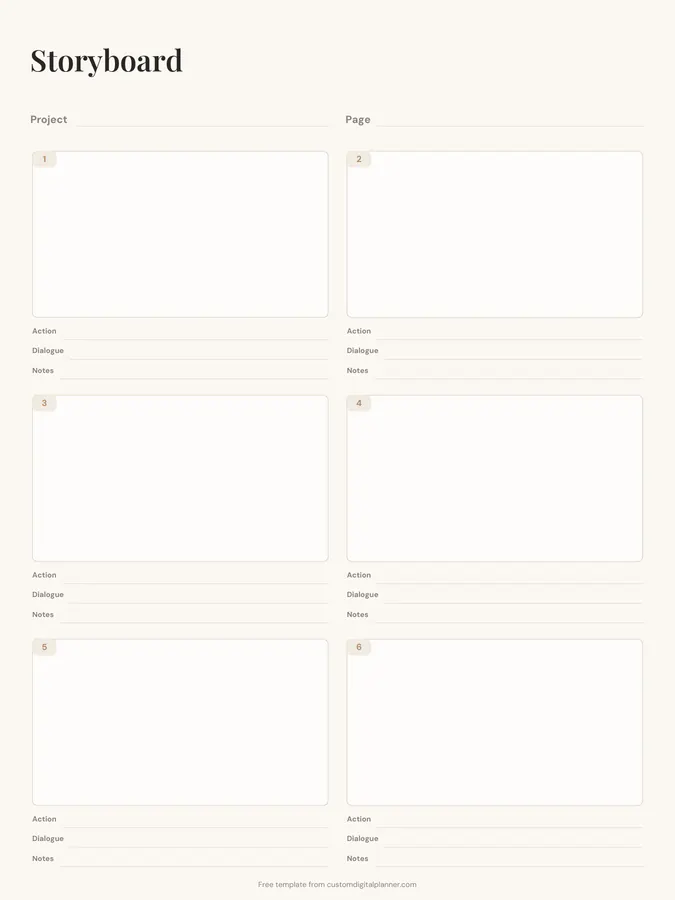
Getting the most from a storyboard.
Stick figures are fine
A storyboard is for planning shots, not showing off drawing skills. Boxes, arrows and stick figures tell you everything you need.
One shot per panel
Draw a new panel whenever the camera angle or scene changes. It becomes your shot list on the day.
Write the sound too
Use the dialogue line for voiceover, music cues and sound effects as well as what people say.
Number the pages
Fill in the page line on every sheet so you can reshuffle scenes without losing track.
Included in 1 planner
This template is a page in this planner. Open it to see everything else that comes with it.
Get it inside a full hyperlinked planner
The content creator planner includes this page alongside dated month and week pages for your year, with side tabs and links between every page. Pick your device and theme, see pictures of your pages free, and pay only when it's right. Buying it also unlocks every printable template.
- Dated pages for the whole year
- Tap a tab or a date to jump there
- GoodNotes, Notability, Samsung Notes, e-ink and print sizes
Opens the content creator planner with the Storyboards section switched on.
Or read about the content creator planner first.
What shape are the panels?
16:9, the shape of YouTube videos, TV and most slides. Turn the drawing sideways inside a panel for a vertical video.
How many panels are on a page?
Six, in two columns of three, each with action, dialogue and notes lines.
Can I draw on it in Procreate or GoodNotes?
Yes. Import the iPad version and draw straight into the panels with Apple Pencil.
Which planners include it?
It's an add-on section. Switch on Storyboards in the builder to add 12 storyboard pages to any planner, such as the content creator planner.