Job Application Tracker Template (Printable PDF & GoodNotes)
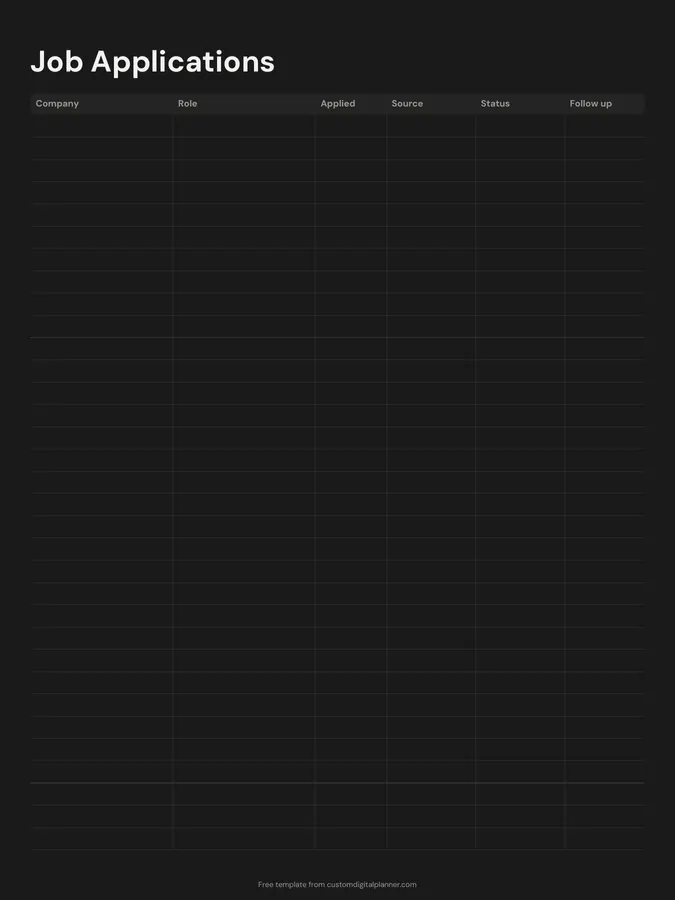
A job search log with six columns: company, role, date applied, source, status and follow up. Track every application in one place so you know who to chase and which job sites actually lead to interviews.
- Printable US Letter8.5 × 11 in, white paper
- Printable A4210 × 297 mm, white paper
- iPad / GoodNotesAlso Notability and Noteshelf
- E-ink tabletreMarkable, Kindle Scribe, Boox
Free PDF, 1 page, undated. No sign-up needed.
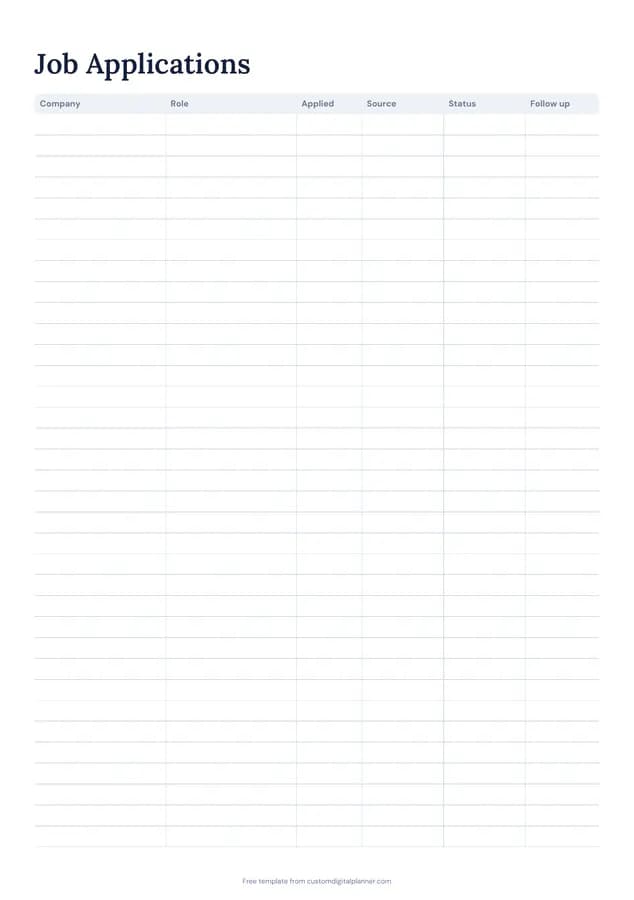
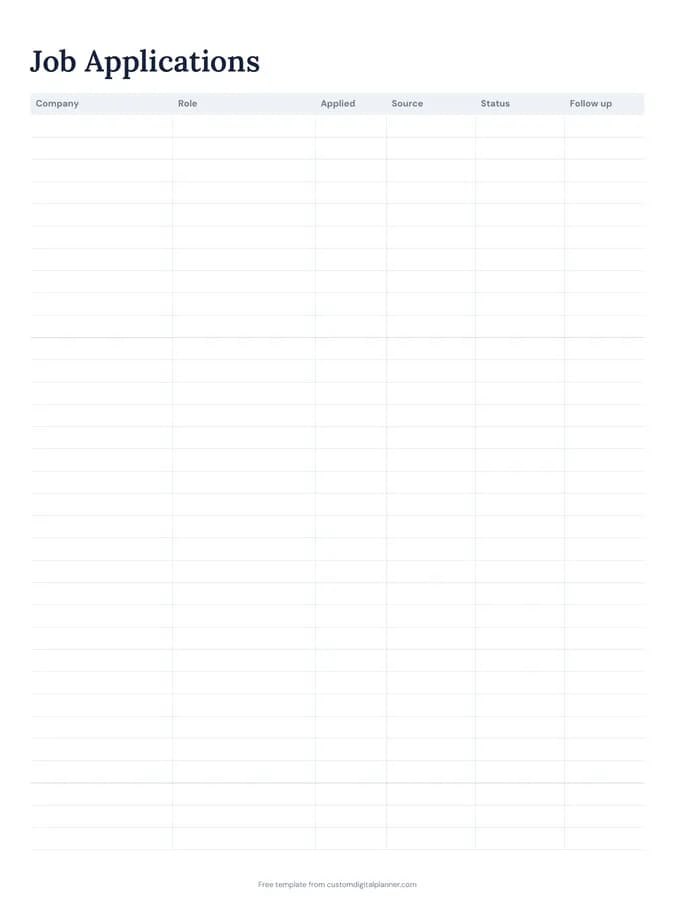
Shown for iPad in the Classic Navy theme. Printable downloads use white paper (there's a dark mode preview below); the e-ink version is black and white.
One page, ready to fill in.
- A table with columns for company, role, applied, source, status and follow up
- Undated, so you can print or duplicate it as often as you need
Who it's for
Graduates applying for their first job, career changers, people applying for jobs abroad, and anyone sending out more than a handful of applications. Recruiters and careers advisers sometimes give it to clients, because a clear record of applications makes coaching conversations much more specific.
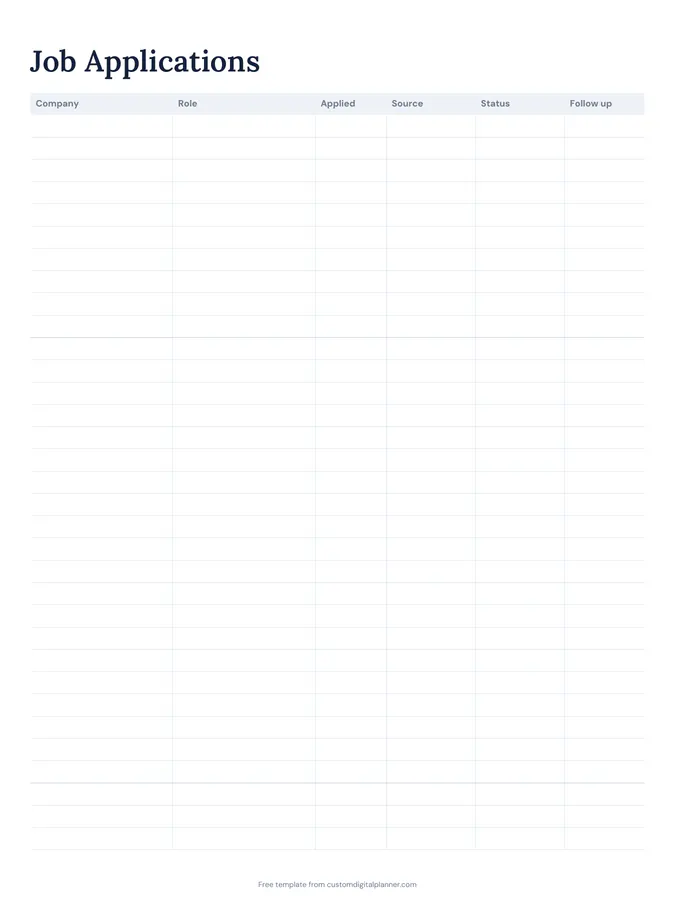
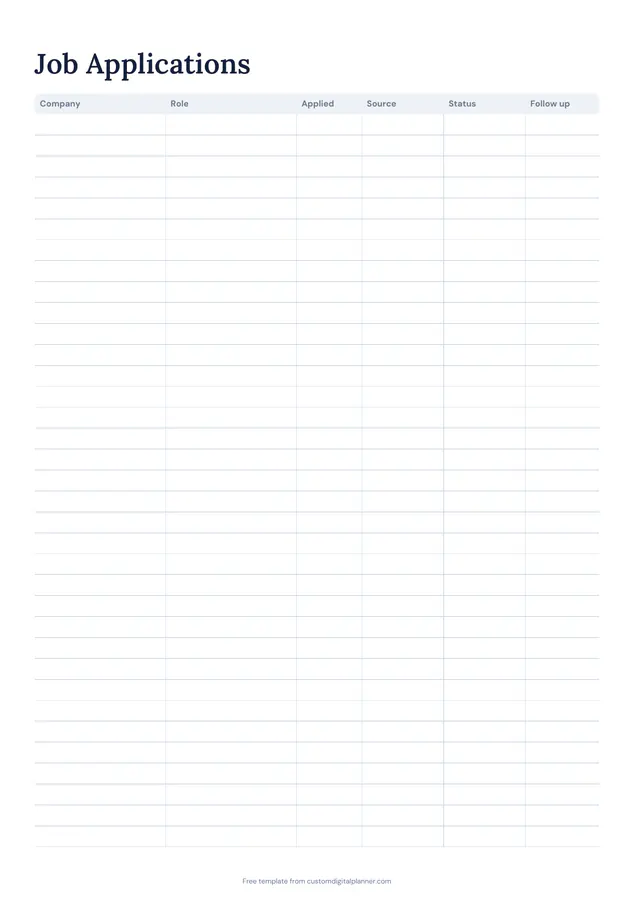
Getting the most from a job application tracker.
Log every application the day you send it
During a busy search, applications blur together. A row each time keeps it clear, especially when a recruiter calls.
Track the source
Job board, company site, referral, recruiter, networking. After a month, you'll see which sources produce interviews.
Set a follow-up date
A week or two after applying, a polite follow-up email can help. Write the date in the follow up column.
Keep status current
Applied, screening, interview, offer, rejected, no reply. Updating weekly shows your pipeline at a glance.
Save the job description
Postings disappear. Save each description in a folder; you'll need it to prepare for interviews.
Review your results monthly
Count applications, replies and interviews by source each month. If one source never responds, spend that time on networking or tailored applications instead.
Included in 1 planner
This template is a page in this planner. Open it to see everything else that comes with it.
Get it inside a full hyperlinked planner
The job search planner includes this page alongside dated month and week pages for your year, with side tabs and links between every page. Pick your device and theme, preview it free, and pay only when it's right.
- Dated pages for the whole year
- Tap a tab or a date to jump there
- GoodNotes, Notability, Samsung Notes, e-ink and print sizes
Opens the job search planner with the Job Search section switched on.
Or read about the job search planner first.
About this job application tracker template
Need help importing it? See devices and apps or the FAQ.
What should I track in a job search?
The company, role, date applied, where you found it, the current status and when to follow up. The template has a column for each.
How many applications fit?
Around 20 rows on the printable versions. Most job seekers use several pages.
Is it useful for visa-sponsored jobs?
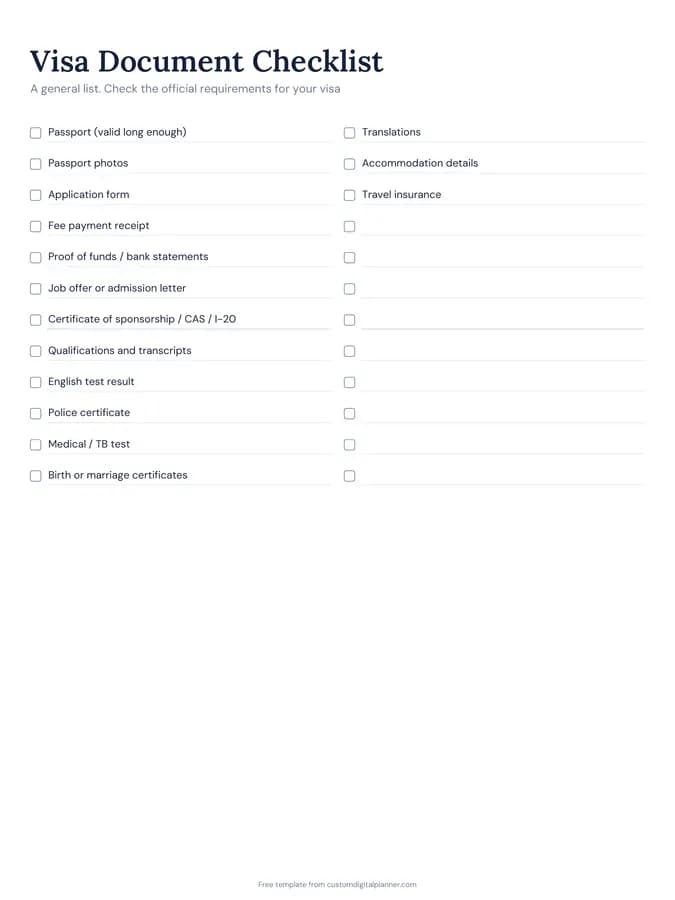
Yes. Note sponsorship in the role column. The visa document checklist is useful if you get an offer.
What's in the job search planner?
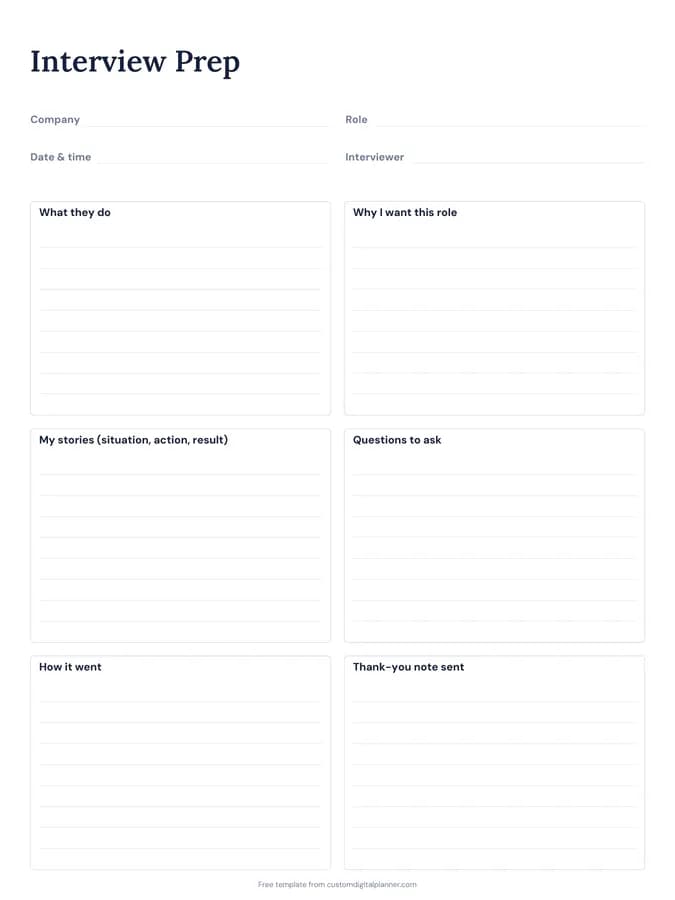
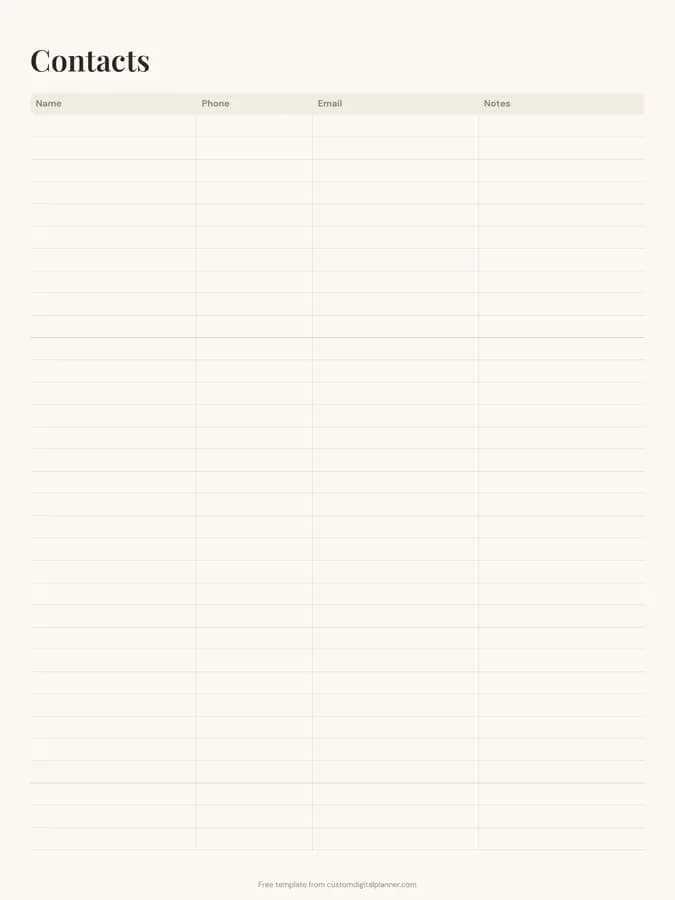
A job applications tracker, interview prep pages and a networking log, plus project pages, goals and contacts, for a six-month search.
How many jobs should I apply for each week?
Quality matters more than volume. Tailored applications to roles you're a good fit for tend to get more responses than mass applications.