Hiking Log Template (Printable PDF & GoodNotes)
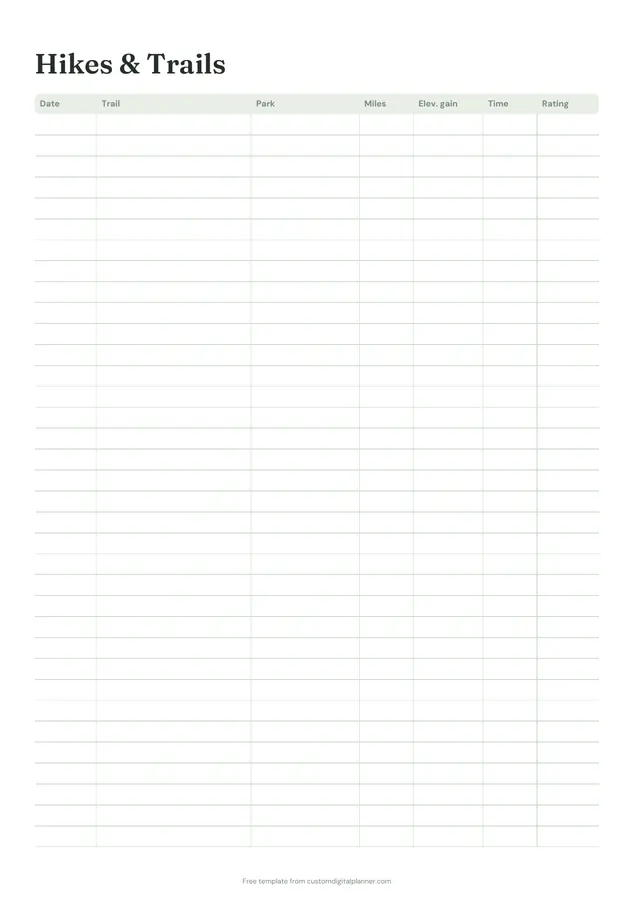
Two pages for hikers. The hikes and trails page lists every hike with the date, trail, park, miles, elevation gain, time and rating. The hike log is a page for one hike, with date, trail, park, distance, elevation, start and finish, weather and who you went with, ratings for difficulty, views and would-do-again, boxes for trail conditions and highlights, and a photo frame.
- Printable US Letter8.5 × 11 in, white paper
- Printable A4210 × 297 mm, white paper
- iPad / GoodNotesAlso Notability and Noteshelf
- E-ink tabletreMarkable, Kindle Scribe, Boox
Free PDF, 2 pages, undated. No sign-up needed.
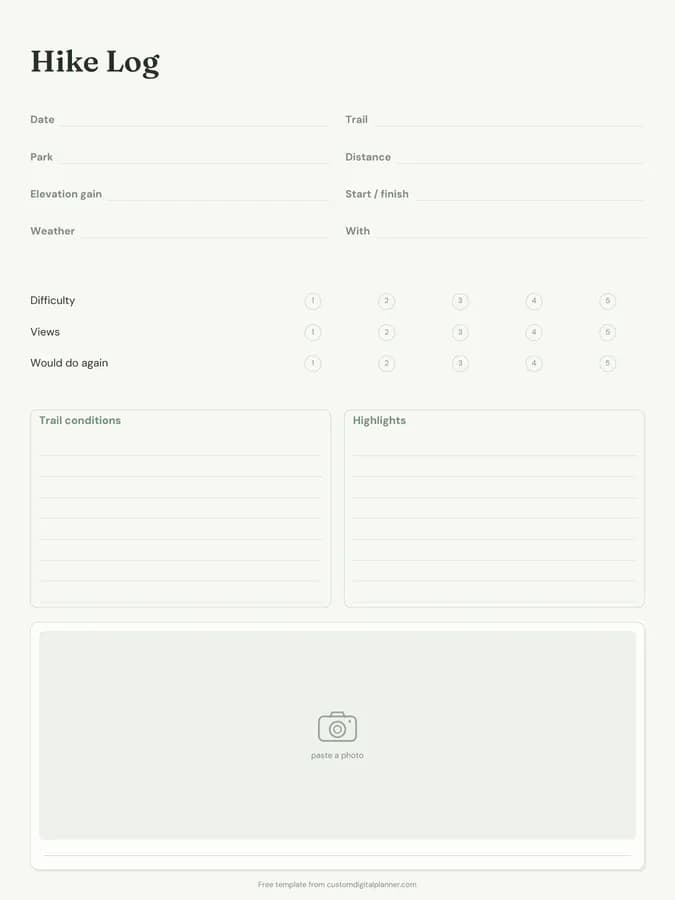
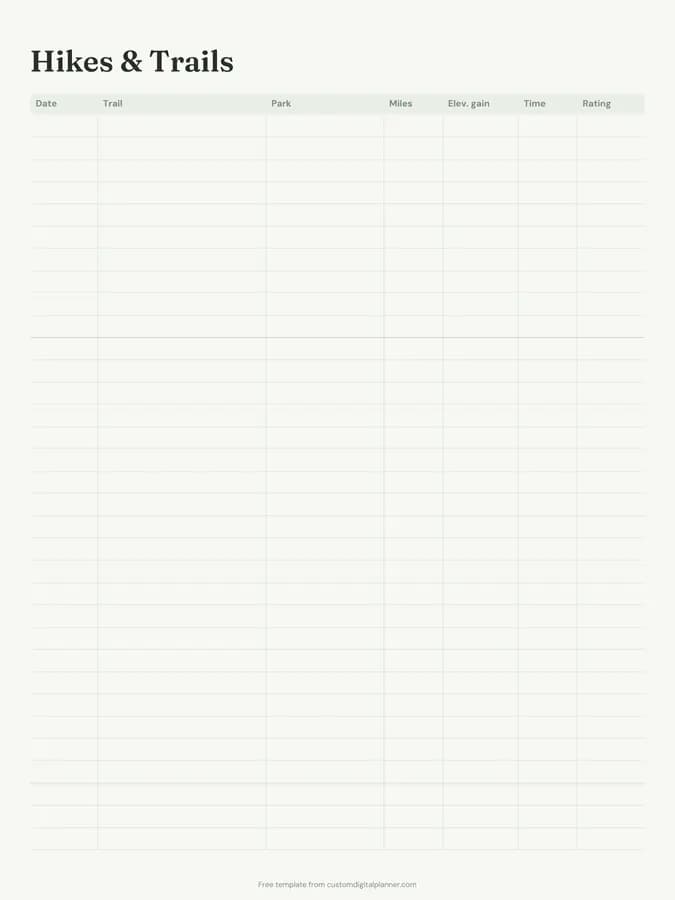
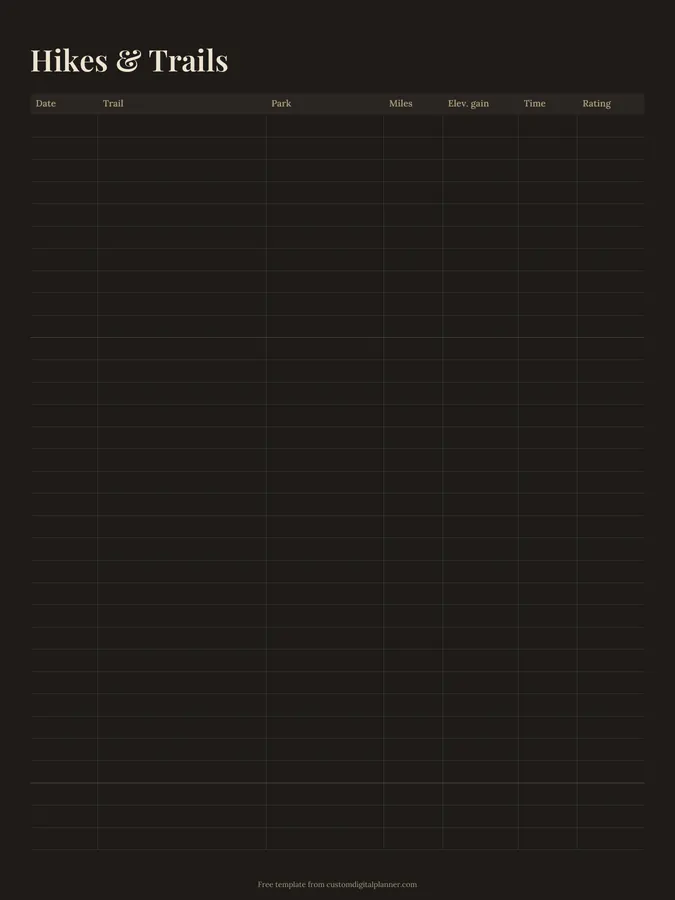
Shown for iPad in the Sage Botanical theme. Printable downloads use white paper (there's a dark mode preview below); the e-ink version is black and white.
2 pages, ready to fill in.
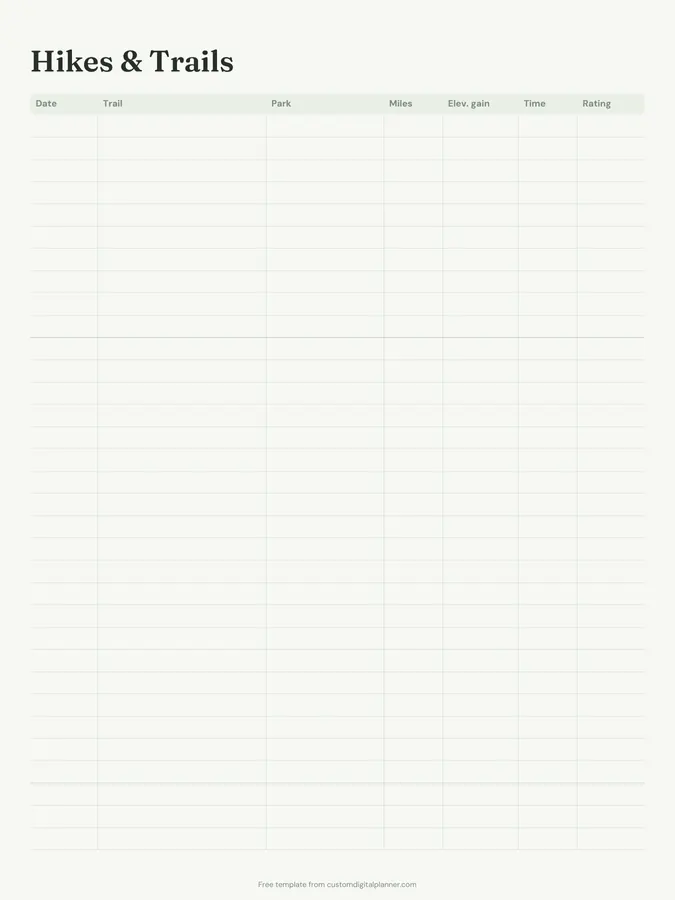
- Page 1, Hikes & Trails: A table with columns for date, trail, park, miles, elev. gain, time and rating
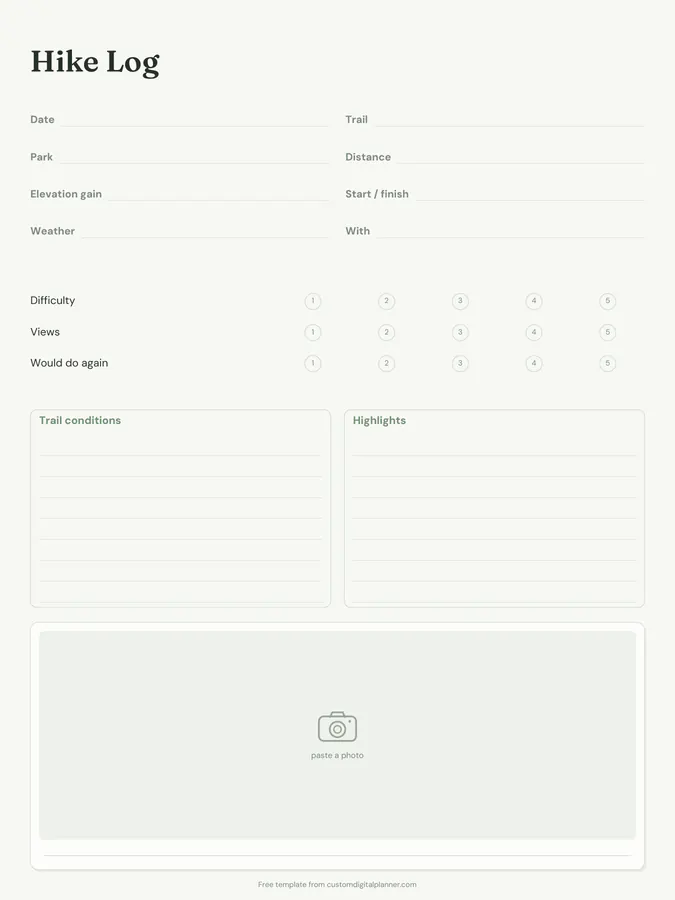
- Page 2, Hike Log: Write-in lines for date, trail, park, distance, elevation gain, start / finish, weather and with; 1–5 ratings for difficulty, views and would do again; boxes for trail conditions and highlights; a photo frame with a caption line
- Undated, so you can print or duplicate it as often as you need
Who it's for
Weekend hikers, people working through a list of peaks or trails, families hiking with children, and anyone training for a long-distance walk. Scout and youth leaders, Duke of Edinburgh participants and hiking clubs also use it to record routes, distances and conditions for each walk.
Getting the most from a hiking log.
Log every hike on the list page
Even short walks. Over a year, the list shows your total miles and elevation.
Use the hike page for memorable trips
Save the detailed page for hikes you want to remember or might repeat.
Write trail conditions
Mud, snow, closures, water sources, parking. It's useful if you go back or recommend the trail.
Rate honestly
Difficulty, views and would do again. Ratings make it easy to recommend hikes to friends.
Add a photo
Drop in a photo on the digital version, or glue a print into the frame.
Check conditions before you go
Write the trail's current conditions and closures before you set off, and tell someone your route and return time.
Included in 1 planner
This template is a page in this planner. Open it to see everything else that comes with it.
Get it inside a full hyperlinked planner
The national parks planner includes this page alongside dated month and week pages for your year, with side tabs and links between every page. Pick your device and theme, preview it free, and pay only when it's right.
- Dated pages for the whole year
- Tap a tab or a date to jump there
- GoodNotes, Notability, Samsung Notes, e-ink and print sizes
Opens the national parks planner with the National Parks section switched on.
Or read about the national parks planner first.
What does the hiking log record?
Page one: date, trail, park, miles, elevation gain, time and rating for each hike. Page two: a detailed log of a single hike.
Does it work in kilometres?
Yes. Cross out miles or write km; the columns are the same.
Can I use it for walking or trail running?
Yes. The running log suits regular runners better, but the trail list works for any outdoor route.
What's in the national parks planner?
A parks bucket list, park trip planners, hike logs, hikes and trails, wildlife spotted and park visit pages, plus travel and budget pages.
Should I record elevation gain?
Yes. It's often a better measure of difficulty than distance, and it's satisfying to total over a season.