To-Do List Template (Printable PDF & GoodNotes)
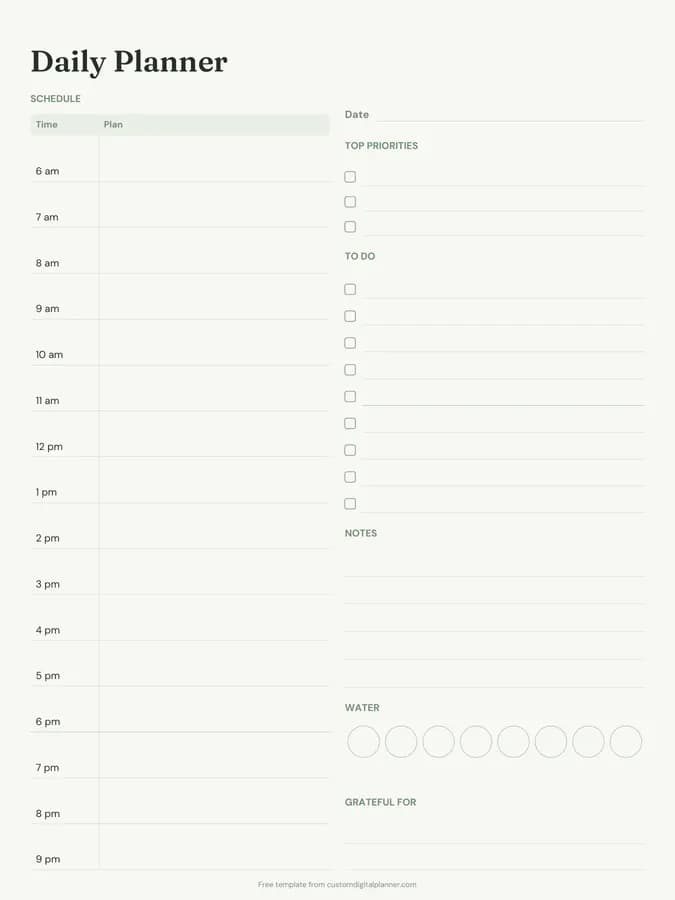
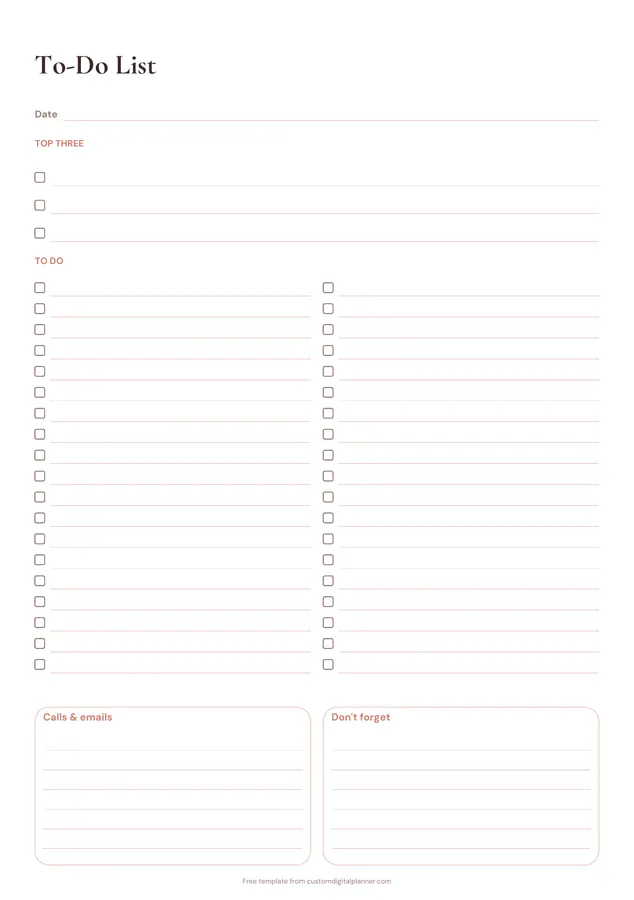
A to-do list page with a date line, a top three for the tasks that matter most, a two-column checklist for everything else, and two boxes at the bottom for calls and emails and things not to forget.
- Printable US Letter8.5 × 11 in, white paper, download the to-do list template as a PDF
- Printable A4210 × 297 mm, white paper, download the to-do list template as a PDF
- iPad / GoodNotesAlso Notability and Noteshelf, download the to-do list template as a PDF
- E-ink tabletreMarkable, Kindle Scribe, Boox, download the to-do list template as a PDF
Free PDF, 1 page, undated, to print or write on by hand. Typing, dark mode and the full designed set are in the premium version.
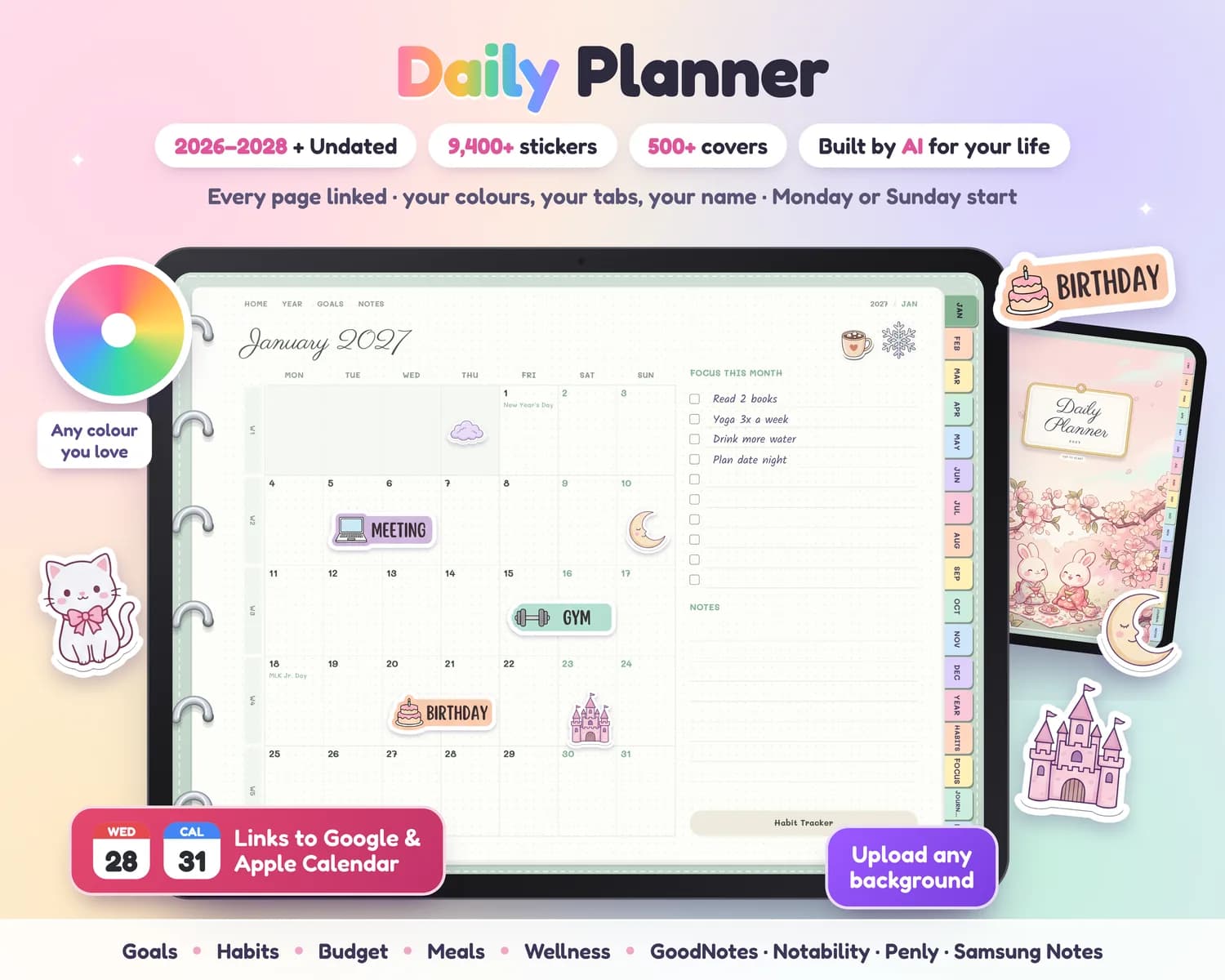 Premium versionDaily Planner: A dated page for every day, linked to its week and monthEvery page, beautifully designed, linked and fillable · $12 once
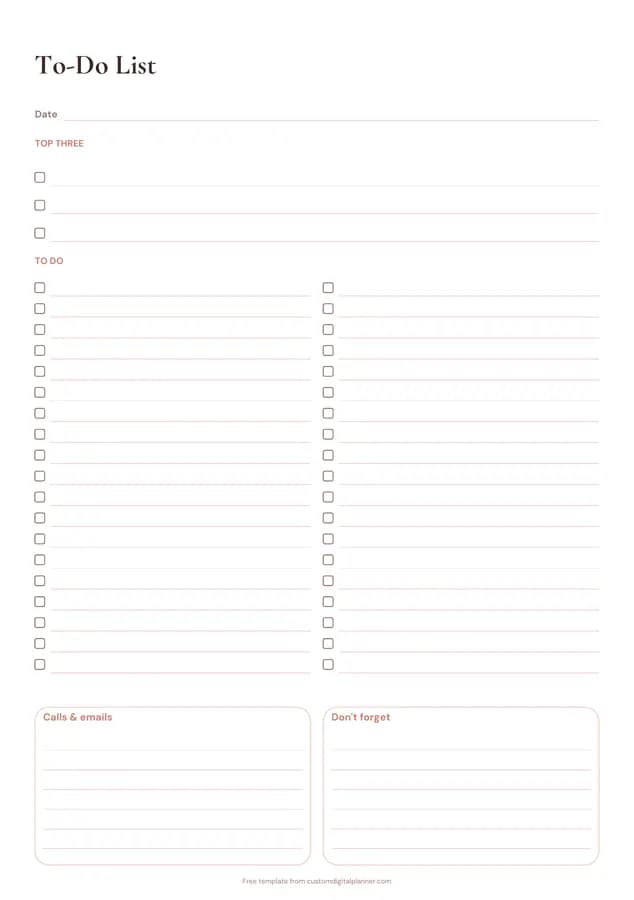
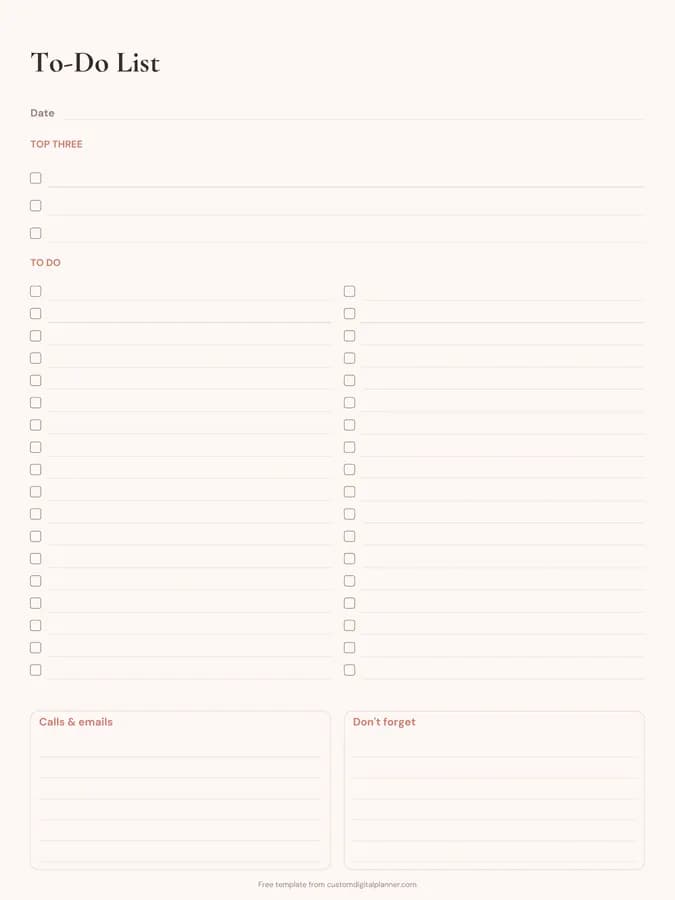
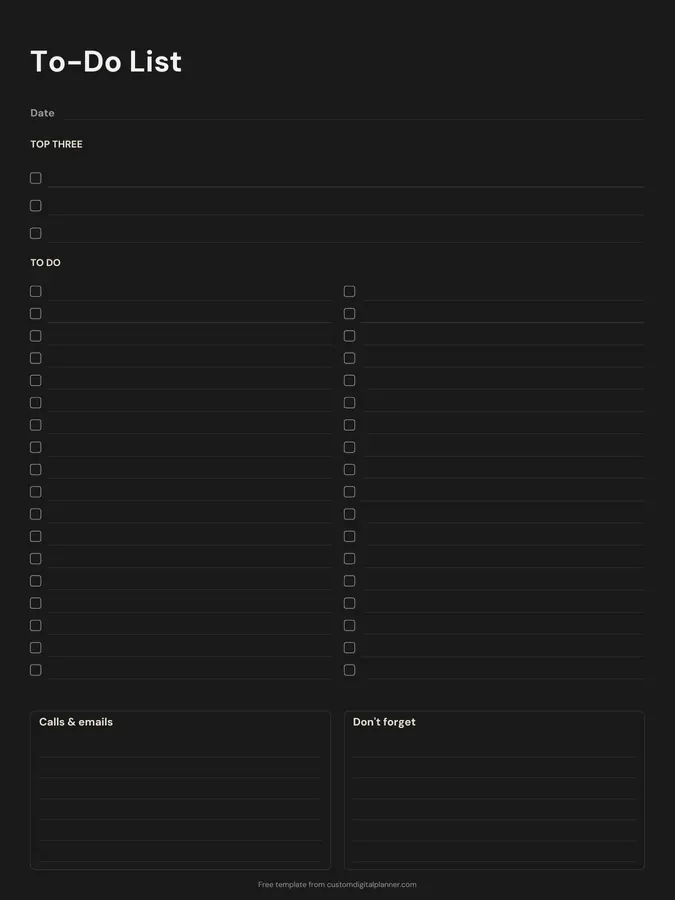
Shown for iPad in the Blush Boho theme. Printable downloads use white paper (there's a dark mode preview below); the e-ink version is black and white.
One page, free to print.
- Write-in lines for date
- A top three checklist
- A to do checklist
- Boxes for calls & emails and don't forget
- Undated, so you can print or duplicate it as often as you need
Who it's for
Busy parents, students, office workers and anyone who thinks better on paper. It works as a daily list, a weekend list or a list for one project, and suits people with ADHD who like seeing the three most important tasks apart from the rest.
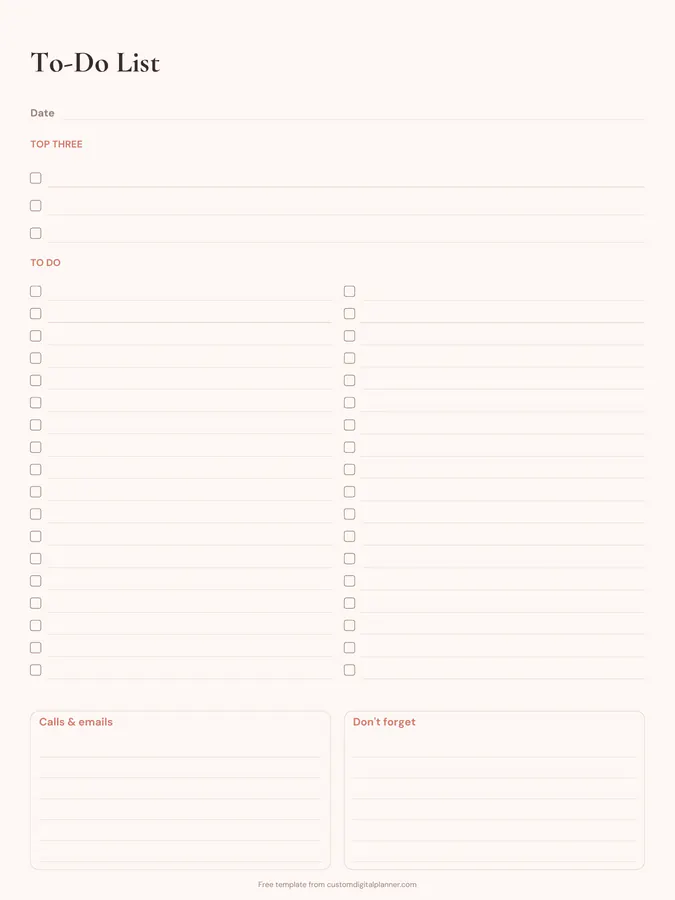
Getting the most from a to-do list.
Choose the top three first
Before writing everything down, decide which three tasks would make today a good day. Do those before the rest.
Make tasks small
'Clean house' is a project; 'empty the dishwasher' is a task. Small tasks are easier to start and to tick off.
Batch calls and emails
List them in the box at the bottom and do them in one sitting instead of switching back and forth all day.
Carry over honestly
At the end of the day, move unfinished tasks to tomorrow's list or cross them out. If something keeps moving, ask whether it needs doing at all.
Add it to any planner
It's an add-on section in the builder. Switch on the Daily & Monthly Pages section in any planner and its pages are added with their own tab and links.
Get it inside a full hyperlinked planner
The daily planner includes this page alongside dated month and week pages for your year, with side tabs and links between every page. Pick your device and theme, see pictures of your pages free, and pay only when it's right. Buying it also unlocks every printable template.
- Dated pages for the whole year
- Tap a tab or a date to jump there
- GoodNotes, Notability, Samsung Notes, e-ink and print sizes
Opens the daily planner with the Daily & Monthly Pages section switched on.
Or read about the daily planner first.
Is it daily or weekly?
It's undated with a date line, so it works for a day, a week or a single project.
How many tasks fit?
Three in the top three, about 36 in the two-column checklist, plus the calls and don't-forget boxes.
Can I reuse it in GoodNotes?
Yes. Import the iPad version once and duplicate the page whenever you need a fresh list.
Which planners include it?
It's in the Daily & Monthly Pages add-on section. Switch it on in the builder to add it to any planner.