Screen Time Tracker Template (Printable PDF & GoodNotes)
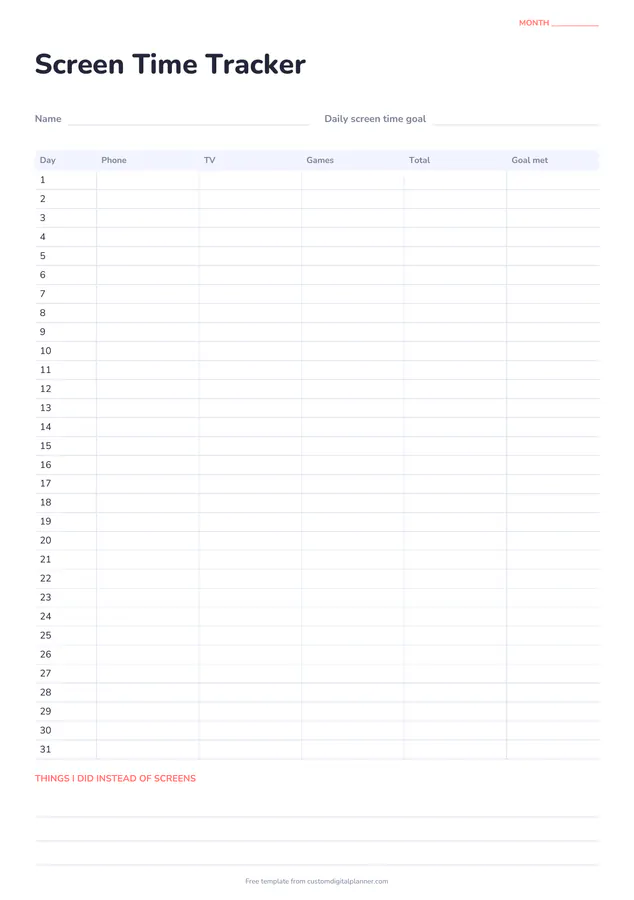
A monthly screen time chart with a row for each day and columns for phone, TV, games and the total, plus a tick when the day stays within the goal. A box at the bottom collects things you did instead of screens.
- Printable US Letter8.5 × 11 in, white paper, download the screen time tracker template as a PDF
- Printable A4210 × 297 mm, white paper, download the screen time tracker template as a PDF
- iPad / GoodNotesAlso Notability and Noteshelf, download the screen time tracker template as a PDF
- E-ink tabletreMarkable, Kindle Scribe, Boox, download the screen time tracker template as a PDF
Free PDF, 1 page, undated, to print or write on by hand. Typing, dark mode and the full designed set are in the premium version.
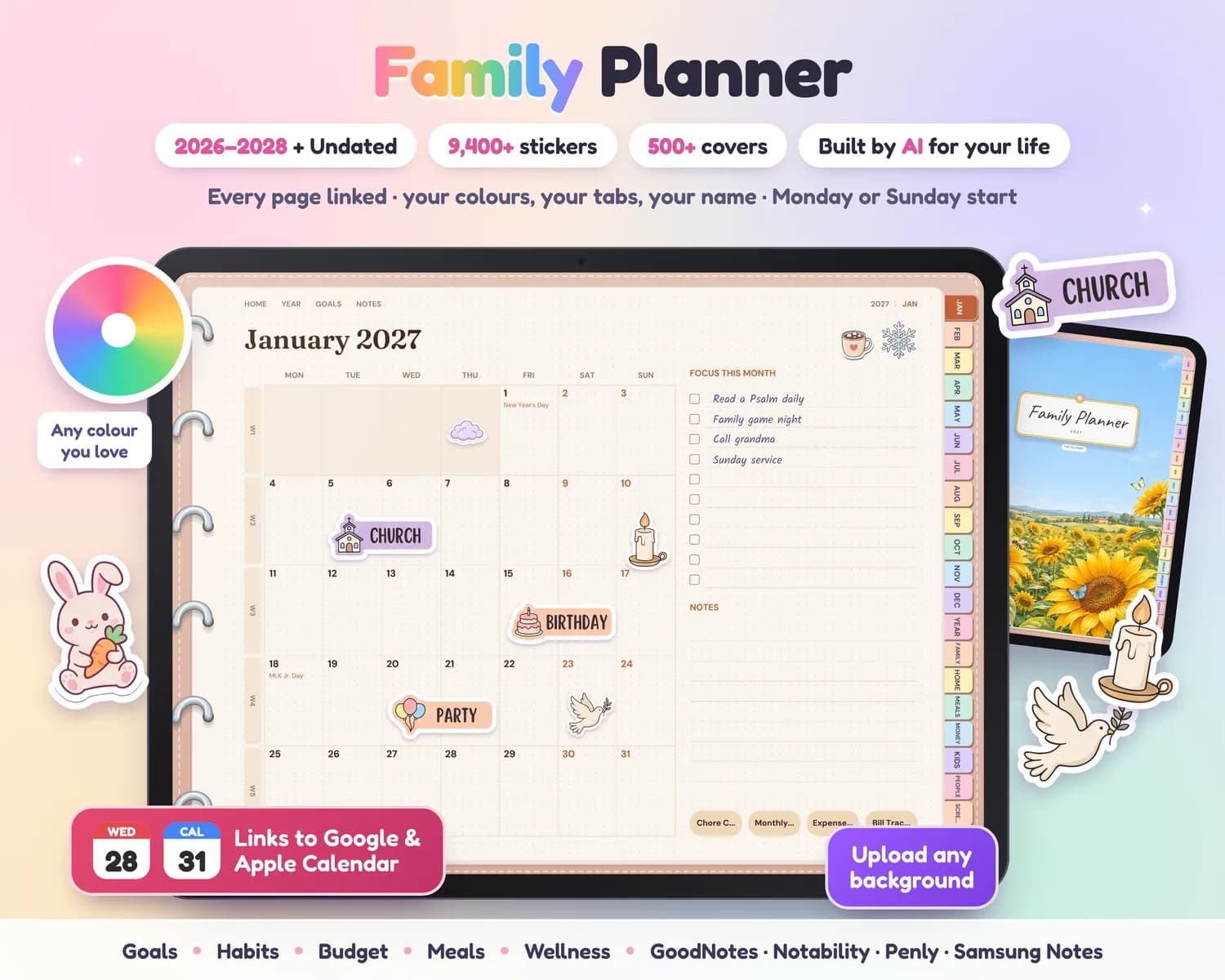 Premium versionFamily Planner: A tracker for each childEvery page, beautifully designed, linked and fillable · $12 once
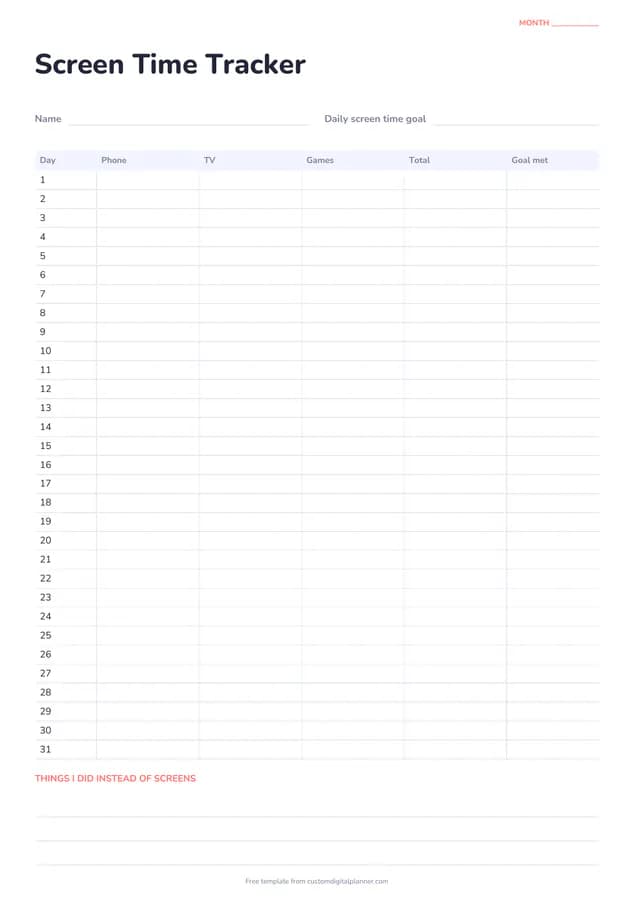
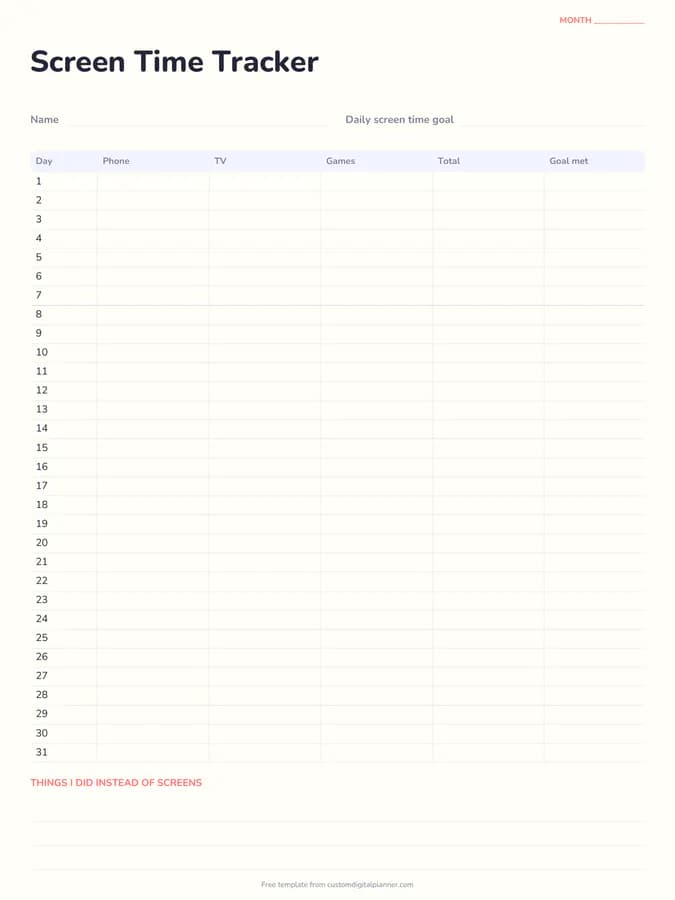
Shown for iPad in the Bright & Playful theme. Printable downloads use white paper; the e-ink version is black and white.
One page, free to print.
- Write-in lines for name and daily screen time goal
- A table with columns for day, phone, TV, games, total and goal met
- Lined space for "Things I did instead of screens"
- A “Month” line at the top, so it works for any month and year
Who it's for
Parents agreeing screen limits with children, teenagers trying to cut back, families doing a screen-free challenge together, and adults who want to see how much time their phone really takes.
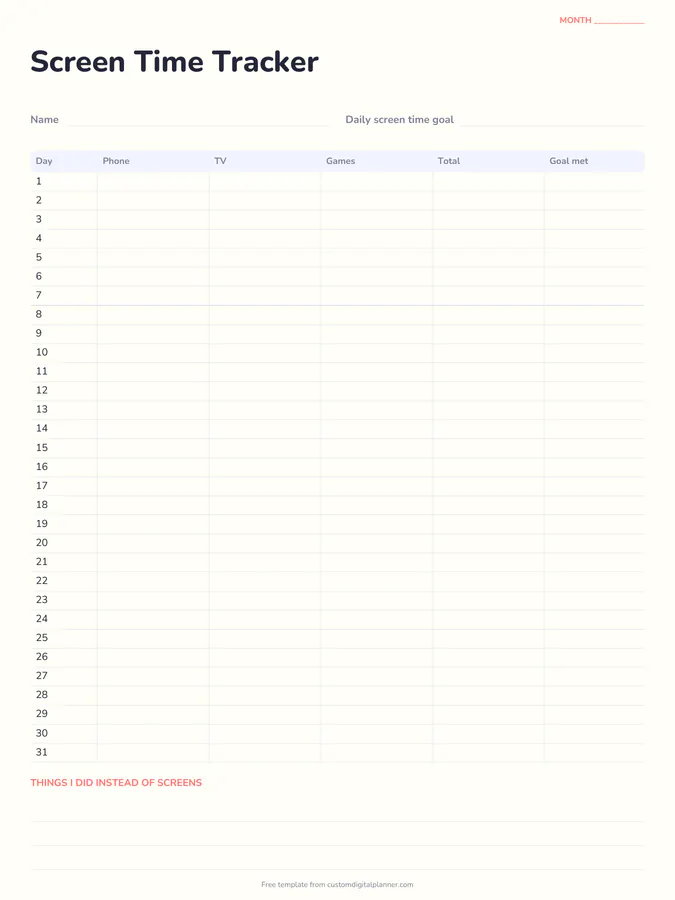
Getting the most from a screen time tracker.
Agree the goal together
Children stick to limits they helped set. Write the agreed daily goal at the top.
Use the phone's own numbers
Phones and tablets report daily screen time in settings. Copy the figure across each evening.
Celebrate the instead list
The box at the bottom is the fun part: games, books, bike rides and baking. Read it together at the end of the month.
Count homework separately
Decide together whether schoolwork counts, so arguments don't start halfway through the month.
Add it to any planner
It's an add-on section in the builder. Switch on the Kids' Pages section in any planner and its pages are added with their own tab and links.
Get it inside a full hyperlinked planner
The family planner includes this page alongside dated month and week pages for your year, with side tabs and links between every page. Pick your device and theme, see pictures of your pages free, and pay only when it's right. Buying it also unlocks every printable template.
- Dated pages for the whole year
- Tap a tab or a date to jump there
- GoodNotes, Notability, Samsung Notes, e-ink and print sizes
Opens the family planner with the Kids' Pages section switched on.
Or read about the family planner first.
About this screen time tracker template
Need help importing it? See devices and apps or the FAQ.
Is it for kids or adults?
Both. Children can fill it in with a parent; adults can use it to track their own phone and TV time.
How many days does it cover?
One month, 31 rows, with a month line at the top.
What counts as screen time?
Whatever your family decides. Many count phones, tablets, TV and games, and leave out homework and video calls with family.
Which planners include it?
It's in the Kids' Pages add-on section. Switch it on in the builder to add a screen time tracker for every month.