Future Log Template (Printable PDF & GoodNotes)
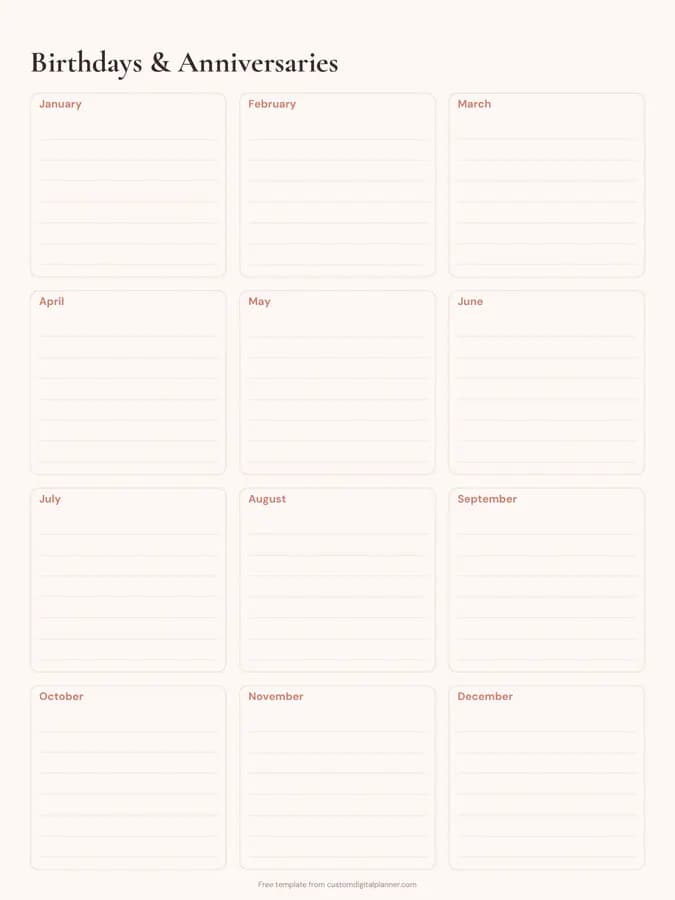
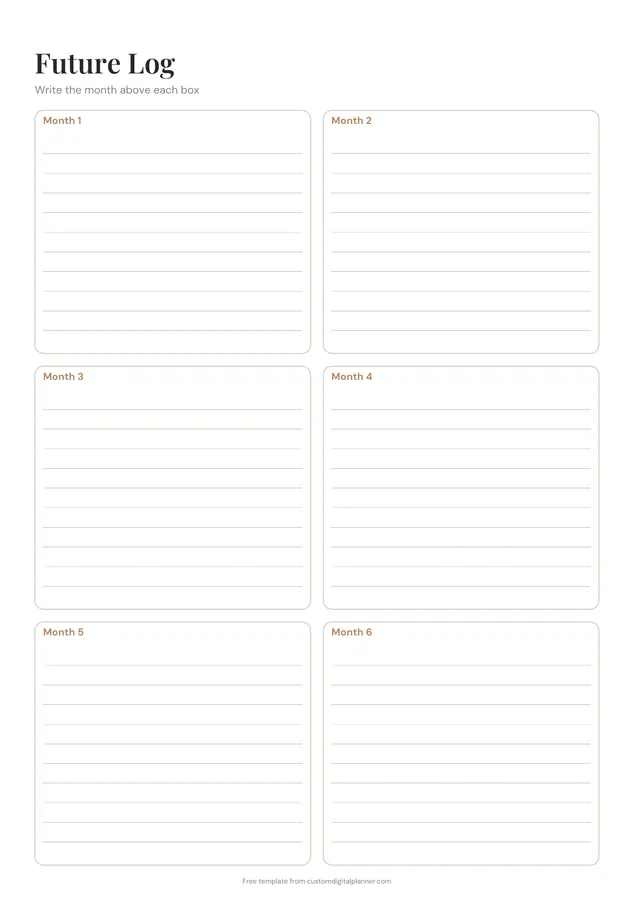
A bullet journal future log on two pages, each with six lined month boxes, for twelve months in all. Write the month above each box and start it in any month. Use it for the events, deadlines and plans that are too far ahead for your monthly pages.
- Printable US Letter8.5 × 11 in, white paper
- Printable A4210 × 297 mm, white paper
- iPad / GoodNotesAlso Notability and Noteshelf
- E-ink tabletreMarkable, Kindle Scribe, Boox
Free PDF, 2 pages, undated. No sign-up needed.
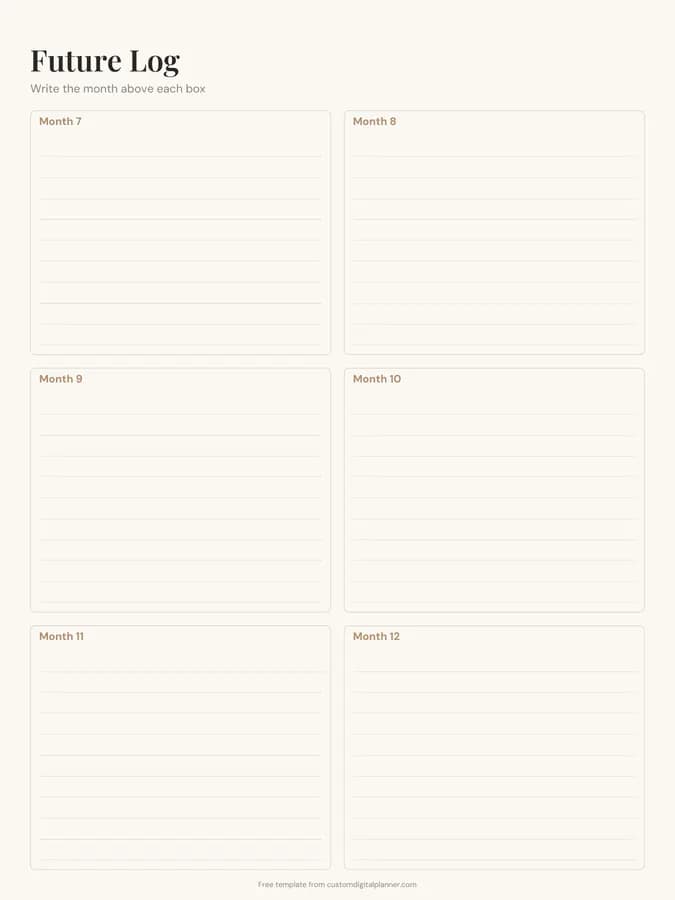
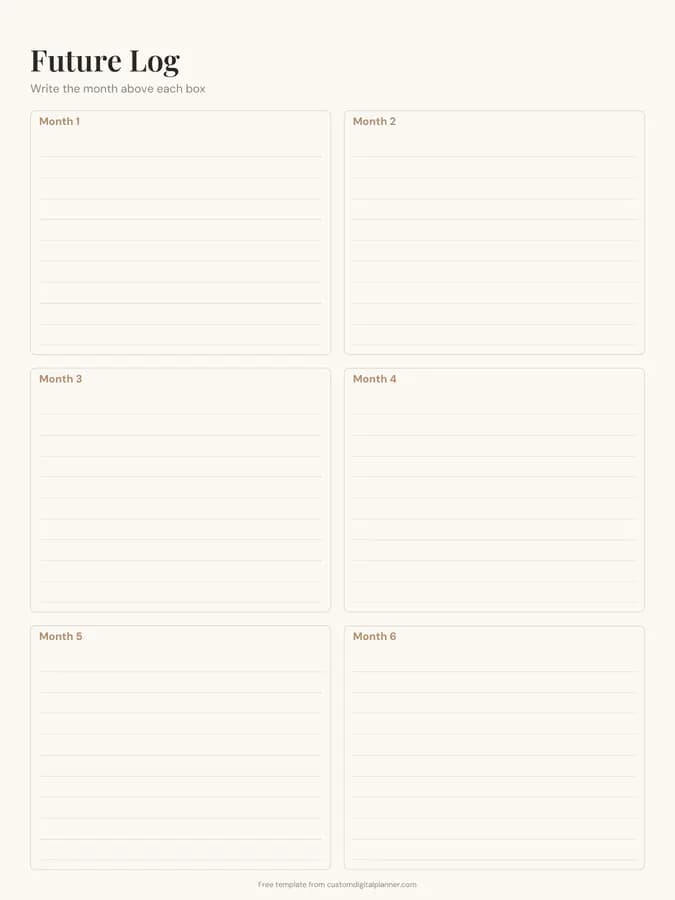
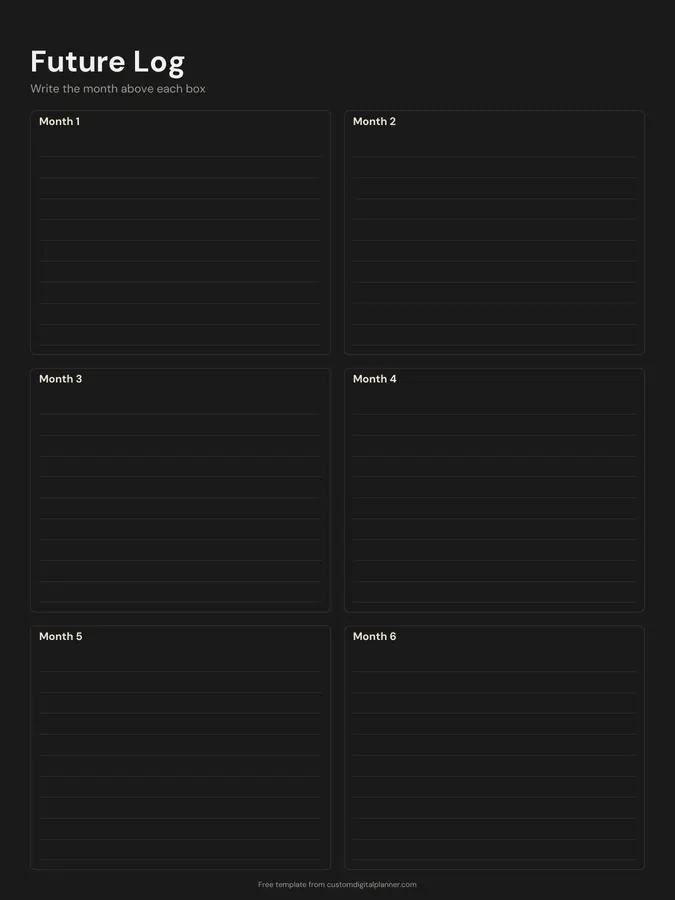
Shown for iPad in the Ivory Minimal theme. Printable downloads use white paper (there's a dark mode preview below); the e-ink version is black and white.
2 pages, ready to fill in.
- Page 1, Future Log (Write the month above each box): Boxes for month 1, month 2, month 3, month 4, month 5 and month 6
- Page 2, Future Log (Write the month above each box): Boxes for month 7, month 8, month 9, month 10, month 11 and month 12
- Undated, so you can print or duplicate it as often as you need
Who it's for
Bullet journal users who want a printed future log instead of drawing one each year, and planners who like a simple six-months-per-page overview for appointments, trips and deadlines that are too far ahead for a monthly calendar.
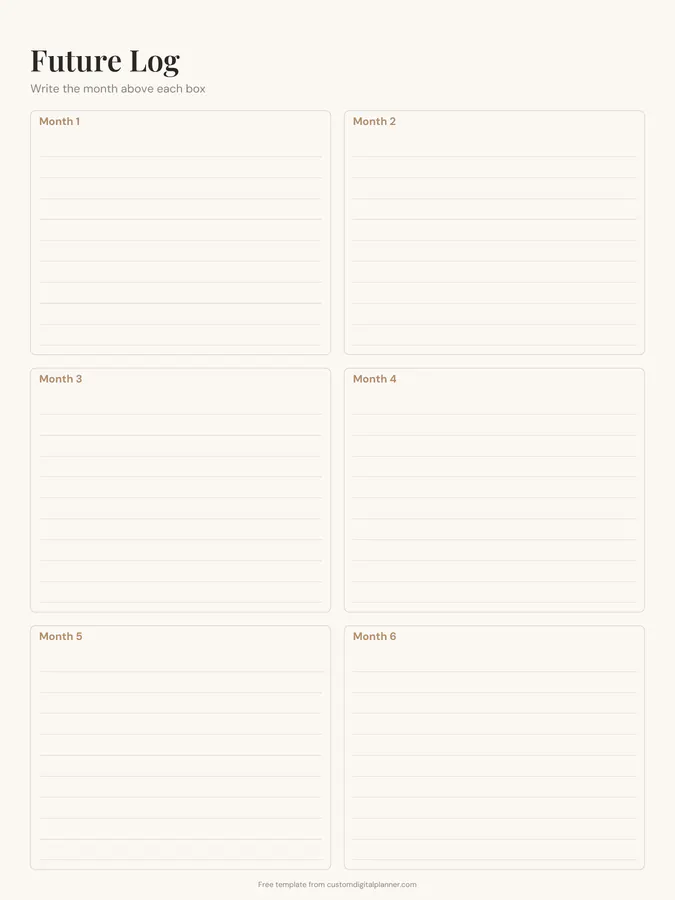
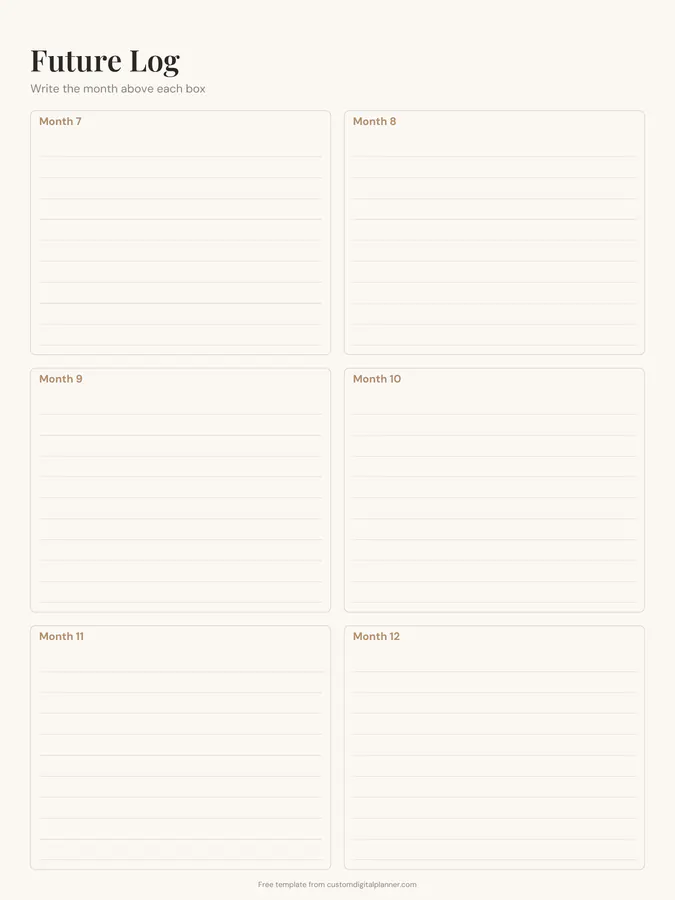
Getting the most from a future log.
Start with the month you're in
The boxes are labelled Month 1 to Month 12, so you can begin in any month. Write the real month names above each box before you add anything.
Write the date first, then the event
"12 – Sam's wedding", "30 – tax return due". Keeping the day number first makes it easy to copy entries onto the right monthly page later.
Migrate at the start of each month
When a new month begins, copy that month's entries onto your monthly spread and tick them off in the future log. This is the bullet journal habit that makes the future log work.
Use bullet journal signifiers
A dot for a task, a circle for an event, a dash for a note. The same key you use in the rest of your journal keeps the future log readable.
Keep birthdays elsewhere
Birthdays repeat every year, so they belong on a perpetual birthday calendar. Keep the future log for one-off plans.
Included in 1 planner
This template is a page in this planner. Open it to see everything else that comes with it.
Get it inside a full hyperlinked planner
The digital bullet journal includes this page alongside dated month and week pages for your year, with side tabs and links between every page. Pick your device and theme, preview it free, and pay only when it's right.
- Dated pages for the whole year
- Tap a tab or a date to jump there
- GoodNotes, Notability, Samsung Notes, e-ink and print sizes
Opens the digital bullet journal with the Bullet Journal section switched on.
Or read about the digital bullet journal first.
What is a future log in a bullet journal?
A spread at the front of a bullet journal for events and tasks in the coming months. When each month starts, you move its entries onto that month's page.
How many months does it cover?
Twelve: six on each page. The months aren't printed, so it works from any starting month, including for an academic year.
Can I use it in GoodNotes as a digital bullet journal?
Yes. Download the iPad version, import it and type or handwrite in the boxes. Duplicate the pages for the next year.
Does the bullet journal planner include it?
Yes. The bullet journal planner has a future log, index and key pages, plus collection pages, all linked from the side tabs.